
Ai
AI Tools for Executive Assistants: 12 Tools That Save You Hours (2026)
The 12 best AI tools for executive assistants in 2026 — scheduling, inbox, meeting notes, travel and more — with honest prices, free plans and a privacy checklist.

 By Taylor Orlando
·November 8, 2026

Your child has heard about AI. Maybe from school, maybe from friends. As a parent, you want tools that help them learn — not tools that collect their data or chat with them like a friend.
This guide lists 12 AI tools for kids that are built for children, or safe to use with a parent nearby. We checked each one for age rules, price, and parent controls. We also flag the tools kids should not use alone.
One quick note: no tool on this list is a babysitter. The safest setup is simple — you make the account, you try the tool together first, and you check in often.
| Tool | Best for | Ages | Price |
|---|---|---|---|
| Khanmigo | Homework help and tutoring | School age (parent signs up) | $4/month or $44/year; free for teachers |
| Askie | Safe AI chat, voice, stories | 4–15 | Free tier; Premium $14.99/month |
| Quick, Draw! | First taste of AI, drawing game | 5+ | Free |
| Teachable Machine | Learning how AI works | 8+ | Free |
| Scratch | Coding games and stories | 8+ | Free |
| Machine Learning for Kids | Training a first AI model | 8+ | Free |
| Code.org AI for Oceans | One-hour AI lesson | 7–11 | Free |
| Khan Academy Kids | Reading and math for little kids | 2–8 | Free, no ads |
| KidsAiTools | Creative projects with a parent | 5–12 | Free; membership $29/year |
| Ello | Reading practice out loud | 4–9 | Paid subscription |
| LittleLit AI | Lessons and AI tutor | 6–14 | Paid subscription |
| HeyOtto | Homework, chat, and art | 8–18 | Free to start; Pro $9.99/month |
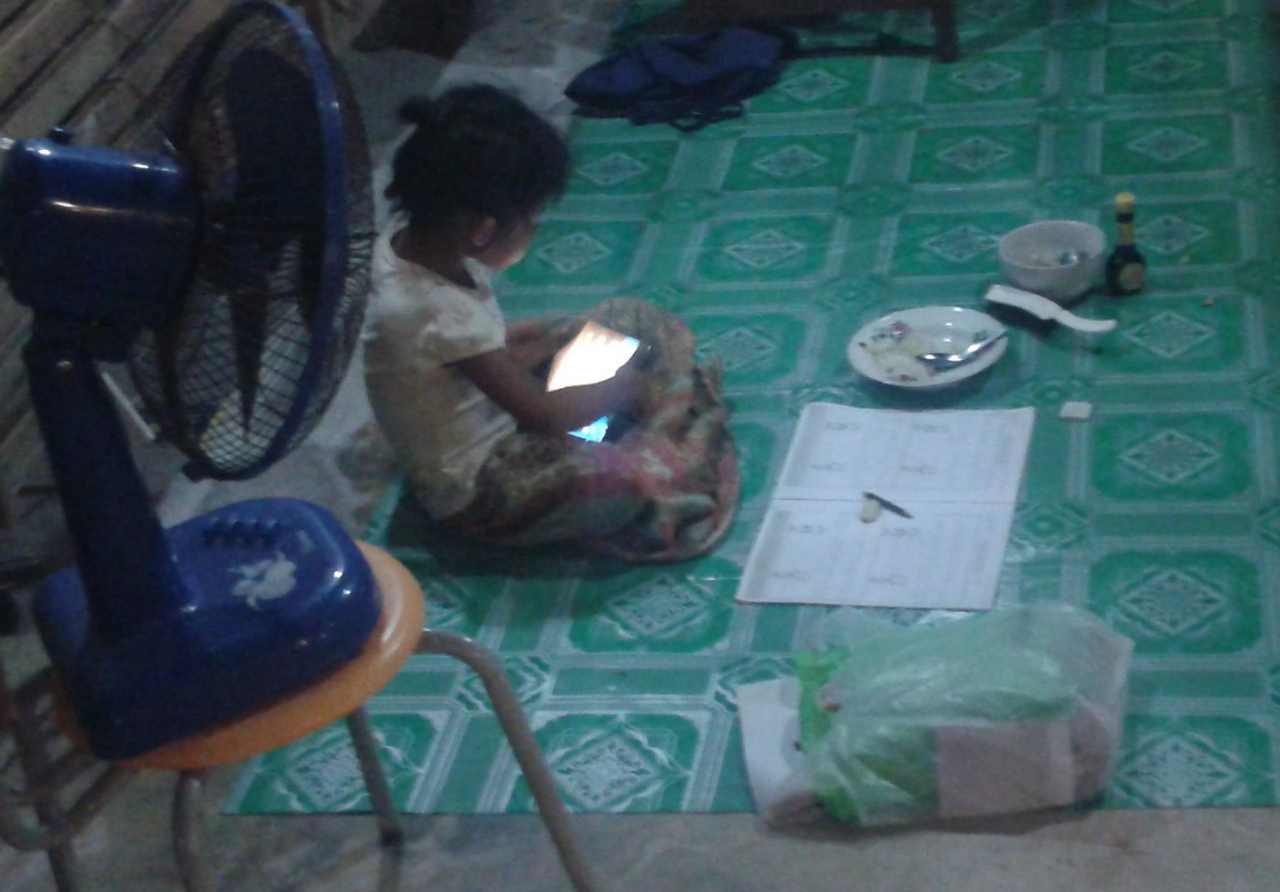
Ages 2–5: Khan Academy Kids. It is free, has no ads, and needs no typing. Sit with your child — the app is a starting point, not a teacher.
Ages 6–8: Quick, Draw!, Khan Academy Kids, Askie, Code.org AI for Oceans. Short sessions, lots of drawing and talking, no accounts needed for the free Google tools.
Ages 9–12: Scratch, Teachable Machine, Machine Learning for Kids, KidsAiTools, Khanmigo. This is the sweet spot: kids can read, type, and start to build things with AI instead of just watching it.
Ages 13 and up: Khanmigo, HeyOtto, and — with a parent account and clear rules — ChatGPT or Gemini. Teens still need guardrails, but they can handle real tools with supervision.
Khanmigo is Khan Academy’s AI tutor. It guides your child through a problem with hints and questions instead of just giving the answer. That is the key difference from a plain chatbot: it teaches, it does not do the homework for them.
Best for: Math, reading, and writing help for school-age kids.
Ages: Built for school-age learners. A parent must sign up — you need to be 18 or older and live in the US — and you can add up to 10 children under 18 to one account.
Price: $4 a month or $44 a year for parents and learners. It is free for teachers.
Parent controls: You can see your child’s chat history and get alerts when the tutor flags something. That visibility is rare, and it is the main reason Khanmigo tops this list.
Watch out for: There is no free tier for families, and access is US-only for paid plans. Check the price on Khan Academy’s site before you pay — prices can change.
Askie is a voice-first AI app made only for kids. Children can talk to it out loud, ask questions, make pictures, and hear bedtime stories. It adjusts its answers to each child’s age.
Best for: Younger kids who cannot type well yet, and curious kids who ask a hundred questions a day.
Ages: 4–15.
Price: Free tier (70 text questions, 4 images, and 5 voice minutes a week). Premium is $14.99 a month and Max is $39.99 a month. One subscription covers every child in the home — there is no per-child charge.
Parent controls: Askie says it is COPPA compliant and holds a kidSAFE seal. A PIN locks the settings, and parents can read full conversation transcripts on the parent dashboard.
Watch out for: The free tier is tight — a chatty child will hit the weekly limits fast. The paid plan adds video chat, where the AI can see your child through the camera. Decide as a family whether you want that on.
Quick, Draw! is a free game from Google. You draw something in 20 seconds — a cat, a chair, a pizza — and the AI tries to guess what it is. It is the simplest way for a child to see AI working.
Best for: A first, fun taste of AI for ages 5 and up.
Ages: 5+.
Price: Free, no account needed.
Parent controls: None needed — there is no account, no chat, and no personal data to enter.
Watch out for: The game learns from the drawings people make. That is fine for doodles, but tell your child not to draw or write anything personal, like their name or address.
Teachable Machine, also from Google, lets kids train their own AI in the browser. They show it pictures, sounds, or poses, and it learns to tell them apart. A child can teach it to tell a thumbs-up from a wave, for example.
Best for: Kids 8 and up who ask “how does AI learn?”
Ages: 8+.
Price: Free, no account needed.
Parent controls: None needed — everything runs in the browser and nothing is uploaded unless you choose to save a model.
Watch out for: It is a learning tool, not a toy. Younger kids will need a parent to explain what “training” means the first time.
Scratch is MIT’s free coding site. Kids snap together blocks to make games, stories, and animations. It has AI features too, like text-to-speech and translation blocks, so children can build projects that talk and listen.
Best for: Coding and creative projects for ages 8 and up.
Ages: 8+.
Price: Free.
Parent controls: Children under 13 need a parent’s email to join. Projects can be shared with the community, so check the sharing settings together and keep personal details out of projects.
Watch out for: The community is big and mostly friendly, but it is public. Talk to your child about not sharing their real name, school, or photos.
Machine Learning for Kids is a free tool that teaches children to train real AI models, then use them inside Scratch projects. A child can train a model to sort their drawings, then build a game around it.
Best for: Kids 8 and up who want to go past playing with AI and start building it.
Ages: 8+.
Price: Free.
Parent controls: A parent or teacher sets up the account. The tool is built for classrooms, so it is made to be used with an adult nearby.
Watch out for: This one takes a bit of setup. It is best as a weekend project you do together, not something to hand a child alone on day one.
AI for Oceans is a free one-hour activity from Code.org. Kids train an AI to sort fish from trash in the ocean, and they see how the amount of training data changes the result. It is one of the clearest AI lessons made for children.
Best for: A first AI lesson at home or in class.
Ages: 7–11.
Price: Free, no account needed.
Parent controls: None needed — it is a single guided activity with no chat and no data collection.
Watch out for: Nothing, really. It takes about an hour, and it works well as a starting point before the bigger tools on this list.
Khan Academy Kids is a free learning app for the youngest children. It covers early reading, math, and social skills with games, songs, and books. It has no ads and no in-app purchases.
Best for: Ages 2–8, especially pre-readers.
Ages: 2–8.
Price: Free.
Parent controls: A parent sets up the profile and picks the learning level. There is no chat and no open internet inside the app.
Watch out for: Screen time still counts. The app is safe, but a 4-year-old should not spend hours on it. Short sessions with a parent nearby work best.
KidsAiTools is a set of creative AI tools made for families to use together. Kids can build 3D scenes, draw and guess pictures, design a dream house, and make up stories with an AI tutor. Everything is built around a parent being nearby.
Best for: Creative play for ages 5–12, done together.
Ages: 5–12, with an adult nearby.
Price: Free (3 Magic Builds and AI images a day, 10 stories and tutor chats a day). Membership is $29 for one year, with no auto-renewal.
Parent controls: There are no child accounts and no ads. Only the parent’s email is used, and the site says it plainly in its FAQ.
Watch out for: The free daily limits are small. If your child loves it, the $29 yearly membership is the cheapest paid option on this list after Khanmigo.
Ello is an AI reading coach. A child reads out loud, and Ello listens and helps with hard words — like a patient reading buddy that never gets tired.
Best for: Ages 4–9 who are learning to read or need reading practice.
Ages: 4–9.
Price: Paid subscription (check the current price on Ello’s site before you sign up).
Parent controls: Parents can track reading progress and see which words their child finds hard.
Watch out for: It is a reading tool, not a general chatbot. If your child wants to chat and ask questions, Askie or HeyOtto fit better.
LittleLit AI is a learning app with AI lessons and a tutor for school-age kids. It covers reading, writing, math, and coding, with content aimed at ages 6 to 14.
Best for: Ages 6–14 who want structured lessons with an AI tutor.
Ages: 6–14.
Price: Paid subscription (check the current price on LittleLit’s site).
Parent controls: Parents can set learning goals and check progress.
Watch out for: LittleLit promotes its own app heavily in its guides, so take its “best tools” lists with a grain of salt. The app itself is a solid, kid-focused option.
HeyOtto is a kid-safe AI assistant for homework, chat, and art. It is built to be a tool, not a friend: it helps with schoolwork and creative projects, and it does not pretend to be a person.
Best for: Ages 8–18, including teens who need homework help.
Ages: 8–18.
Price: Free to start. Pro is $9.99 a month, or $7.99 a month billed yearly.
Parent controls: Parents can see full conversations, get real-time alerts, and set topic blocks. That level of visibility is one of the best on this list.
Watch out for: HeyOtto publishes its own “best AI for kids” guide and includes itself in it. That is disclosed, but it is worth knowing when you read reviews.
Many parents ask whether their child can just use ChatGPT or Gemini. The short answer: not alone, and not under 13.
ChatGPT allows teens 13 and up, with a parent’s consent for ages 13–17. Gemini can be used by teens 13 and up through Google Family Link, with a parent managing the account. Both are general tools made for adults, not for children. They can give wrong answers, and they do not have the guardrails of the kid-built tools above.
If your teen uses one, set it up this way: a parent makes the account, turn on the strictest safety settings, agree that you can read the chats, and set a rule that schoolwork gets checked, not copied. ChatGPT Plus costs $20 a month if you want the paid plan — the free tier is enough for most teens.
COPPA is a US law — the Children’s Online Privacy Protection Act. It says websites and apps must get a parent’s permission before collecting personal information from a child under 13. Personal information means things like a name, email, photo, voice recording, or location.
Before your child uses any AI tool, check four things:
Two more rules help: never let a child enter their real name, school, or photos into an AI chat, and teach them that AI can be wrong. If the AI says something odd or upsetting, they should tell you — not keep chatting.
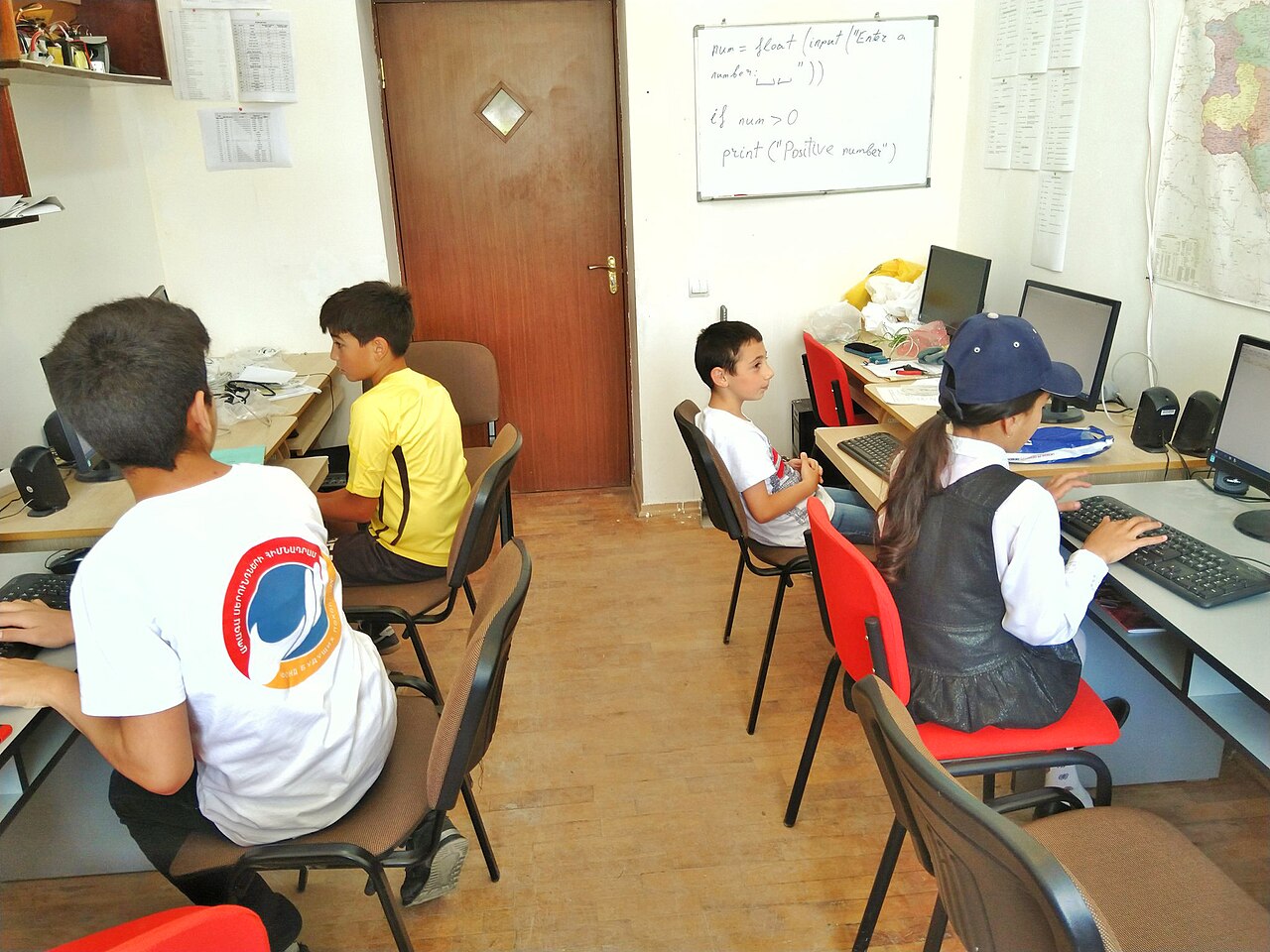
Teachers can use many of these tools for free. Khanmigo is free for teachers, and Code.org’s AI lessons are free for classrooms. If your child’s school uses an AI tool, ask the school three questions: does it follow FERPA (the US law that protects student records)? Can parents see what the tool collects? And can a parent opt their child out?
For homework, the rule is simple: AI can explain, but it should not do the work. Khanmigo’s Socratic style — hints and questions instead of answers — is the model to look for. If a tool hands over finished essays, it will hurt your child’s learning, and most schools treat that as cheating. Check your school’s homework policy before your child uses any AI tool for assignments.
Some AI tools are popular with kids but are not made for them. Keep these off your child’s devices, or use them only with you sitting next to them:
Red flags to watch for in any AI app: no age check at sign-up; no parent dashboard; ads or in-app purchases aimed at kids; a chatbot that says it is your child’s friend; no clear way to delete your child’s data; and “free” tools that never explain how they make money.
Step 1: Start with your child’s age. Under 8? Khan Academy Kids, Quick, Draw!, or Askie. Ages 9–12? Scratch, Khanmigo, or KidsAiTools. Teen? Khanmigo or HeyOtto.
Step 2: Match the goal. Homework help means Khanmigo. Learning to code means Scratch. Reading practice means Ello. Creative play means KidsAiTools or Quick, Draw!.
Step 3: Try the free option first. Half the tools on this list are free. Start there, and only pay if your child uses the free version every week.
Step 4: Set it up together. Make the account yourself, turn on every parent control, and do the first session side by side.
Step 5: Check in weekly. Read a few chats, ask what your child made, and change the rules as they grow. The right tool at age 7 may be the wrong tool at age 12.
There is no single safest app — it depends on your child’s age. For young kids, parent-built tools like Askie and Khan Academy Kids are the safest bets because they are made for children and give parents full visibility. For school-age kids, Khanmigo is the strongest choice because a parent can see every chat and get safety alerts.
Yes. Quick, Draw!, Teachable Machine, Scratch, Machine Learning for Kids, Code.org AI for Oceans, and Khan Academy Kids are all free. Askie, KidsAiTools, and HeyOtto also have free tiers, but with weekly limits.
A 10-year-old can use Scratch, Teachable Machine, Khanmigo (with a parent account), Askie, and KidsAiTools. They should not use ChatGPT, Gemini, or Claude alone — those are 13+ or 18+ tools.
General chatbots like ChatGPT are not made for under-13s. Kid-built chatbots like Askie are safer because they filter content, limit data collection, and let parents read the chats. Even then, a parent should set up the account and check in often.
It depends on the tool. Khanmigo, Askie, and HeyOtto let parents read full conversation histories. The free Google tools (Quick, Draw!, Teachable Machine) have no chat at all, so there is nothing to monitor. If a tool does not let you see the chats, do not let your child use it alone.
Yes, if the tool guides instead of answering. Khanmigo is built for this — it asks questions and gives hints. Tools that hand over finished answers will hurt learning and can break school rules, so check your school’s policy first.
A kid-friendly chatbot is built for children: it filters unsafe content, collects little or no personal data, follows COPPA rules, and gives parents a dashboard to see and control everything. Askie and HeyOtto are the clearest examples on this list.
Last updated: November 2026

Taylor Orlando is a content writer at Meregate covering websites, SEO, and AI. Taylor breaks down complex topics into simple, practical guides that help small businesses build better websites, rank higher on Google, and get real value from AI tools — no jargon, no fluff.
The 12 best AI tools for executive assistants in 2026 — scheduling, inbox, meeting notes, travel and more — with honest prices, free plans and a privacy checklist.
New to AI? These 12 free AI tools for beginners cover writing, research, images, and notes, with free-plan limits, starter prompts, and a first-week plan.

Compare 12 AI tools for music — song generators, beat makers, mastering and stem tools — with free plans, prices and the copyright rules you need first.