
Computers
How to Choose Web Hosting: A Simple Guide for Small Business (2026)
Learn how to choose web hosting for your small business website. Compare hosting types, prices, renewal costs, and the mistakes to avoid — in plain English.

 By Taylor Orlando
·November 22, 2026
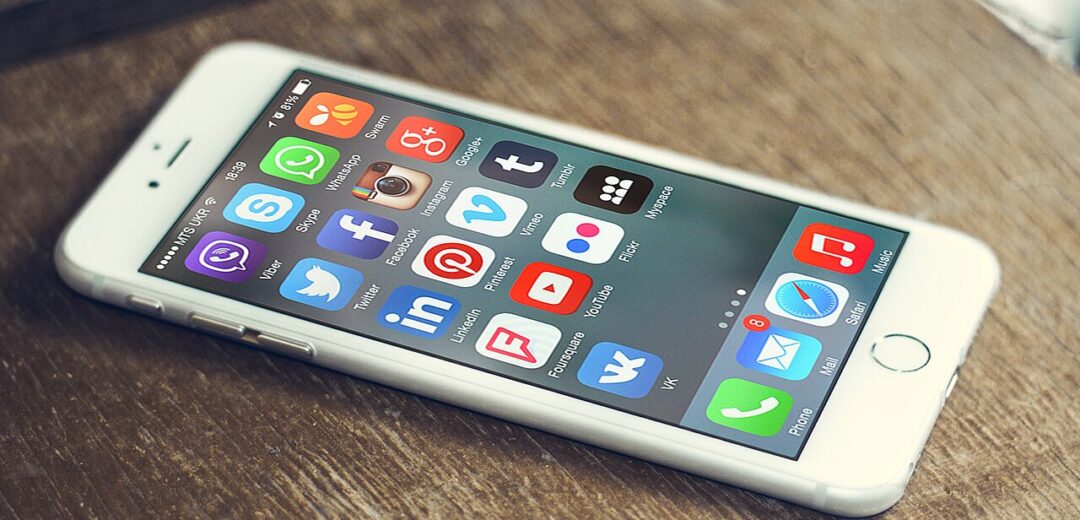
Turning a website into an app sounds like a big job, but it does not have to be. In many cases you can do it in five minutes, for free, right from your browser. In other cases you will need a real build and a budget. It depends on what you mean by “app” — and that is where most people get stuck.
Last updated: November 2026
There are four main ways to turn a website into an app, and they are not equal. One gives you an icon on your phone. Another gives you a listing in Google Play. Another gives you a listing in the App Store. And the last one rebuilds your site as a real mobile app. This guide walks through all four, with honest costs, so you can pick the one that fits your goal.
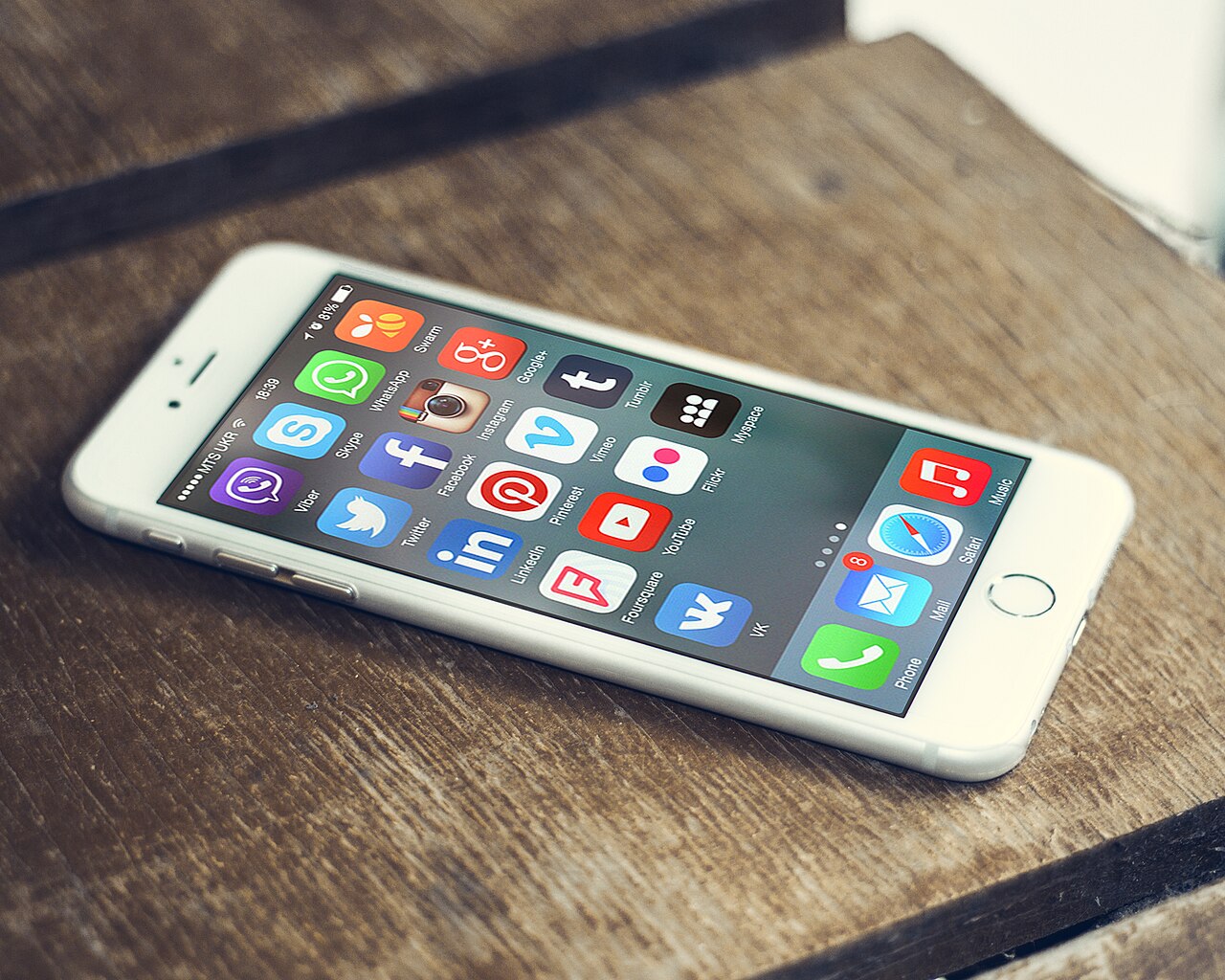
When people say they want to turn their website into an app, they usually mean one of four things:
| Method | What you get | Cost | Time needed |
|---|---|---|---|
| 1. Install it as a web app | An icon on your phone or computer that opens your site in its own window | Free | 5 minutes |
| 2. Make it a PWA | An installable website with offline support and push notifications | Free (your time only) | A few hours |
| 3. Wrap it for the app stores | A listing in Google Play and the App Store that still runs your website | $25 one-time (Google) + $99 a year (Apple) | Days to weeks |
| 4. Rebuild it as a native app | A real app built for iOS and Android, with full access to phone features | $20,000–$120,000+ | Weeks to months |
The first two reuse the website you already have. The third one wraps it. Only the fourth starts over. Before you pick one, work out what you actually need — that choice saves you the most time and money.
1. Who is the app for — you, or your visitors? If you just want quick access to a site you visit a lot, method 1 is all you need. If you want your customers to install something, you need method 2, 3, or 4.
2. Do you need a listing in an app store? Many small businesses do not. People find apps through Google search and links far more often than by browsing a store. If a store listing is not a must, a PWA saves you fees, review waits, and upkeep.
3. Does the app need phone features? Push notifications, camera access, offline use, payments, and sign-in all push you toward a PWA or a native rebuild. A plain website wrapped in a shell can do some of this, but not all of it — and Apple often rejects apps that are just a website in a frame.
This is the fastest option, and it works for any website — yours or someone else’s. Your browser saves the site as an app on your device. It gets its own icon and its own window, with no address bar and no browser clutter.
On iPhones running iOS 26, websites added to the home screen open as web apps by default, even without any special setup on the site itself.
This method costs nothing and takes minutes. The catch is that it only works on your own device. Your visitors would have to do the same steps themselves, and most of them will not. It is a shortcut, not a product you can hand to customers.
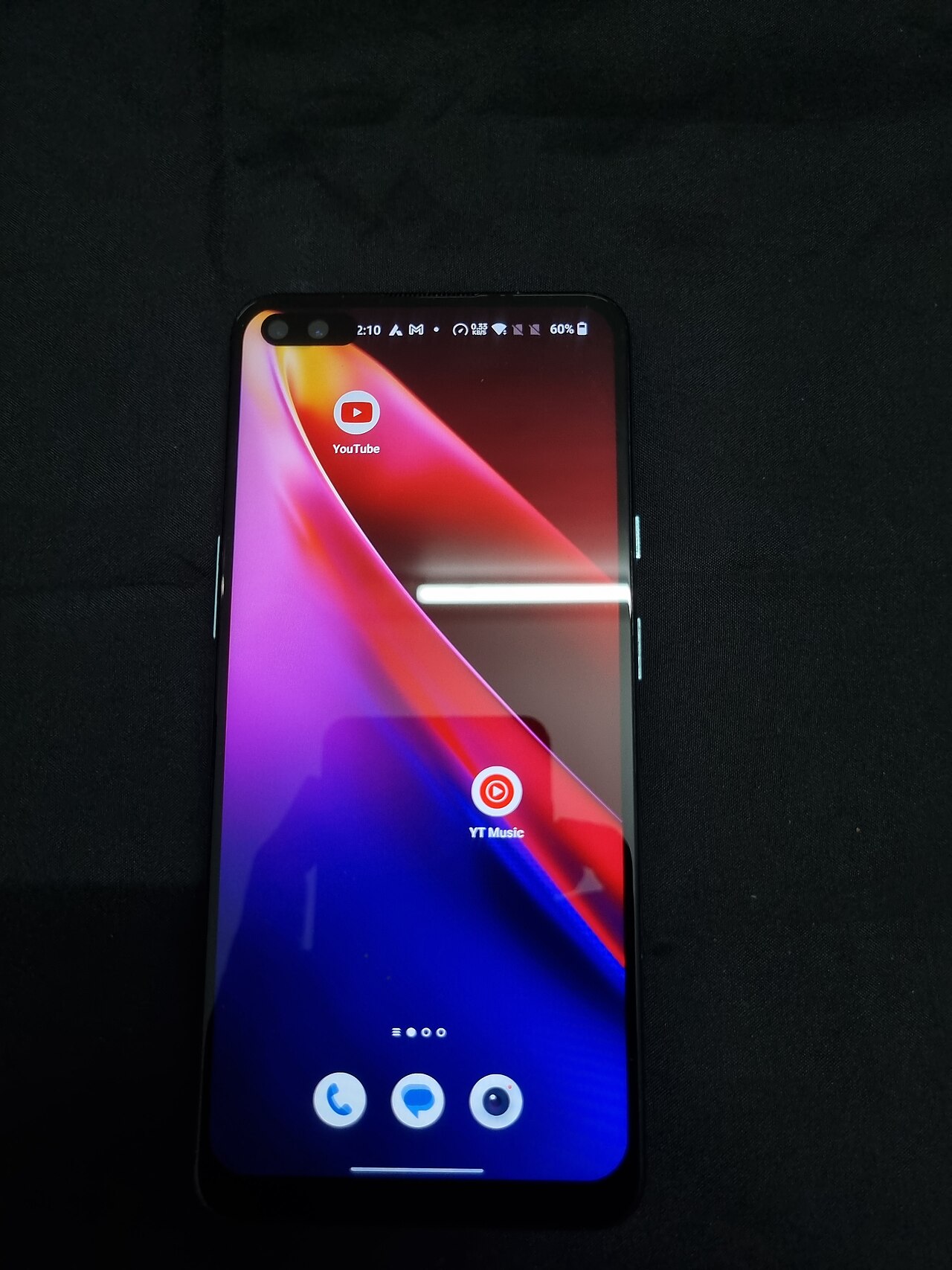
A progressive web app (PWA) is a website that behaves like an app. People can install it from their browser, it opens in its own window, it can work offline, and it can send push notifications. It is still built with normal web technology, so you keep one codebase — your website.
To make your site a PWA, you need three things:
The easiest way to get started is PWABuilder, a free tool from Microsoft. Paste your website address into it and it checks your site, builds the manifest and service worker for you, and gives you a package to upload to your server. WordPress users can also use a plugin such as SuperPWA or PWA for WP, which adds both files without touching code.
PWAs are free apart from your time, and there is no app store review — your app goes live the moment you publish the changes. The trade-off is that there is no store listing, so people who search the App Store or Google Play will not find you. On iPhones, push notifications only work after the user adds the PWA to their home screen.
If you want a deeper technical walkthrough, Google’s own guide to progressive web apps covers the manifest, service worker, and install rules in full.
If you want a store listing without rebuilding your site, you can wrap your website inside a native shell. The app still loads your website, but it shows up in Google Play and the App Store like any other app.
For Android, the standard route is a Trusted Web Activity (TWA). PWABuilder can package your PWA into an Android app bundle that you upload to Google Play. The costs are small: a one-time $25 developer registration fee. But note one rule that catches new developers out — new personal Google Play accounts must run a closed test with at least 12 testers for 14 days before they can publish.
Apple is stricter. A plain wrapper that only shows your website will usually be rejected. Apple’s rules say an app must offer more than a repackaged website — it needs real app features, such as push notifications, offline content, or native navigation. Tools like Capacitor let you add those native features around your website, but it takes real work, and you still pay the Apple Developer Program fee of $99 a year.
Wrapping makes sense when you already have a PWA and you want the extra reach of a store listing. It does not make sense as a shortcut around building a real app — Apple will spot it, and the review process will cost you weeks.
A native app is built for iOS and Android with their own tools (Swift for iPhone, Kotlin for Android) or with a shared codebase tool such as React Native or Flutter. It gives you full access to the camera, location, Bluetooth, widgets, and everything else a phone can do. It also feels the fastest and smoothest, because it is made for the phone.
It is also by far the most expensive route. Typical 2026 prices from published agency rate cards:
| Route | Typical build cost | Time to first users |
|---|---|---|
| PWA | $4,000–$15,000 | Same day |
| Cross-platform native (one shared codebase) | $20,000–$60,000 | Build plus 1–3 weeks of store review |
| Fully native (separate iOS and Android apps) | $40,000–$120,000+ | Build plus 1–3 weeks of store review |
On top of the build cost, add $99 a year for Apple and $25 once for Google, plus 15–30% commission on in-app digital sales through the stores. Maintenance runs about $8,000–$30,000 a year for a native app, against $2,000–$8,000 for a PWA.
You do not have to hire a developer to go this route. No-code builders such as Wix’s mobile app builder, Bubble, and Glide can turn a website into an app without code, and AI app builders can now generate a working app from a written description. These are a good fit for simple apps — a store, a booking flow, a members’ area. For anything complex, with payments, accounts, and heavy phone features, a developer is still the safer bet.

A good rule of thumb: if your total mobile budget is under $20,000, a PWA is almost always the smarter first step. You can always wrap it for the stores later, and you keep the same website underneath.
Submitting a bare wrapper to Apple. An app that only shows your website will be rejected. Add offline content, push notifications, or native navigation first.
Skipping HTTPS. PWAs and store wrappers need a secure connection. If your site still runs on plain http, fix that before anything else.
Forgetting the phone layout. Shrinking a desktop site onto a phone screen is not the same as making an app. Buttons need to be big enough to tap, text needs to be readable without zooming, and menus need to work with a thumb.
Expecting iPhone push notifications to just work. On iOS, a PWA can only send push notifications after the user adds it to their home screen. Tell your users to do that, or they will never see your messages.
Building a $100,000 app before anyone wants it. If you have not proven that people want your app, start with a PWA. It costs little, it ships fast, and it tells you whether the demand is real.
Yes. Installing a website as a web app from your browser is free, and turning it into a PWA costs nothing but your time. You only pay when you want a store listing — $25 once for Google Play and $99 a year for the App Store — or when you hire someone to rebuild it as a native app.
No, not for the first three methods. Browser install needs no code at all. A PWA can be made with PWABuilder or a WordPress plugin. Wrapping for the stores needs some setup, but no-code tools can handle it. Only a full native rebuild needs a developer — unless you use a no-code or AI app builder.
Only if you submit it there and Apple approves it. A PWA on its own has no store listing. A wrapped app can be listed, but Apple rejects apps that are just a website in a frame, so you need to add real app features first.
Yes, on Android, Windows, and macOS. On iOS it also works, but only after the user adds the PWA to their home screen. That one step is easy to miss, so mention it in your instructions to users.
Five minutes for a browser install. A few hours for a basic PWA. Days to weeks for a store-wrapped app, including review time. Weeks to months for a native rebuild, depending on how complex the app is.
No. A PWA is still your website — Google reads it the same way, and the manifest and service worker do not change your rankings. A store listing is separate from your website, so it neither helps nor hurts your search rankings.
Start with what you need, not with what sounds best. If you just want quick access, install the site in your browser and move on. If you run a small business, a PWA gives you most of what an app does for almost no money. And if your product truly lives on the phone, save up for a native build — it is the only option that does the job properly. Whatever you pick, keep your website as the base: every method on this page starts from the site you already have.

Taylor Orlando is a content writer at Meregate covering websites, SEO, and AI. Taylor breaks down complex topics into simple, practical guides that help small businesses build better websites, rank higher on Google, and get real value from AI tools — no jargon, no fluff.
Learn how to choose web hosting for your small business website. Compare hosting types, prices, renewal costs, and the mistakes to avoid — in plain English.

A blog can bring traffic, trust, and sales to your website — and adding one takes less than an hour on most platforms. This guide walks you through WordPress, Wix, Squarespace, Shopify, and GoDaddy, step by step.

Learn how to buy a domain name in 8 simple steps, what a .com really costs in 2026, and the mistakes that catch first-time buyers out.