
Artificial Intelligence
How to Build an AI Agent: A Simple Step-by-Step Guide
Building an AI agent is simpler than most guides make it sound. Pick one small job, one way to tell if it worked, and a setup you can test in a day.

 By Taylor Orlando
·November 28, 2026

Last updated: November 2026
If you have ever typed a few lines of code and watched your editor finish the rest for you, you have already met the basic idea behind this tool. So, what is an ai coding assistant? It is a software tool that uses a large language model to help you write, read, fix, and improve code. It works inside your code editor or terminal, suggesting changes you check and approve.
Think of it as a pair programmer who never gets tired. The final call is always yours: the assistant suggests, and you decide.
An AI coding assistant is a tool built on a large language model trained on huge amounts of code and text. Because it has seen millions of examples, it can guess what code should come next, much like a phone keyboard guesses your next word. The difference is that it works with whole functions, tests, and files.
Most assistants live where you already work. They appear as a plug-in for editors such as Visual Studio Code or JetBrains, or as a helper inside a terminal. Type a comment that describes what you want, such as “sort this list of users by last login date,” and the tool offers the code. You can also highlight code and ask it to explain it, fix it, or rewrite it more simply.
The key point is that the assistant does not replace the developer. It handles routine work so you can focus on what needs real thought: what the software should do and whether the result is correct.
Under the surface, an AI coding assistant is a large language model trained on public code, documentation, and written text. Training teaches it the patterns of many programming languages: how a loop is written in Python, how an API call looks in JavaScript, and how a database query is put together in SQL.
When you use one, it looks beyond the line you are typing. It reads the context around it, such as your open files and the names of your functions and variables, so it can suggest code that fits your project instead of generic code that does not match your setup. You accept a suggestion, change it, or ask for a different version.
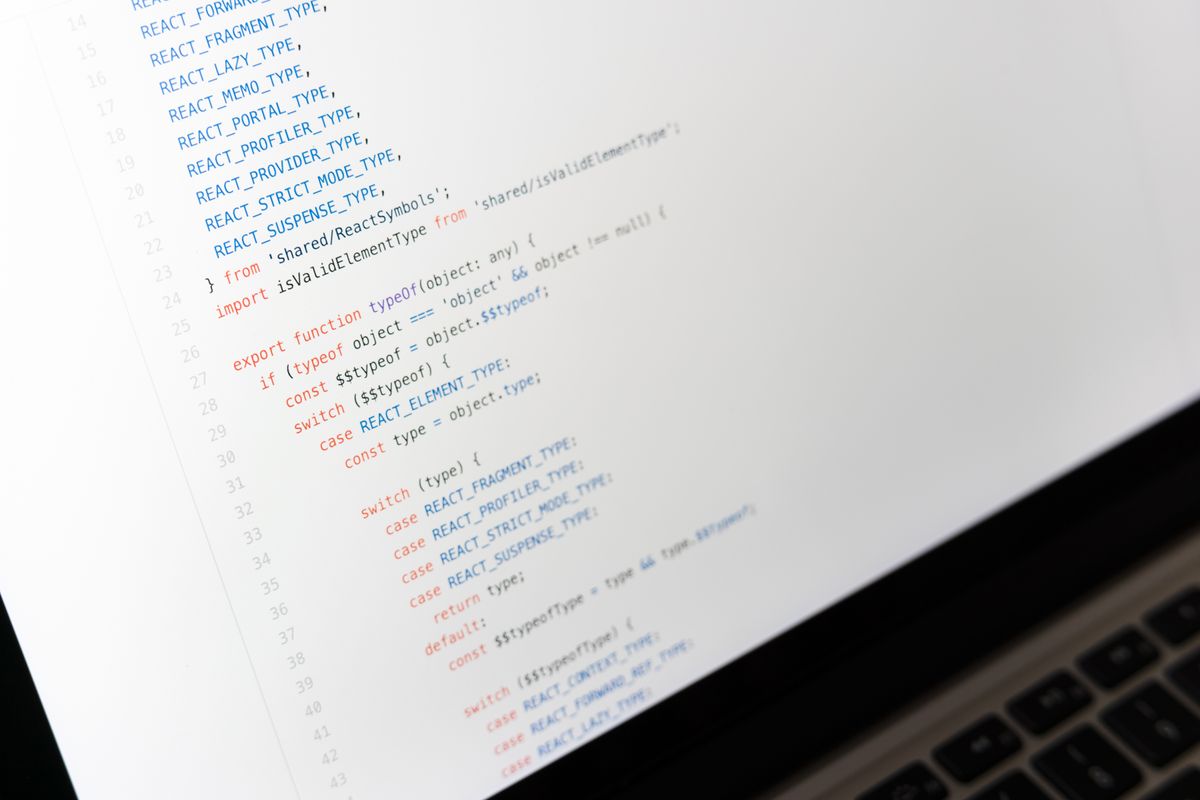
A good assistant covers a wide set of small, daily tasks. Here are the ones most people use first.
As you type, the tool suggests the rest of a line or a whole block. It is most useful for boilerplate code and patterns you have written many times before.
Describe what you want in plain words and get working code back, such as a function that checks whether an email address is valid. You still need to read and test the result, but it saves writing the first version from scratch.
When you join a project or open an old file, the code can be hard to follow. Highlight it and ask for a plain English explanation, with follow-up questions on the parts that still confuse you.
Point the assistant at an error message or a function that behaves oddly, and it will often suggest what is wrong: a missing check, a variable used before it is set, or a loop that never ends. It is not always right, but it is a strong place to start.
Refactoring means changing how code is written without changing what it does. An assistant can split a long function into smaller ones, rename things for clarity, or remove repeated code.
Tests check that your code does what it should. An assistant can write basic tests for a function, including edge cases you might have missed, such as an empty input. Check that the tests make sense, but writing them takes far less time.
The words assistant and agent sound alike, but they describe two different ways of working. An assistant suggests and you approve each change. You stay in the loop at every step. It writes a few lines, you read them, and then you move on. This is the safer way to work, and it is how most coding tools behave today.
An agent takes a whole task and works on it by itself. You might say “add a login page and connect it to the database,” and the agent edits files, runs commands, and runs tests on its own, then reports back. That can be faster, but more can go wrong before you see it.
For most people, an assistant is the right starting point: you get the speed boost without giving up control. If you later try an agent, use it on a small task first and check every file it changed.
The same tool helps beginners and professionals, but in different ways.
For a beginner, an assistant acts like a patient tutor. It explains error messages in plain words and shows how a common task is done, so you spend less time stuck on small syntax errors.
There is a catch. If you accept every suggestion without reading it, you will not learn much. Read each suggestion first, and ask the tool to explain the parts you do not follow.
For a professional, the value is speed and focus. The assistant handles repetitive work, such as boilerplate, syntax lookups, and draft tests, which leaves more time for design choices, code review, and hard bugs.
Experienced developers also use assistants to move faster in a language they know less well. A Python developer who needs a small Go service, for example, can get working code much sooner with an assistant than by reading docs from zero. The starting point arrives in seconds instead of hours.
A few names come up in almost every discussion of this topic. Each one works a little differently, but all follow the same basic idea.
GitHub Copilot is the most widely used coding assistant. It works inside popular editors, suggests code as you type, and can answer questions about your code in a chat window. Learn more on the GitHub Copilot page.
Cursor is a code editor with an AI assistant built in from the start, rather than added as a plug-in. It is known for chat-based editing, where you ask for changes in plain words.
ChatGPT is a general chatbot that many developers also use for coding. You paste code or an error message into a chat and ask for help. It works best for questions and one-off problems.
Claude Code is a terminal-based tool from Anthropic that leans toward the agent side of the scale. You give it a task in plain words, and it can read files, make edits, and run commands.
You do not need to try all four. Pick one, learn it well, and switch only if it does not fit how you work. For a fuller definition, IBM’s explainer on AI coding assistants is a clear, short read.

These tools are useful, but they have real limits. Knowing them before you rely on one will save you trouble.
First, they can write wrong code with total confidence. The code may look clean and follow the right style, yet fail in an edge case or solve the wrong problem. Always read the code and run your tests before you trust it.
Second, they do not understand your whole business. An assistant knows your open files, not your customers, your rules, or why a feature exists. It can write a payment function that works, but it cannot tell you whether the payment flow fits your product. That judgment is still yours.
Third, generated code needs a security check. Code that handles passwords, payments, or personal data deserves a careful review, and some tools may repeat code that looks like licensed code from their training data. Treat every suggestion as a draft, not a finished answer.
Pick one tool, install it in the editor you already use, and try it on a small, low-risk task first. A good first task is writing a small helper function or adding tests to code you already trust.
Next, learn how to write clear prompts. Short, specific descriptions work best. Instead of “fix this,” try “this function should return an empty list when the input file is missing, and log a warning.” The more detail you give, the better the answer will be.
Then build a simple habit: read, test, then accept. After a week or two, notice which tasks the tool helps with most, and let it handle those while you keep the design work for yourself.
For most people who write code regularly, yes. The time saved on routine work is real, and the help with learning and debugging is hard to get any other way. Beginners get a tutor that is always available, and professionals get back hours each week that used to go to repetitive typing.
The value depends on how you use it. If you read every suggestion and test the code, an assistant will make you faster and better. If you accept everything without checking, it will create bugs you do not understand. Start with one tool and one small task.
No. An assistant suggests code and you approve each change, while an agent takes a whole task, edits files, and runs tests on its own. Agents work more independently and need closer checking after they finish.
Yes. It explains error messages, shows how common tasks are done, and answers questions while you learn. Read each suggestion and ask for an explanation when you do not understand it.
No. It writes routine code and drafts, but it does not decide what to build or take responsibility for the result. Developers who use these tools well become faster, but the judgment and final review still belong to people.
Usually, but not always. The code can contain bugs or security gaps. Read it, run your tests, and review anything that handles passwords, payments, or personal data with extra care before you ship it.

Taylor Orlando is a content writer at Meregate covering websites, SEO, and AI. Taylor breaks down complex topics into simple, practical guides that help small businesses build better websites, rank higher on Google, and get real value from AI tools — no jargon, no fluff.
Building an AI agent is simpler than most guides make it sound. Pick one small job, one way to tell if it worked, and a setup you can test in a day.

AI encryption made simple: what it is, how AI protects and threatens encryption, what the new expert warnings mean, and what you should do.
A chatbot answers questions inside a conversation. An AI agent takes a goal, plans the steps, uses other tools, and finishes the job. Here is how to tell them apart.