
Ai
AI Tools for Language Learning: 12 Tools That Help You Speak (2026)
Compare 12 AI tools for language learning — from Duolingo to Speak — with prices, best uses, and tips to help you pick the right one and actually start speaking.

 By Taylor Orlando
·November 24, 2026

Good ideas rarely show up on command. You sit with a blank page, a deadline, and a brain that has gone quiet. That is where AI tools for brainstorming help. They throw out fresh angles, group messy thoughts into order, and keep the ideas coming when you run dry. You still do the thinking — the tool just makes the first 20 ideas arrive in minutes instead of hours.
This guide covers 12 tools that are actually useful for brainstorming in 2026: chatbots that generate ideas, whiteboards that organize them, and mind-mapping apps that turn a pile of notes into a plan. Most of them have a free plan, so you can try before you pay.
| Tool | Best for | Free plan | Starts at |
|---|---|---|---|
| ChatGPT | General idea generation | Yes | $20/month (Plus) |
| Claude | Deep, careful thinking | Yes | $20/month (Pro) |
| Miro AI | Team workshops on a whiteboard | Yes, 3 boards | $8/user/month |
| MindMeister | Visual mind maps | Yes | $6.50/user/month |
| FigJam | Design teams and sticky notes | Yes | $3/editor/month |
| Notion AI | Turning ideas into plans and docs | Yes, limited trial | $20/user/month |
| Jasper | Marketing ideas in your brand voice | No, 7-day trial | $69/month |
| Gamma | Turning ideas into slides | Yes | $9/user/month |
| GitMind | Free mind mapping | Yes | $4.08/month |
| Xmind | Structured maps and outlines | Yes | $4.92/user/month |
| Taskade | Brainstorming that becomes tasks | Yes | $10/month |
| Stormboard | Structured, data-driven sessions | Yes, Personal plan | $5/user/month |
Prices change often, so check the tool’s pricing page before you commit. The free plans below are what each tool offered in 2026.
Best for: general idea generation for almost anything — blog topics, business names, product features, campaign angles.
ChatGPT is still the easiest place to start. Give it a topic and ask for 20 ideas, then ask it to expand the best three, argue against them, or mix two together. The back-and-forth is the point: each answer gives you something to react to, and reacting is what sparks the next idea. The free plan covers basic brainstorming well. Paid Plus ($20/month) adds longer memory and better reasoning, which helps when a session runs long.
Try this prompt: “Give me 20 business name ideas for a mobile car-detailing service in Texas. Make 10 playful and 10 professional. Then tell me which 3 are easiest to remember and why.”
Best for: slow, careful thinking — when you need ideas that hold up, not just a long list.
Claude is better than most chatbots at working through a hard problem step by step. It is a strong pick when your brainstorm has real stakes: a product decision, a strategy choice, or a problem with trade-offs. Ask it to play devil’s advocate, find weak spots in your favorite idea, or compare three options side by side. The free plan is enough for short sessions; Pro is $20/month.
Try this prompt: “Here are my three ideas for a summer sale. For each one, list the biggest risk, who it would appeal to, and what could go wrong. Then rank them and explain your ranking.”
Best for: team workshops where everyone adds ideas at the same time.
Miro is a shared online whiteboard, and its AI features fit brainstorming well: it can group a pile of sticky notes into themes, summarize a messy board, and turn a cluster of notes into a mind map or a table. Remote teams use it because everyone can see the same board live. The free plan includes 3 boards, which is enough to test it. Paid plans start at $8 per user per month.
Good for: workshops, remote teams, sorting 50+ sticky notes into themes you can actually act on.
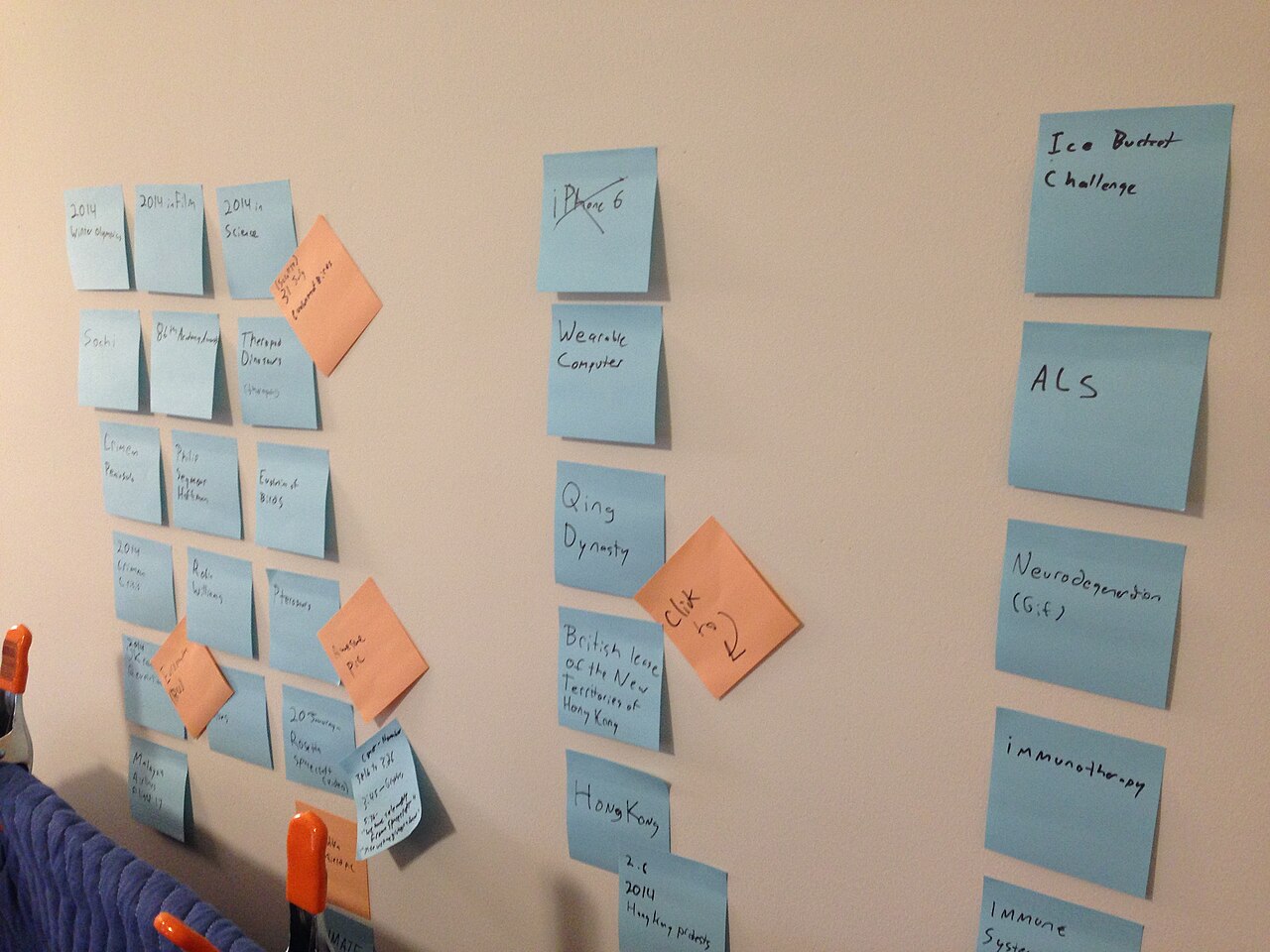
Best for: turning a rough idea into a clean, visual mind map.
MindMeister takes one central idea and lets you branch it out into topics, sub-topics, and notes. It is simple on purpose: no clutter, just a map that grows as you think. Teams can edit the same map live and leave comments. The free plan covers basic maps; paid plans start at $6.50 per user per month.
Good for: visual thinkers, planning a project, mapping out a book, course, or website.
Best for: design teams and quick, playful team sessions.
FigJam is Figma’s whiteboard. It feels light and fast: sticky notes, stamps, timers, and simple shapes. Its AI can sort stickies into groups and summarize a board, which saves time after a busy session. If your team already uses Figma, FigJam fits right in. The free starter plan works for small sessions, and paid editors start at $3 per month.
Good for: design teams, product teams, short timed brainstorms.
Best for: people who want ideas to land straight into notes, plans, and task lists.
Notion AI lives inside Notion, so brainstorming does not end in a separate app. You can ask it to expand a rough note into a list of ideas, summarize a long page of meeting notes, or turn a brainstorm into an action plan with owners and dates. If you already keep your work in Notion, this is the shortest path from idea to plan. Full AI access comes with the Business plan, at $20 per user per month billed annually. Free and Plus plans only get a limited AI trial.
Good for: writers, small teams, and anyone who plans in Notion already.
Best for: marketing teams that need campaign ideas in a consistent brand voice.
Jasper is built for marketing work. You can feed it your brand voice and ask for campaign angles, ad headlines, social post ideas, or email subjects that sound like you. It is less of a general brainstorming tool and more of a marketing idea machine. There is no free plan, but a 7-day trial lets you test it. The Pro plan costs $69 per month, or $59 per month billed annually, so this one fits teams with a marketing budget.
Good for: agencies, marketing teams, anyone who brainstorms campaigns every week.
Best for: turning a rough idea into a finished-looking presentation fast.
Gamma takes a short prompt or outline and builds slides, docs, or web pages from it. For brainstorming, that means you can test an idea by seeing it as a deck: if the idea fills 8 slides with real content, it has legs; if it runs dry after 2, it needs more work. The free plan gives you 400 AI credits once at signup to try it. Paid plans start at $9 per user per month billed annually.
Good for: pitch decks, proposals, turning a brainstorm into something you can show a client.
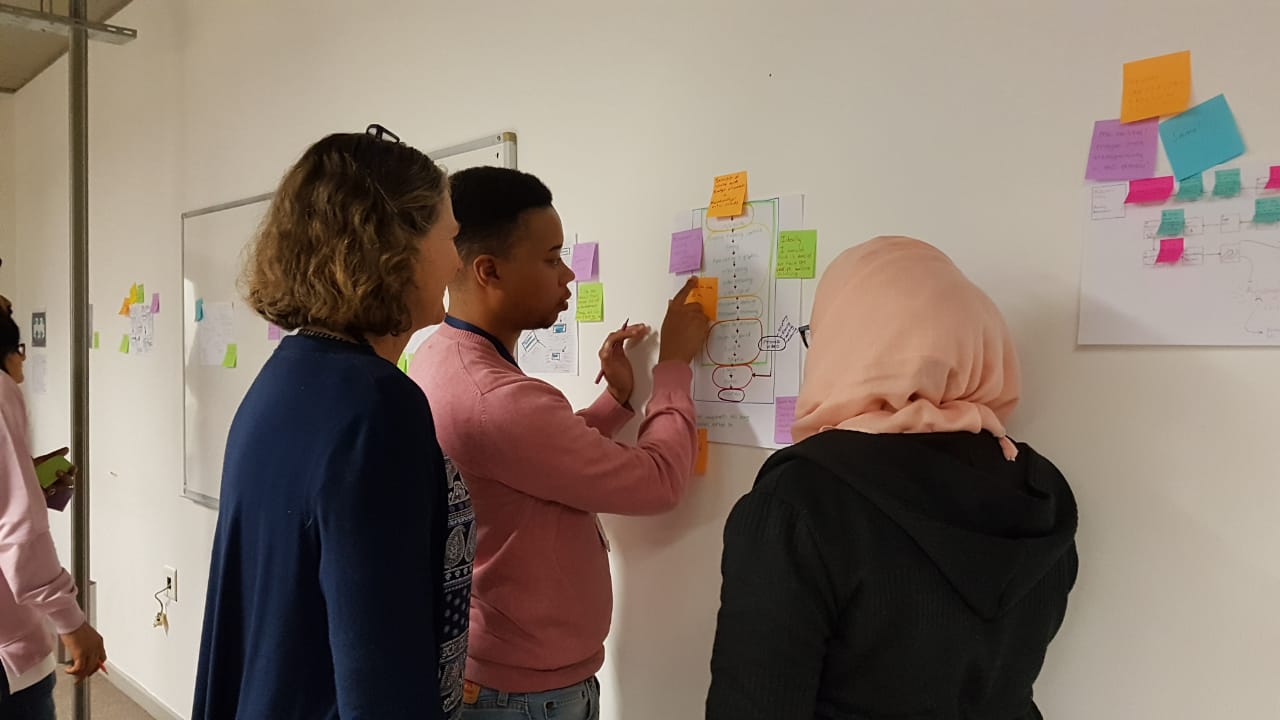
Best for: free mind mapping with AI help.
GitMind is one of the best free options on this list. It builds mind maps from a prompt, lets you chat with the map to expand branches, and exports to common formats. The free plan is genuinely usable, not just a demo. Paid plans start at $4.08 per month if you want more AI credits and features.
Good for: students, solo creators, and anyone who wants mind maps without paying.
Best for: structured thinking — outlines, plans, and maps that stay organized.
Xmind has been around for years, and its AI features now generate map branches, summarize nodes, and suggest next steps. It feels more structured than a whiteboard: good when your brainstorm needs to become a document, a plan, or a decision tree. The free plan covers basic maps; paid plans start at $4.92 per user per month.
Good for: project planning, study notes, decision-making maps.
Best for: teams that want brainstorming to end in assigned tasks, not just a board full of notes.
Taskade combines mind maps, docs, and task lists, and its AI agents can generate ideas, organize them into views, and turn them into work. That last step is what most brainstorming tools skip: Taskade pushes the session toward action. The free plan is usable for small teams, and paid plans start at $10 per month for 10 users.
Good for: small teams, startups, and project-based brainstorming.
Best for: structured sessions with voting, data, and clear next steps.
Stormboard is built for workshops that need structure: templates for common methods, voting to rank ideas, and reports after the session. It suits teams that brainstorm on a schedule and need to show what came out of each session. There is a free Personal plan, and paid plans start at $5 per user per month.
Good for: facilitated workshops, product teams, and teams that vote on ideas.
A tool alone will not save a bad session. This simple flow works with any tool on this list:
1. Write the problem in one sentence (5 minutes). Not “marketing ideas” but “we need 3 ways to get our first 100 customers in Austin without paid ads.” A sharp problem gets sharp ideas.
2. Generate wide (10 minutes). Ask the AI for 20 ideas. Do not judge them yet. Ask for a second batch in a different style — playful, cheap, bold, or safe.
3. Group and cut (5 minutes). Sort ideas into 3 or 4 groups. Drop anything that does not fit the problem. Keep the strange ones — boring ideas rarely win.
4. Stress-test the top 3 (5 minutes). Ask the AI to argue against each one. What could go wrong? Who would hate it? What does it cost? The idea that survives this step is usually the strongest.
5. Pick one next step (5 minutes). End with a single action: who does what by when. A brainstorm without a next step is just a chat.
The quality of your ideas depends on the quality of your prompt. These four patterns work with ChatGPT, Claude, or any chatbot on this list:
SCAMPER: “Take my product idea and apply SCAMPER to it: substitute one part, combine it with something else, adapt it for a new audience, modify it, put it to another use, eliminate a feature, and reverse how it works.”
Six Thinking Hats: “Look at this idea through six hats: facts, feelings, caution, benefits, creativity, and process. Give me two points under each hat.”
Reverse brainstorming: “Instead of ideas to solve this problem, give me 10 ways to make it worse. Then flip each bad idea into a good one.”
Role-play: “Act as a skeptical customer and list every reason you would NOT buy this. Then act as a fan and list every reason you would.”
Brainstorming alone? Start with ChatGPT or Claude for raw ideas, then GitMind or Xmind to organize them into a map. You do not need a whiteboard when it is just you.
Brainstorming with a team? Use Miro, FigJam, or Stormboard so everyone can add ideas at the same time. Pick one person to run the session and keep time, or the board fills up with noise.
Brainstorming for marketing? Jasper or Gamma fit best: Jasper keeps the voice on-brand, and Gamma turns the result into a deck you can present.
1. Taking the first 10 ideas as final. AI gives you the most common ideas first. The good ones usually show up in round two or three, after you push back and ask for stranger options.
2. Pasting private ideas into free tools. Free plans may use your input to train models. Do not paste unreleased product details, client names, or anything you would not want repeated. Check the tool’s privacy page first.
3. Brainstorming without a decision. A session that ends with 40 sticky notes and no pick is wasted time. Always end by choosing one idea and one next step.
4. Paying before trying free. Most tools here have a free plan or trial. Run one real session on the free plan before you pay — you will learn more in 30 minutes than from any review.
AI can generate ideas, group them, and stress-test them, but it cannot replace your judgment. It gives you raw material fast; you still decide what is good, what fits your audience, and what is worth doing.
Many are. ChatGPT, Claude, Miro, FigJam, GitMind, Xmind, and Stormboard all have free plans that cover basic brainstorming. Paid plans add more AI credits, longer sessions, and team features. Start free and pay only when you hit a limit that matters.
For most people, ChatGPT is the best starting point because it handles almost any topic and has a solid free plan. For visual team sessions, Miro is the strongest pick. For turning ideas into mind maps for free, GitMind is hard to beat.
Yes. Ask for a list of ideas, then ask it to expand, combine, or argue against them. The trick is to treat it as a thinking partner: give it a clear problem, push back on weak answers, and ask for a second round in a different style.
Mostly, but be careful. Avoid pasting trade secrets, unreleased products, or client data into free tools. Read the privacy policy, and if the idea matters, use a paid plan or a tool that promises not to train on your input.
Last updated: November 2026

Taylor Orlando is a content writer at Meregate covering websites, SEO, and AI. Taylor breaks down complex topics into simple, practical guides that help small businesses build better websites, rank higher on Google, and get real value from AI tools — no jargon, no fluff.
Compare 12 AI tools for language learning — from Duolingo to Speak — with prices, best uses, and tips to help you pick the right one and actually start speaking.

Compare 12 AI tools for SEO with honest starting prices. Find the right tool for your job and budget — from free options to full SEO suites.

AI tools for finance can track spending, plan budgets, and invest for you. Here are 12 tools that actually help, with real 2026 prices and honest limits.