
Artificial Intelligence
How Much Does an AI Chatbot Cost? (2026 Guide)
An AI chatbot costs $0 to $150 a month for a basic setup, but the meter matters. This guide prices 10 tools and shows the same workload three ways.

 By Taylor Orlando
·November 21, 2026
Last updated: November 2026
The best free AI video generator depends on what “free” means to you. Some tools give you a small number of free credits every day. Others give you a one-time pile of credits that never refills. And some that call themselves free are only a free trial with a watermark. This guide compares the free tiers that are actually free, with what each one allows: how many videos you get, how long they can be, what quality you get, whether there is a watermark, and whether you can use the video for business.
All limits below were checked against vendor pages and comparison sources in November 2026. Free tiers change often, so check the pricing page before you plan a project around one. If you are new to these tools, our guide to the best AI video generators for beginners explains the basics first.
| Tool | Free allowance | Watermark | Quality and length | Commercial use |
|---|---|---|---|---|
| PixVerse | 60 starter credits + 30 daily credits | Yes on free exports | Basic output up to 540p | No on free plan |
| Runway | 125 starter credits, one-time | Yes on free exports | Limited models on free plan | No on free plan |
| Kling | 66 credits a day (third-party reports) | Yes on free tier | Up to 720p on free tier | No on free tier |
| Leonardo.Ai | 150 fast tokens a day | No watermark, but creations are public | Standard quality on free plan | Limited; check the licence |
| Canva | Limited AI video use on free plan | No watermark on Canva exports | Up to 1080p clips | Yes, within Canva’s licence |
| CapCut | Free plan with AI tools included | Reports differ; check before you export | Up to 1080p on free plan | Yes for most exports; check AI features |
| InVideo AI | Free plan with tight limits | Yes on free plan | Short clips, around 1 minute | No on free plan |
Figures are from vendor pricing pages and a comparison of plan terms checked on November 6, 2026. Credits are not the same across tools: one video can cost 10 credits on one tool and 70 on another, so “credits per month” alone does not tell you how many videos you get.
A free tier is a plan you can keep using without paying. A free trial ends after a set time, usually 7 or 14 days, and then you pay or lose access. Many “best free” lists mix the two together, which is how people end up halfway through a project when the trial runs out.
Before you pick a tool, check three things on its pricing page. First, does the free option refill? Daily credits refill; one-time starter credits do not. Second, is there a watermark on free exports? A watermarked video looks unfinished in front of customers. Third, does the free licence allow commercial use? Most free plans do not. If the video will run in an ad, on your website, or for a client, you need a paid plan that allows commercial use.
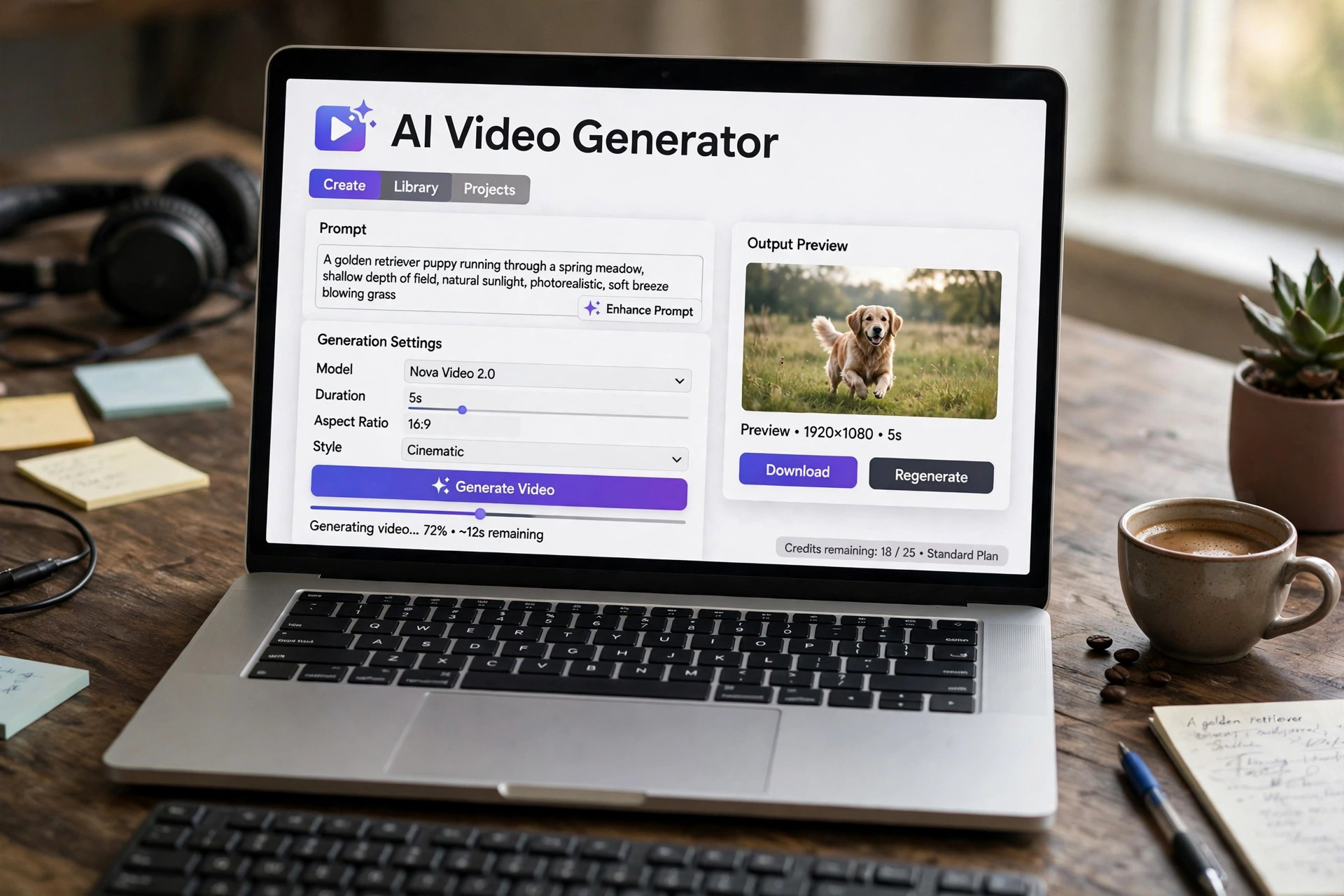
PixVerse gives new users 60 starter credits, then 30 free credits a day, resetting daily. That makes it the most predictable free option on this list: you can make a short clip every day without paying. Basic output goes up to 540p, and free exports carry a watermark. The free plan does not include commercial use.
PixVerse works from both text prompts and images, so it suits short social clips and tests. The catch is the credit cost per video: longer clips and higher settings cost more credits, so the daily 30 credits may only cover one short video. For a closer look at how PixVerse compares with paid tools, see our guide to the best AI video generator for social media.
Runway gives 125 starter credits, once. There is no daily refill, so the free plan is really a try-out: enough for a few short clips, then you pay. Free output has a watermark, and the free plan only includes limited models. Paid plans start at $15 a month.
Runway is the pick when you want original generated clips rather than stock footage, such as a product in a scene you cannot film. Use the free credits to test whether its style fits your project, and do not plan a series of videos on the free plan.
Kling’s free tier gives a daily credit allowance, reported by third-party trackers as 66 credits a day, resetting every 24 hours. Free output is limited to 720p and carries a watermark. Paid plans start with a Standard tier at 660 credits a month, and a 5-second clip costs roughly 30 to 70 credits, more in 4K.
Kling is known for realistic motion from still images, and its current version makes clips up to 30 seconds long. The free tier is genuinely usable for testing and for the odd short clip, but the watermark and the 720p cap rule it out for client work. These figures come from third-party trackers, not Kling’s own pricing page, so confirm them before you rely on them.
Leonardo.Ai gives 150 fast tokens a day on its free plan. It started as an image tool and now makes video from images and text. Free creations are public, which means other users can see them, so do not use the free plan for anything private or unreleased.
The daily token refill makes it a steady free option for short clips, and there is no watermark on exports. The catch is the public licence and the token cost: a longer or higher-quality clip uses more tokens, so the daily allowance may cover only one or two videos.
Canva’s free plan includes AI video generation with a limited monthly allowance of AI credits. You can turn text into short video clips, add dialogue and sound effects, and make talking-head avatar videos. Canva exports do not carry a watermark, and the free licence allows commercial use within Canva’s terms.
Canva is the best free pick when the video is a simple branded clip for social media rather than a cinematic shot. The paid Pro plan starts at $15 a month and raises the AI credit allowance. For business video in general, see our guide to the best AI video generator for business.
CapCut is mainly a video editor, but its free plan includes AI video generation and a large template library. Reports differ on the watermark: some recent reviews say desktop exports are watermark-free, while CapCut’s own pages describe a limited free plan with a watermark on some AI features. Check the current terms before you export a video for a client.
CapCut is the best free pick if you want to generate a clip and edit it in the same place, with captions, effects, and music. Its strength is editing rather than generation, so pair it with a generator above if you need original AI footage.
InVideo AI builds a video from a text prompt, assembling generated clips, stock footage, and narration into a first cut. Its free plan is watermarked and tightly limited: some sources report around 3 videos a month up to 1 minute long, while others report that the free plan no longer includes AI credits at all. Check the pricing page before you count on it. Paid plans start at $9 per seat a month.
InVideo is the fastest way to get a draft from a prompt, but the free plan is the weakest on this list. Use it to test the workflow, then pay if the prompt-to-video approach fits you. For video made for YouTube, see our guide to the best AI video generator for YouTube.
Pika. Pika’s free plan lists 0 credits a month. You can browse and buy credit packs, but there is no recurring free allowance, so it does not belong on a free list. It also gives no commercial licence on the free plan.
Pictory. Pictory has no free plan, only a 14-day trial. After the trial you pay. It is a good tool for turning blog posts into video, but it is not free.
Synthesia. Synthesia has a free plan with a small number of minutes, but the allowance is limited and the details change often. Check its pricing page for the current figure before you plan around it.
Open-source tools. Wan2.1, LTX-Video, and similar tools are free to download, but they need a strong graphics card and setup time. They are not free in practice unless you already have the hardware.
Start with the job, not the tool. If you need one short clip a day for social media, a daily-refill free tier like PixVerse or Kling fits. If you need a single test clip, Runway’s one-time credits are enough. If the video is for a client or an ad, budget for a paid plan: no free tier on this list gives you watermark-free, commercial-use video at good quality.
Then check the whole cost of one video, not just the credit balance. A tool that gives 100 credits sounds generous until you learn that one 5-second clip costs 70. Make one test video, see how many credits it used, and work out how many videos the free tier really gives you per month. If the answer is fewer than you need, the cheapest paid plan is usually the honest choice.
Almost none. Most free tiers watermark exports or limit commercial use. Leonardo.Ai has no watermark on free exports, but free creations are public. Canva’s free plan exports without a watermark but with a limited AI credit allowance. For client work, a paid plan is the safe choice.
Yes, for your own channel, if the tool’s free licence allows it. Most free plans allow personal use. Check the licence: some free plans forbid commercial use, and monetised YouTube videos count as commercial.
It depends on the tool and the length of each video. PixVerse’s 30 daily credits cover roughly one short clip a day. Runway’s 125 one-time credits cover a few clips in total, then stop. Always test with one video first and see how many credits it used.
Google’s Veo 3 is not free as a standalone tool. It is available through paid Google AI plans, with some trial access at times. Check Google’s current AI plan pricing for the latest terms.
ChatGPT itself does not generate video. Its video tool, Sora, is available through paid ChatGPT plans, not the free tier. For free video generation, use one of the tools in the table above.

Taylor Orlando is a content writer at Meregate covering websites, SEO, and AI. Taylor breaks down complex topics into simple, practical guides that help small businesses build better websites, rank higher on Google, and get real value from AI tools — no jargon, no fluff.
An AI chatbot costs $0 to $150 a month for a basic setup, but the meter matters. This guide prices 10 tools and shows the same workload three ways.

A chatbot pays off when repeat questions pile up and customers message after hours. This guide weighs the real costs against the returns, and shows when the answer is no.

Synthesia leads for training, HeyGen for marketing and translation, Pictory for blog posts to video. This guide compares 7 tools on price, brand kits, commercial use and team seats.