
SEO
Semrush vs Moz: Which SEO Tool Is Better in 2026?
Semrush is the bigger all-in-one suite; Moz Pro is cheaper to start. Here is how their prices, limits and tools compare — and which one fits your budget.

 By Taylor Orlando
·November 15, 2026
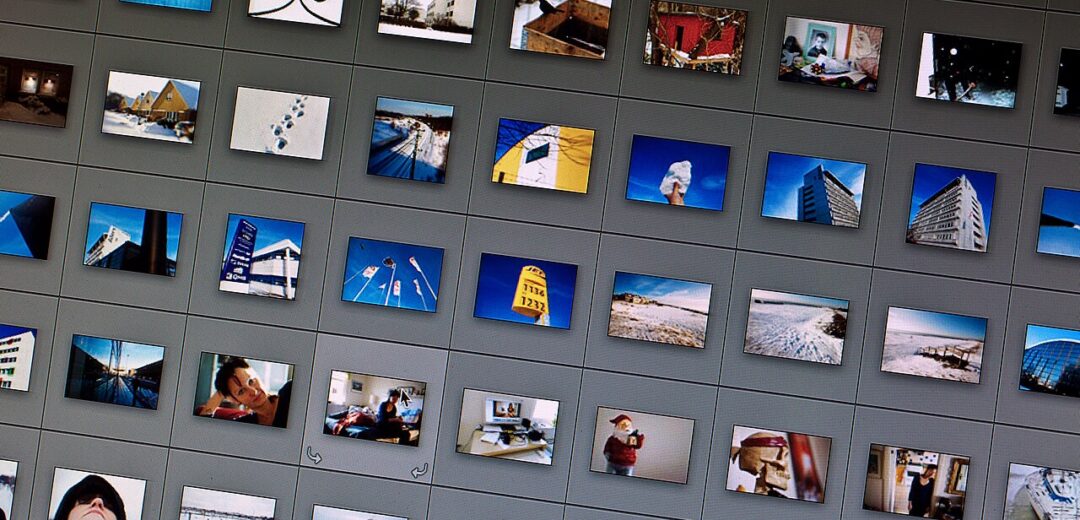
An image file format is the way a picture is stored as a file. It decides how the picture data is packed, how big the file is, and what the picture can do — for example, whether it can have a clear background or move. JPEG, PNG, WebP, AVIF, GIF, and SVG are all image file formats, but they do not do the same job. Picking the right one keeps your pictures sharp and your pages fast.
Last updated: November 2026
Think of a photo on your phone. When you save it, your phone has to turn what the camera saw into a file. The image file format is the set of rules it uses to do that. Some rules keep every tiny detail. Others throw away detail your eye is not likely to notice, so the file gets much smaller.
The format also decides the file ending you see, such as .jpg, .png, or .webp. That ending tells a browser or an app how to read the file.
Two ideas matter most when you compare formats. The first is compression. Lossy compression throws away some detail to make a small file. Lossless compression keeps every pixel exactly as it was, but the file is often bigger. The second idea is features. Some formats support a see-through background. Some support moving pictures. Some stay sharp at any size.
On a website, the format you pick affects two things: how the picture looks, and how fast the page loads. A photo saved in the wrong format can be five or ten times bigger than it needs to be, and slow pages lose visitors.
The format also affects search. Google Images shows pictures from pages it can read well, and it prefers fast pages with clear, well-named pictures. The format is one part of that picture. It works together with other basics, such as what alt text is and image file names for SEO. Get the format right, and those other steps work better too.
You do not need to learn every format ever made. For most websites, six formats cover nearly everything: JPEG, PNG, WebP, AVIF, GIF, and SVG. Here is what each one does best.
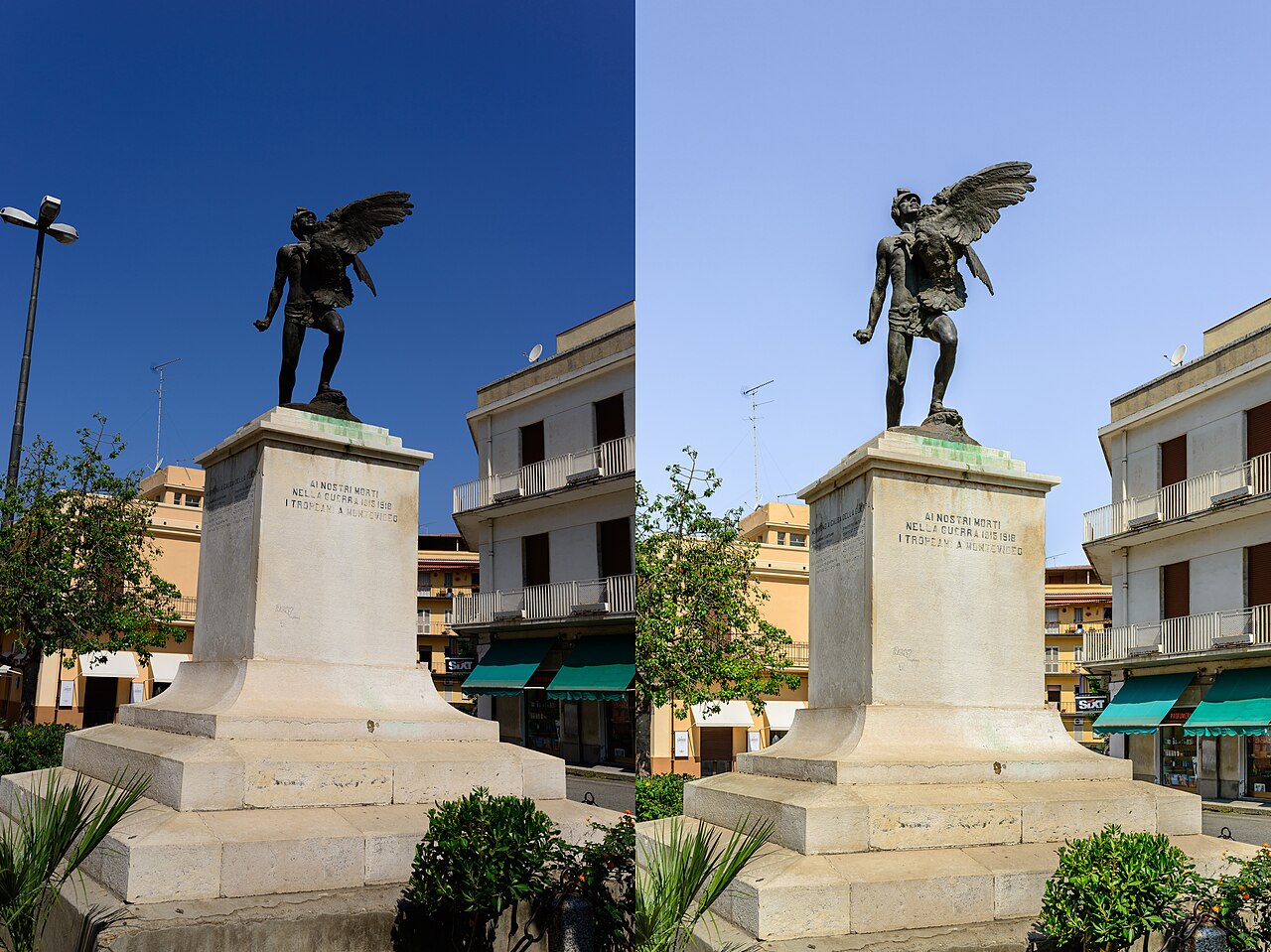
JPEG and PNG are the two oldest formats most people meet first. They have been around for years, and they still have clear jobs today.
JPEG is from 1992. It is the standard format for photos, and it works everywhere. Every browser, phone, and photo app can open a JPEG. That is its biggest strength.
JPEG uses lossy compression. When you save a photo as a JPEG, it throws away detail the eye is unlikely to notice. Small colour changes in a sky or a wall get smoothed out. The result is a much smaller file that still looks good. A typical quality setting of 75–85 gives a good balance: the photo looks clean, and the file stays small.
JPEG has two limits you should know. First, it has no transparency, so it always fills the full rectangle. Second, re-saving a JPEG loses a little quality each time. So keep your original photo in a safe place, and save a fresh copy each time you need a new version.
Use JPEG for photos when you need the picture to work on every device and you do not need a clear background. It is a safe choice for blog photos, product photos, and travel pictures.
PNG is lossless. It stores every pixel exactly as it was. Nothing is thrown away. That makes it the right choice when exact detail matters: screenshots, logos, diagrams, charts, and graphics with text. A screenshot saved as a PNG keeps its text crisp, while the same shot saved as a JPEG can look soft around the letters.
PNG also supports transparency. You can save a logo with a clear background, so it sits cleanly on any page colour.
The trade-off is size. A photo saved as PNG is typically 5–10 times larger than the same photo as JPEG. A photo does not need every pixel stored exactly, so PNG wastes space on it. Use PNG for graphics that must stay sharp and exact, not for large photos.
WebP and AVIF are newer formats built for the web. They give you smaller files at the same quality, which is why many sites now use them as the first choice.
WebP comes from Google, and it was released in 2010. It can do both lossy and lossless compression, and it supports transparency and animation. That makes it a flexible all-round format.
Its main benefit is size. A WebP file is typically 25–35% smaller than a JPEG at the same visual quality. The picture looks the same to your eye, but the file is about a third smaller. On a page with many photos, that saving adds up fast.
Browser support for WebP is about 96%, so nearly every visitor can see it. For most websites, WebP is a good everyday default. If a very old browser cannot show it, a JPEG fallback covers that case.
AVIF is the newest of the four main photo formats. It is built on the AV1 video codec, which was designed to pack video into very small files. That same skill makes AVIF very good at packing still pictures.
AVIF is about 50% smaller than JPEG at similar quality. It supports transparency and animation, like WebP. It also supports HDR and 10/12-bit colour, which means it can show smoother colour and brighter highlights than older formats.
Browser support is good since Safari 16 arrived in 2022, and it now stands at about 93%. That is close to WebP, but not quite as wide. So serve AVIF first and let the browser fall back to WebP or JPEG when it needs to.
GIF and SVG are special-purpose formats. Each one does a narrow job well, and neither one should be used for ordinary photos.
GIF is an old format, and it is best known for short moving loops. It can show simple animation, and it supports transparency too. But its compression is poor by modern standards. A GIF file is often much bigger than the same loop saved as an animated WebP.
Use GIF only for short loops where you need the widest possible support. For new work, use animated WebP instead. It gives you the same moving picture in a far smaller file.
SVG is different from the rest because it is vector, not pixels. A JPEG or PNG is made of tiny coloured squares. An SVG is made of shapes and lines described in code, so it can grow to any size and stay perfectly sharp.
SVG files are often tiny, commonly under 5 KB for a simple logo or icon. That makes them ideal for logos, icons, and simple line graphics. They are not for photos, which have too much detail to describe as shapes.
Here is the short version, side by side. Use it to pick a format fast.
| Format | Compression | Transparency | Animation | Best use |
|---|---|---|---|---|
| JPEG | Lossy | No | No | Photos where wide support matters |
| PNG | Lossless | Yes | No | Screenshots, logos, diagrams, text graphics |
| WebP | Lossy and lossless | Yes | Yes | Everyday web photos and graphics |
| AVIF | Lossy and lossless | Yes | Yes | Smallest photo files, HDR and rich colour |
| GIF | Lossless, poor | Yes | Yes | Short loops only |
| SVG | Vector (no pixels) | Yes | Yes | Logos and icons at any size |
The practical rule is simple: serve AVIF first, WebP second, and JPEG or PNG as fallback. That order gives most visitors the smallest file their browser can show, and older browsers still get a picture that works. Most content systems and image tools can set this order up for you.
Then match the format to the picture. Use PNG for pixel-perfect graphics — screenshots, diagrams, and logos with sharp edges. Use JPEG when compatibility is non-negotiable and you need the picture to open anywhere. Use WebP as the everyday web default for photos and general graphics. Use AVIF when you want the smallest file and the best quality, especially for large hero photos. Use SVG for logos and icons, and GIF only for short loops.
Format is one step in good image SEO. Once you have picked the right format, compress your images for your website so the files are as small as they can be without losing visible quality. Together, format and size are the two choices that do the most for your page speed.
If you are unsure, test it. Save the same photo as JPEG, WebP, and AVIF, then check the file sizes side by side. In most cases you will see little or no visible difference, but the WebP and AVIF files will be far smaller.
It is the set of rules used to store a picture as a file. The format decides how the picture data is packed, how big the file is, and whether the picture can have a clear background or move. JPEG, PNG, WebP, AVIF, GIF, and SVG are all image file formats.
There is no single best format for every picture. WebP is the best everyday default for photos and graphics. AVIF gives even smaller files when the browser supports it. Use PNG for sharp graphics and screenshots, JPEG when you need the widest support, and SVG for logos and icons.
Yes, for most web use. WebP is typically 25–35% smaller than JPEG at the same visual quality, and it also supports transparency and animation. JPEG still wins when you need a file that opens on every old device and app without question.
Use both, in that order. Serve AVIF first because it is about 50% smaller than JPEG at similar quality. Serve WebP second for browsers that do not support AVIF yet. Keep JPEG or PNG as the final fallback.
Yes. Most photo editors can save a picture in a new format. Open the picture, choose “Save as” or “Export”, and pick the new format. Avoid re-saving a JPEG many times, because each save loses a little quality.

Taylor Orlando is a content writer at Meregate covering websites, SEO, and AI. Taylor breaks down complex topics into simple, practical guides that help small businesses build better websites, rank higher on Google, and get real value from AI tools — no jargon, no fluff.
Semrush is the bigger all-in-one suite; Moz Pro is cheaper to start. Here is how their prices, limits and tools compare — and which one fits your budget.
A subdomain like blog.example.com is a separate section of your website. Here is what it is, how it differs from a subdirectory, and when to use one.

A broken link sends visitors to a dead page. This guide shows you how to find every broken link on your site and fix each one, free, with no coding.