Ai
How to Use AI for Business Analysis: A Simple Guide (2026)
Learn how to use AI for business analysis in six simple steps — from cleaning your data to turning findings into decisions. No coding skills needed.

 By Taylor Orlando
·November 25, 2026
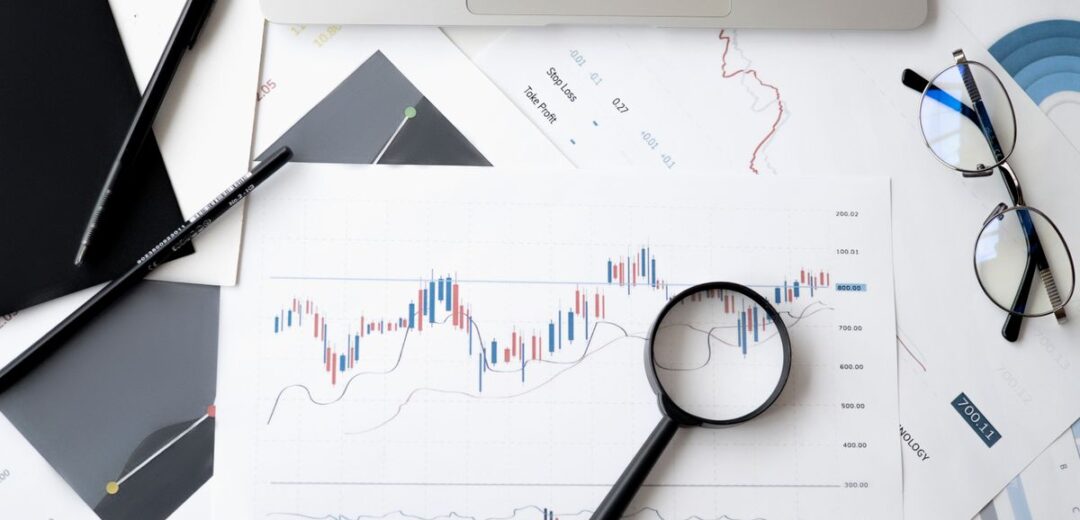
AI tools for stock trading can scan the market, read charts, test ideas, and even place trades for you. But they cannot predict the future, and no tool can promise you a profit. This guide looks at 12 AI tools for stock trading, what each one does best, what it costs, and how to use these tools without falling for the hype.
Last updated: November 2026. This article is for education only. It is not financial advice, and nothing here is a recommendation to buy or sell any stock.
Most tools sold as “AI for trading” do one or more of four jobs. Knowing which job you need makes it much easier to pick the right tool.
A tool that only scans stocks is not the same as a tool that trades for you. Many products blur that line in their ads, so check what the tool really does before you pay for it.
| Tool | Best for | Starting price |
|---|---|---|
| Trade Ideas | Active day traders | Free plan; paid from $89/month |
| TrendSpider | Automated chart analysis | From about $40/month |
| Tickeron | Pattern recognition | Free trial; paid tiers |
| Composer | No-code automated strategies | Free to start; paid plans |
| Danelfin | AI stock scores | Free; paid from $20/month |
| StockHero | No-code trading bots | Free plan; paid tiers |
| Capitalise.ai | Plain-English automation | Free trial; paid plans |
| SignalStack | Turning alerts into orders | Paid plans |
| TradingView | Charts, alerts, and ideas | Free; paid from $15/month |
| Alpaca | Building your own bot | Free API; commission-free trades |
| Kavout | Quant-style stock rankings | Tiered pricing |
| Magnifi | Asking questions about stocks | From $10–15/month |
Prices change, so treat these as a starting point and check the tool’s own pricing page before you sign up.
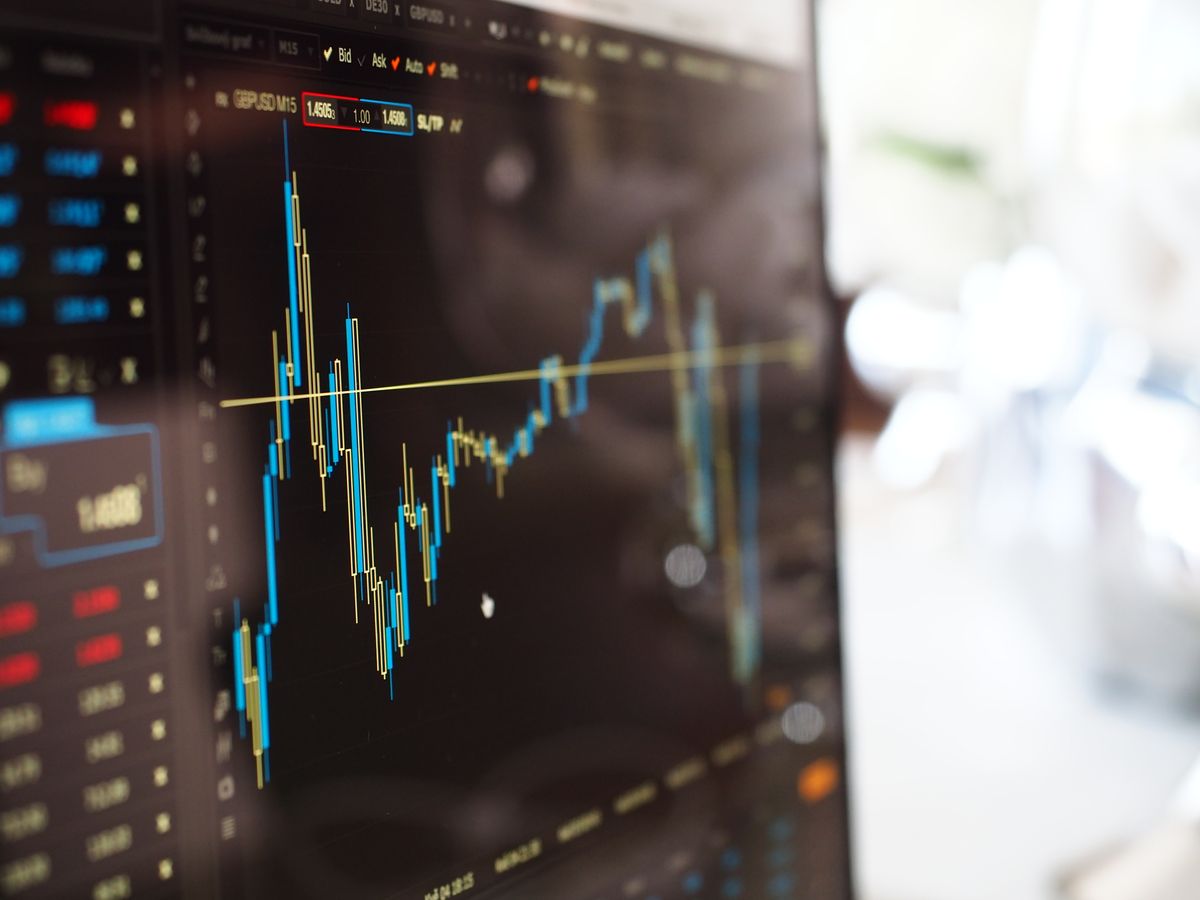
Trade Ideas is the oldest name on this list, and it shows in how deep the product goes. Its AI assistant, Holly, scans the market in real time and suggests trades with entry and exit levels. You also get custom scanners, backtesting, and paper trading so you can test ideas without risking real money.
Best for: day traders who want live scans and signals all day. Pricing: a free plan exists, and paid plans start at about $89 a month. It is one of the priciest tools here, so it fits traders who trade often enough to use it daily.
TrendSpider does the boring chart work for you. It draws trendlines, marks support and resistance, finds chart patterns, and checks the same setup across several time frames at once. Its Sidekick AI answers plain questions about a chart, and the AI Strategy Lab helps you build and backtest a rule without writing code.
Best for: traders who rely on charts but want to save hours of manual work. Pricing: from about $40 a month, with a trial to test it first.
Tickeron focuses on spotting patterns in price charts and turning them into trade ideas. Its AI Robots and pattern search engine watch for setups such as breakouts and trend changes, and it gives daily buy and sell signals with a confidence score.
Best for: traders who want signal ideas based on chart patterns. Pricing: a free trial is available, with paid tiers for full access.
Composer, now part of SoFi, lets you build a trading strategy in plain words and run it on autopilot. You describe the rule — for example, “buy the S&P 500 when it drops 5% in a month” — and Composer turns it into a live strategy with backtesting and automatic rebalancing.
Best for: investors who want a rules-based portfolio without writing code. Pricing: free to start, with paid plans for more features.
Danelfin gives every stock a score from 1 to 10, based on a machine learning model that looks at technical, fundamental, and sentiment data. It is open about what the model measures, which is rare in this space. You can use the score to shortlist stocks for your own research, not as a buy signal on its own.
Best for: investors who want a quick, data-based shortlist. Pricing: free with limits; paid plans start at about $20 a month.
StockHero lets you run trading bots without writing a line of code. You can pick a ready-made bot from its marketplace, copy a strategy, or build your own with simple settings. It connects to brokers, supports paper trading, and works with TradingView alerts.
Best for: beginners who want to try bot trading with small amounts. Pricing: a free plan exists, with paid tiers for more bots and features.
Capitalise.ai turns a sentence into a trading rule. Type something like “buy 10 shares of Apple if it drops 3% today” and the tool builds the automation, backtests it, and runs it when your conditions are met. It also sends smart alerts so you know what your rules are doing.
Best for: traders who think in plain words, not code. Pricing: a free trial is available, with paid plans after that.
SignalStack is the bridge between your charting tool and your broker. It takes an alert from TradingView or TrendSpider and turns it into a real order — market, limit, or stop — at your connected broker. It does not pick trades for you; it executes the ones your alerts describe.
Best for: traders who already have a working alert setup and want hands-free execution. Pricing: paid plans, based on how many alerts you send.
TradingView is where many traders start. Its charts are free, its screener covers stocks worldwide, and its alert system can watch almost any condition you set. Its newer AI features add summaries and pattern hints on top of the charts. It works best as the research layer, paired with a broker or a tool like SignalStack for execution.
Best for: almost every trader, as a home base for charts and alerts. Pricing: free, with paid plans from about $15 a month.
Alpaca is not a ready-made bot. It is an API and a commission-free brokerage that lets you build your own trading system in Python or another language. If you can code, or you are learning to, Alpaca gives you market data, paper trading, and live execution in one place.
Best for: developers and serious hobbyists who want full control. Pricing: the API is free, and stock trades are commission-free.
Kavout ranks stocks with a multi-factor model, similar to the methods used by quantitative funds. Its best-known output is the K Score, a single number that sums up a stock’s quality, value, momentum, and growth signals. It is built more for research teams and active investors than for casual users.
Best for: research-heavy investors who like factor-based ranking. Pricing: tiered plans, aimed at serious users.
Magnifi works like a search engine for your portfolio. You ask a plain question — “which of my holdings pay the highest dividend?” — and it answers from real data. It also suggests ideas based on themes, such as clean energy or AI, and helps you compare ETFs.
Best for: investors who want fast, plain-language answers about stocks and ETFs. Pricing: from about $10 to $15 a month.
Start with how you trade, not with the tool’s ads. A day trader needs live scanning, while a long-term investor needs research and portfolio checks. Match the tool to your style:
Before you pay for anything, use the free plan or trial. Check that the tool covers the stocks you trade, connects to your broker, and fits how often you actually trade. A $200-a-month scanner is a waste if you place two trades a month.
AI tools can speed up research, but they do not remove risk. Keep these facts in mind:
Many are real software products from real companies, such as Trade Ideas, TrendSpider, and TradingView. But “legit” does not mean profitable. No tool has a public, audited record of making money for its buyers, and scams in this space are common. Check the company, read independent reviews, and never trust a promise of guaranteed returns.
No. AI can find patterns in past data and react to new data faster than a person, but markets change, news breaks, and patterns stop working. Regulators, including the CFTC, state clearly that AI cannot predict sudden market moves.
Some traders make money with them, and many lose money. The result depends on the strategy, the market, the fees, and how well risk is managed — not on the word “AI” in the product name. Backtested profits are not the same as live profits.
Yes, in the United States it is legal to use software to help you trade, as long as you use a licensed broker and follow the rules. What is illegal is fraud: selling a fake bot, faking returns, or running an unregistered investment scheme.
Prices run from free to about $200 or more a month. Simple research tools such as Danelfin and Magnifi cost $10 to $20 a month, chart platforms such as TrendSpider cost around $40 a month, and full scanners such as Trade Ideas start near $89 a month. Start with a free plan or trial before you pay.
No. Most tools on this list are no-code: Trade Ideas, TrendSpider, Composer, StockHero, and Capitalise.ai all work without programming. Only Alpaca and similar API platforms are built for people who code.
Disclaimer: This article is educational content, not financial advice. Trading stocks involves risk, including the possible loss of your full investment. Do your own research and consider speaking with a licensed financial adviser before you trade.

Taylor Orlando is a content writer at Meregate covering websites, SEO, and AI. Taylor breaks down complex topics into simple, practical guides that help small businesses build better websites, rank higher on Google, and get real value from AI tools — no jargon, no fluff.
Learn how to use AI for business analysis in six simple steps — from cleaning your data to turning findings into decisions. No coding skills needed.

12 AI tools for brainstorming that help you generate, organize, and pick better ideas — most have a free plan.

Compare 12 AI tools for language learning — from Duolingo to Speak — with prices, best uses, and tips to help you pick the right one and actually start speaking.