
Ai
How to Use AI to Learn a Language: A Simple Guide (2026)
Learn a language with AI the right way: speaking practice, role-plays, writing corrections, vocabulary, and a simple 20-minute daily routine.

 By Taylor Orlando
·November 29, 2026

Finding new customers takes time. For a small business, the hardest part is often not closing the sale — it is finding the right people to talk to in the first place. That is where AI tools for lead generation come in. They search for prospects, check contact details, write first drafts of outreach emails, and keep track of follow-ups, so a small team can do work that used to need a full sales department.
But not every tool is worth your money. Some charge hundreds of dollars a month for features a small business will never use. Others call a 14-day trial a “free plan.” This guide lists 12 tools that are actually useful in 2026, with honest free-plan limits and starting prices. Prices were checked in November 2026 — they change often, so check the pricing page before you buy.
Lead generation sounds like one job, but it is really four jobs. Most tools are good at one or two of them, so it helps to know which job you need help with.
1. Find. Search a database for people who match your ideal customer — by job title, company size, industry, or location. Apollo and Seamless.AI do this.
2. Enrich. Fill in the missing details: a work email, a phone number, the tools a company already uses. Clay and Lusha do this.
3. Write. Draft a short, personal first message based on what you know about the person. ChatGPT and the writing features inside Instantly and lemlist do this.
4. Send and follow up. Send emails on a schedule, track opens and replies, and send a polite follow-up if there is no answer. Brevo, Instantly, and HubSpot do this.
A tool that finds leads but cannot send email is only half a system. A tool that sends email but has no good contact data will send your message to dead addresses. The best setup for a small business is usually two or three tools that cover all four jobs together.
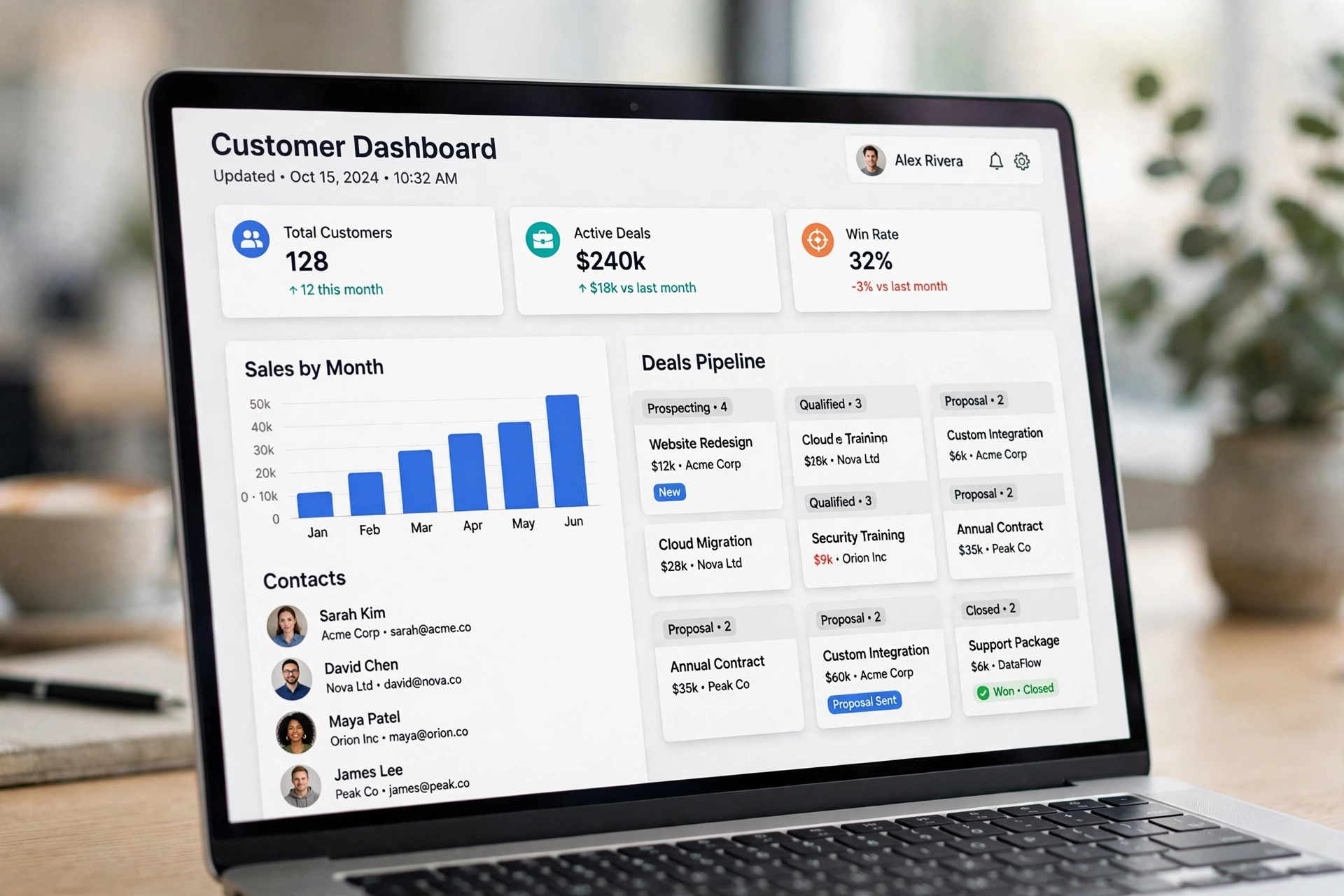
Apollo combines a large B2B contact database with outreach, so you can find leads and email them from the same place. Its AI assistant can help with searches, write first drafts, and score leads. The free plan includes a limited number of email credits and basic sequences. Paid plans start at $49 per user per month. One thing to know: if you sign up with a personal email address instead of a work email, the free credit limit is lower.
Best for: small B2B teams that want one tool for finding and contacting leads.
Clay pulls data from more than 75 sources and stacks them into one enrichment flow. You give it a list of companies, and its AI agent, Claygent, can research each one, find the right contact, and check the email address. The free plan includes 100 credits a month. Paid plans start at about $167 a month. Clay is powerful, but it takes time to learn — it is a better fit if you enjoy building workflows.
Best for: teams that care more about data quality than about sending lots of emails.
HubSpot’s free CRM handles up to 1 million contacts, with forms, live chat, and basic email. Its AI assistant, Breeze, can draft emails, score leads, and suggest next steps. Paid plans start at $20 per seat per month. If you have no CRM yet, this is the easiest place to start, because the free tier covers most of the lead generation workflow on its own.
Best for: small teams that want a CRM, forms, and email in one free account.
Instantly is built for sending a high volume of cold email without landing in spam. It includes AI research, lead enrichment, an AI sales agent that can handle replies, and tools to warm up new email accounts. Paid plans start at around $47 a month. There is no permanent free plan, so this is a tool to try once you know cold email works for you.
Best for: outbound teams and agencies that send cold email every day.
Seamless.AI searches the web in real time to find verified emails and phone numbers. The free plan gives you a small monthly credit allowance — enough to test it, not enough to run a full campaign. Paid pricing is custom, so you need to talk to their sales team. Treat the free tier as a trial, not a long-term plan.
Best for: founders and sales reps who need a steady trickle of accurate contacts.
Hunter finds email addresses linked to a company domain and checks whether they are valid before you send anything. The free plan gives you 50 credits a month — that number doubled in 2026 — and it now includes basic email sequences. Paid plans start at $34 a month. It is a simple tool that does one job well.
Best for: anyone who needs to find a decision-maker’s email and be sure it works.
lemlist helps you send personalised email and LinkedIn messages in one campaign, with AI-written first lines based on the prospect’s profile. Paid plans start at $55 a month. You will still need a separate source of contact data, because lemlist is mainly an outreach tool, not a database.
Best for: small teams that want personal outreach on email and LinkedIn together.
Leadfeeder (now part of Dealfront) shows which companies visit your website, even if nobody fills in a form. That is useful because a company that has already looked at your pricing page is a warmer lead than a cold name on a list. The free Lite plan covers up to 100 identified companies a month and keeps seven days of history. Paid plans add longer history and CRM connections.
Best for: B2B businesses that already get website traffic and want to know who it is.
ChatGPT is not a lead generation tool on its own. It has no contact database, it cannot send email, and it cannot update your CRM. But it is a strong helper for every other tool on this list: it can turn customer research into lead magnet ideas, draft a first outreach message, and rewrite the same message for different audiences. The free plan covers basic use, and Plus costs $20 a month.
Best for: writing first drafts and doing quick research before you reach out.
Brevo (formerly Sendinblue) is an email platform with a genuinely free plan: 300 emails a day, with basic automation. It does not find leads for you, but it is a solid, low-cost way to send the sequences your other tools prepare. Paid plans start low and grow with the number of emails you send.
Best for: small businesses that need a free sender for their outreach.
Lusha gives you verified work emails and phone numbers, with intent data that shows which companies are actively researching topics like yours. The free plan includes a small monthly credit allowance. Paid plans start at $37.45 a month. It is a good middle ground between a cheap email finder and an enterprise database.
Best for: sales reps who want verified contacts plus a hint about who is ready to buy.
ZoomInfo is the biggest name in B2B data, with deep company and contact records, intent scoring, and tools that rank accounts by how likely they are to buy. Pricing is custom and aimed at mid-size and large companies. For a small business, it is usually too expensive — but it is worth knowing about, because it sets the standard the cheaper tools are measured against.
Best for: larger sales teams that can pay for the most complete data available.
| Tool | Best for | Free plan | Paid plans start at |
|---|---|---|---|
| Apollo.io | All-in-one prospecting | Yes, limited credits | $49/user/month |
| Clay | Enrichment and research | Yes, 100 credits/month | ~$167/month |
| HubSpot | Free CRM + AI | Yes, up to 1M contacts | $20/seat/month |
| Instantly | Cold email at scale | No | ~$47/month |
| Seamless.AI | Contact discovery | Yes, small allowance | Custom |
| Hunter.io | Find and verify emails | Yes, 50 credits/month | $34/month |
| lemlist | Personal multichannel outreach | No | $55/month |
| Leadfeeder | Website visitor identity | Yes, 100 companies/month | Paid plans vary |
| ChatGPT | Research and drafts | Yes | $20/month (Plus) |
| Brevo | Sending sequences | Yes, 300 emails/day | Low paid tiers |
| Lusha | Verified contacts + intent | Yes, small allowance | $37.45/month |
| ZoomInfo | Enterprise data | Trial only | Custom |
You can build a working lead generation system for $0 a month. The trick is to give each tool one job, as Leadpages explains in its guide to free AI lead generation tools: one tool to find, one to enrich, one to write, and one to send.
Here is a stack that works for a small business:
With the free limits, this stack produces roughly 100 enriched, personalised outreach emails a month. That is enough to test an offer and build an early pipeline. When the free limits start to pinch, pay for the tool that is holding you back first — usually the one that finds or enriches contacts — and keep the rest free for a while longer.
One warning: “free” and “free trial” are not the same thing. A free trial ends after 7 or 14 days, and your workflow stops with it. A free plan keeps working, just with limits. Before you build a process around a tool, check which one you are getting. A detailed breakdown of free tiers and their real limits is in MarketBetter’s guide to free B2B lead generation tools, which was re-checked in November 2026.

Start with your bottleneck, not with a brand name.
If you have no list at all, you need a finder: Apollo, Seamless.AI, or Hunter.
If you have a list but half the emails bounce, you need enrichment and verification: Clay or Hunter.
If you have good contacts but no replies, the problem is usually the message, not the tool. Use ChatGPT to rewrite your first email, keep it under 100 words, and mention one real detail about the prospect’s business.
If you have replies but no system, you need a CRM: HubSpot free will hold your contacts, track conversations, and remind you to follow up.
If you get website traffic but no form fills, you need visitor identification: Leadfeeder shows you the companies behind the visits.
Pick one tool for your biggest problem, use it for a month, and only add a second tool when you can name the exact job it will do.
AI makes it easy to send a thousand emails a day. That does not mean you should. A few rules keep you safe:
1. Buying the most expensive tool first. A $600-a-month platform will not fix a weak offer or a bad list. Start free, prove the channel works, then pay.
2. Chasing volume over fit. A list of 10,000 random contacts is worth less than 100 people who match your ideal customer. Good targeting beats big numbers every time.
3. Sending the same template to everyone. People can tell. One real sentence about their business — a recent hire, a new product, a problem you can solve — beats ten clever subject lines.
4. Skipping verification. Every unverified email you send risks a bounce. Bounces hurt your deliverability, which hurts every email after it.
5. Giving up after one email. Most replies come after the second or third message. A short, polite follow-up a few days later is normal, not pushy.
There is no single best tool, because the tools do different jobs. For most small businesses, Apollo.io is the best starting point because it finds contacts and sends outreach in one place, and it has a free plan. If data quality is your main problem, Clay is the better pick.
Some are. Apollo, Clay, HubSpot, Hunter, Seamless.AI, Lusha, Leadfeeder, ChatGPT, and Brevo all have free plans, but every free plan has limits — usually a small number of credits or contacts per month. Tools like Instantly and lemlist have no permanent free plan, only paid plans or short trials.
Yes. A free stack of Apollo, Clay, ChatGPT, and Brevo can produce about 100 personalised outreach emails a month for $0. The tools that used to cost thousands a year are now free to start with, so a one-person business can run the same basic process as a larger team.
Using AI tools is legal, but how you contact people is regulated. In the US, follow the CAN-SPAM rules: honest subject lines, a working opt-out link, and your real business address in every email. In Europe, GDPR requires a legal basis for contacting someone. Do not buy scraped lists, and always honour opt-out requests.
No. AI is good at finding contacts, checking data, and writing first drafts. It is not good at building trust, handling objections, or closing a deal. The teams that get the most from these tools use AI for the repetitive work and keep the real conversations human.
Start at $0 and pay only when a free limit blocks real work. Most small businesses can run on free plans for months. When you do pay, expect $30 to $60 a month for a single solid tool, and $100 to $200 a month for a full stack. Enterprise tools like ZoomInfo cost far more and are built for larger teams.
Last updated: November 2026. Prices and free-plan limits were checked in November 2026 and change often — confirm the current details on each tool’s pricing page before you buy.

Taylor Orlando is a content writer at Meregate covering websites, SEO, and AI. Taylor breaks down complex topics into simple, practical guides that help small businesses build better websites, rank higher on Google, and get real value from AI tools — no jargon, no fluff.
Learn a language with AI the right way: speaking practice, role-plays, writing corrections, vocabulary, and a simple 20-minute daily routine.

Learn how to use AI to write a book step by step — from idea to outline, draft, edit, and publish on Amazon KDP.

AI tools now help doctors write notes, read scans, answer clinical questions, and talk with patients. Here are 12 of the best for 2026, with honest prices and free options for small clinics.