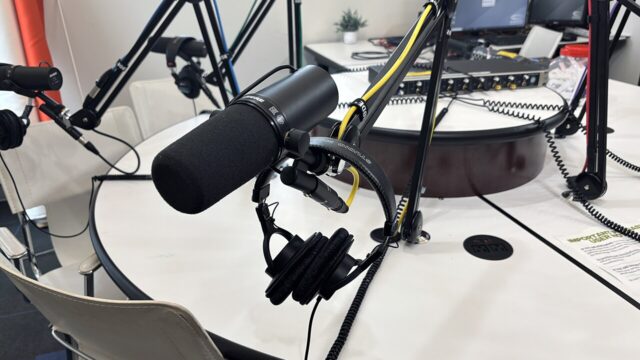
Ai
Best AI Tools for Podcasters: 10 Tools That Save Hours (2026)
Podcast production used to take 6 hours an episode. These AI tools cut it to about 2 — here are the 10 worth paying for, organized by the job they do.

 By Taylor Orlando
·November 1, 2026
· Updated November 2, 2026
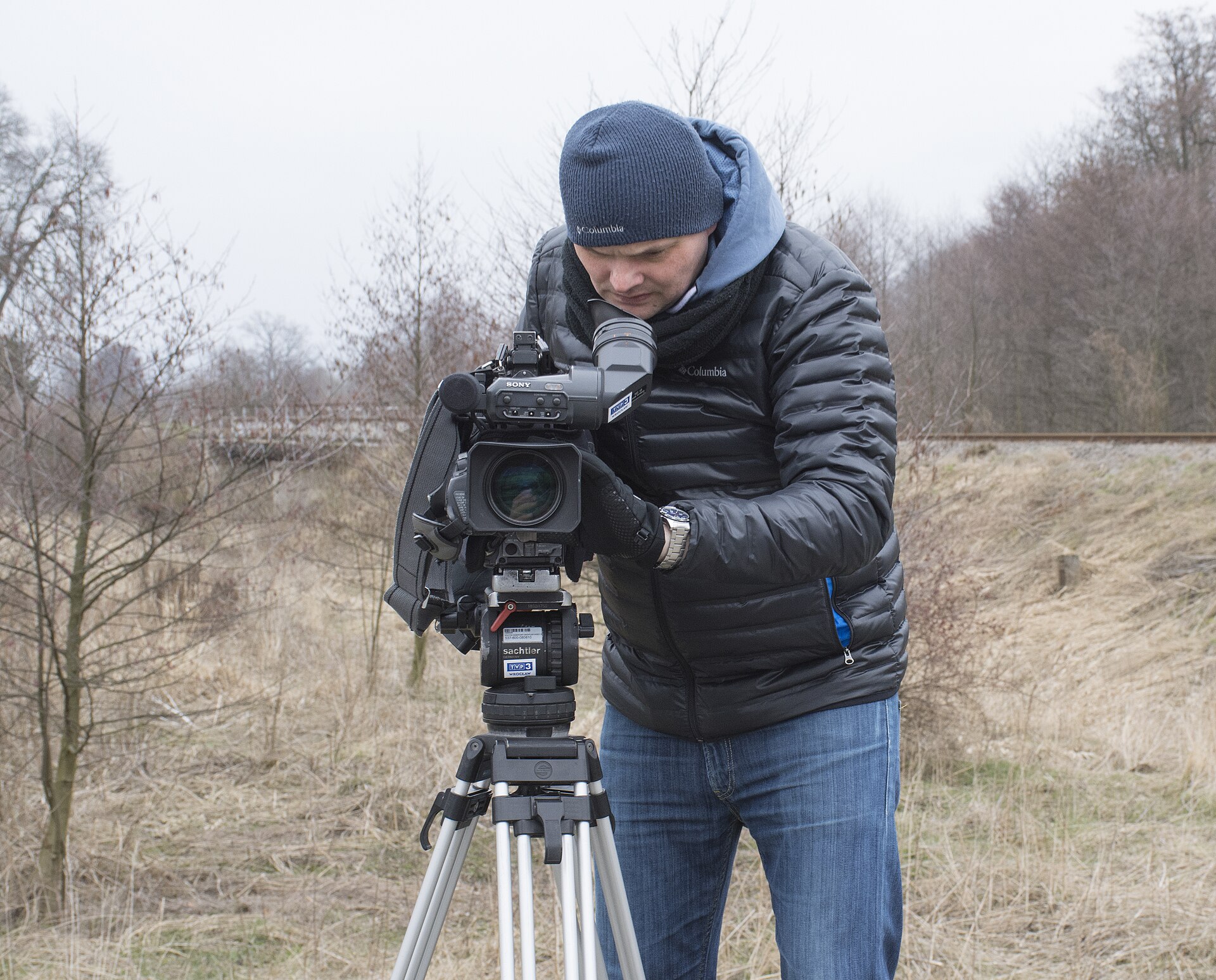
Making YouTube videos takes far longer than viewers think. Research, scripting, recording, editing, thumbnails, titles, and Shorts all compete for the same hours. AI tools help most when each one removes a single bottleneck — not when you buy ten subscriptions and use none of them well.
This guide picks 12 tools by workflow stage, so you can fix your weakest stage first. Prices below are starting prices from late 2026; check the tool’s own pricing page before you buy, because plans change.
If you buy nothing else, start with three tools: one for research (vidIQ), one for editing (CapCut or Descript), and one for Shorts (Opus Clip). That trio covers the stages that eat the most time for most creators. Add tools only when a specific stage still hurts.
vidIQ shows search volume and competition for video topics before you film, suggests daily ideas matched to your channel, and audits titles and descriptions. The free plan covers basic use, and it is the research pick for creators deciding what to make next.
TubeBuddy is a browser extension for YouTube Studio with keyword research, tag suggestions, best-time-to-publish data, and A/B testing for thumbnails and titles that picks a winner automatically. A free plan is available, with paid plans for deeper features.
ChatGPT is the fastest way to turn a rough idea into a script outline, a hook, and a first draft. It works best when you feed it your angle, your audience, and your key points — then rewrite the result in your own voice. The free plan is enough for most scripting work.
Syllaby combines bulk scheduling, a content calendar, and AI Shorts scripting. It suits creators who publish daily or run several channels and need planning, scripting, and scheduling in one place.
Descript lets you edit video by editing its transcript: delete a sentence from the text and it disappears from the video. It is ideal for talking-head videos, interviews, and podcasts. Paid plans start around $16 per month on annual billing, with a free plan for basic use.
CapCut is the go-to free editor for Shorts and quick social cuts, with AI captions, effects, and reframing for vertical video. It pairs well with a desktop editor for long-form videos and handles short-form almost entirely on its own.
Riverside records each guest locally on their own device in high quality, then syncs the tracks — so a shaky connection during the call does not wreck the recording. It is the right pick for podcast-style videos and remote interviews.
Opus Clip finds the strongest moments in a long video and cuts them into Shorts with captions and a virality score. Paid plans start around $15 per month, with a free tier for trying it. Channels with videos over 15 minutes get the most from it.
Submagic adds animated captions, B-roll, and effects to short clips, and it has become a popular pick for creators who publish Shorts daily. Paid plans start around $12 per month on annual billing.
ElevenLabs produces realistic AI voiceovers and dubbing, which suits faceless channels, narration, and translating videos into other languages. Paid plans start around $5 per month, with a free tier for testing voices.
Canva offers thousands of YouTube thumbnail templates plus AI design tools, and its free plan covers most thumbnail work. Good thumbnails still come from the idea and the image, not the template — but Canva removes the design friction.
InVideo AI turns a text prompt or script into a finished video with stock footage, voiceover, and captions. Paid plans start around $20 per month, with a free plan for testing. It suits faceless channels and fast turnaround content more than personality-led videos.
No tool fixes a weak idea, a bad first 30 seconds, or a channel with no clear audience. AI removes production time; it does not supply taste, experience, or trust. The creators who benefit most use two or three tools consistently, not ten tools occasionally.
Start with vidIQ for research, CapCut for editing, and ChatGPT for scripting — all have free plans, and together they cover the full workflow.
Yes, in most cases — but YouTube requires disclosure for realistic synthetic or altered content, and repetitive, mass-produced videos risk demonetization. Original, useful videos made with AI assistance are treated differently from bulk AI spam.
No. Free tiers cover research, editing, scripting, and Shorts for most new creators. Pay only when a free tier limits something you actually use every week.
Opus Clip for cutting long videos into Shorts, and Submagic or CapCut for captions and fast short-form editing.
vidIQ is stronger for research and video ideas; TubeBuddy is stronger for bulk optimization and thumbnail A/B testing. Many creators use vidIQ free plus TubeBuddy for testing, rather than paying for both.
Last updated: November 2026
If audio is your main format, see our guide to the best AI tools for podcasters, organized by the job each tool actually does.

Taylor Orlando is a content writer at Meregate covering websites, SEO, and AI. Taylor breaks down complex topics into simple, practical guides that help small businesses build better websites, rank higher on Google, and get real value from AI tools — no jargon, no fluff.
Podcast production used to take 6 hours an episode. These AI tools cut it to about 2 — here are the 10 worth paying for, organized by the job they do.

The Gemini app crashing on open or in the middle of a chat is usually a bad update, corrupt cache, or low memory. These fixes work through the causes in order.

12 AI photo editing tools compared — free options, honest prices, and which editor fits your photos, from phone fixes to pro libraries.