Ai
How to Fix the Gemini App Crashing on Android and iPhone (2026)
The Gemini app crashing on open or in the middle of a chat is usually a bad update, corrupt cache, or low memory. These fixes work through the causes in order.

 By Taylor Orlando
·November 2, 2026
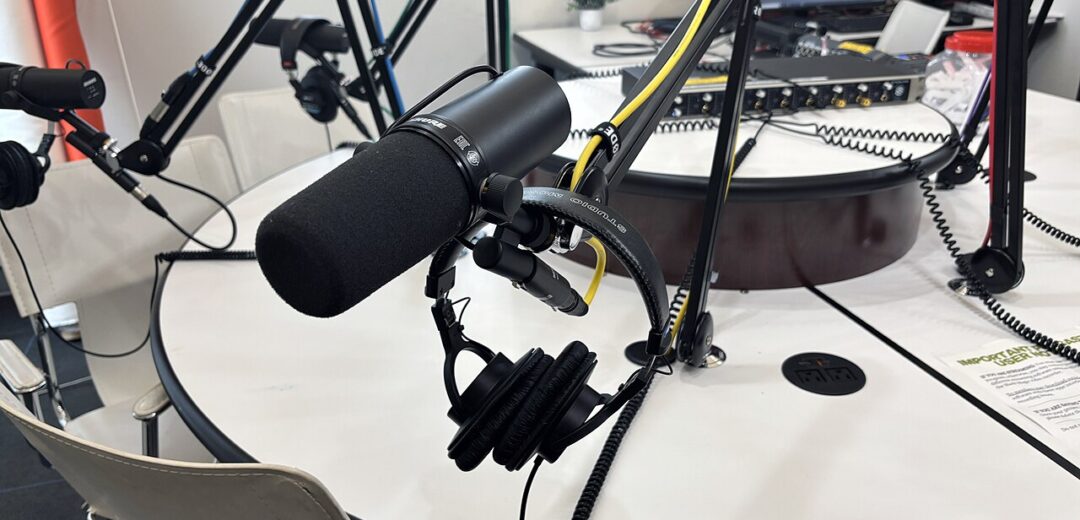
Making a podcast episode used to eat a whole day: record, edit out the ums, clean the audio, write show notes, cut clips for social media. AI tools have cut that work down to a couple of hours for most shows. The trick is picking one tool per job instead of paying for five tools that all do the same thing. Here are the best AI tools for podcasters in 2026, organized by the job they actually do.
If you also make video content, our guide to AI tools for YouTube covers the video side of the same workflow. The tools below focus on audio-first podcasting, though several of them handle video too.
If you want the quick answer: record with Riverside, edit with Descript, clean audio with Adobe Podcast, make clips with Opus Clip, and draft show notes with ChatGPT. That stack costs roughly $20 to $45 a month depending on the tiers you pick, and it covers about 90 percent of post-production for a weekly show.
Descript turns your recording into a transcript you edit like a document. Delete a sentence from the transcript and the audio under it disappears. That one idea makes editing dramatically faster than cutting waveforms by hand.
It also writes show notes, removes filler words with one click, and cuts short clips for social media. The free tier gives you about an hour of transcription a month, which is enough to test it properly. Paid plans start around $12 to $24 a month depending on the tier. If you buy only one podcast tool, buy this one.
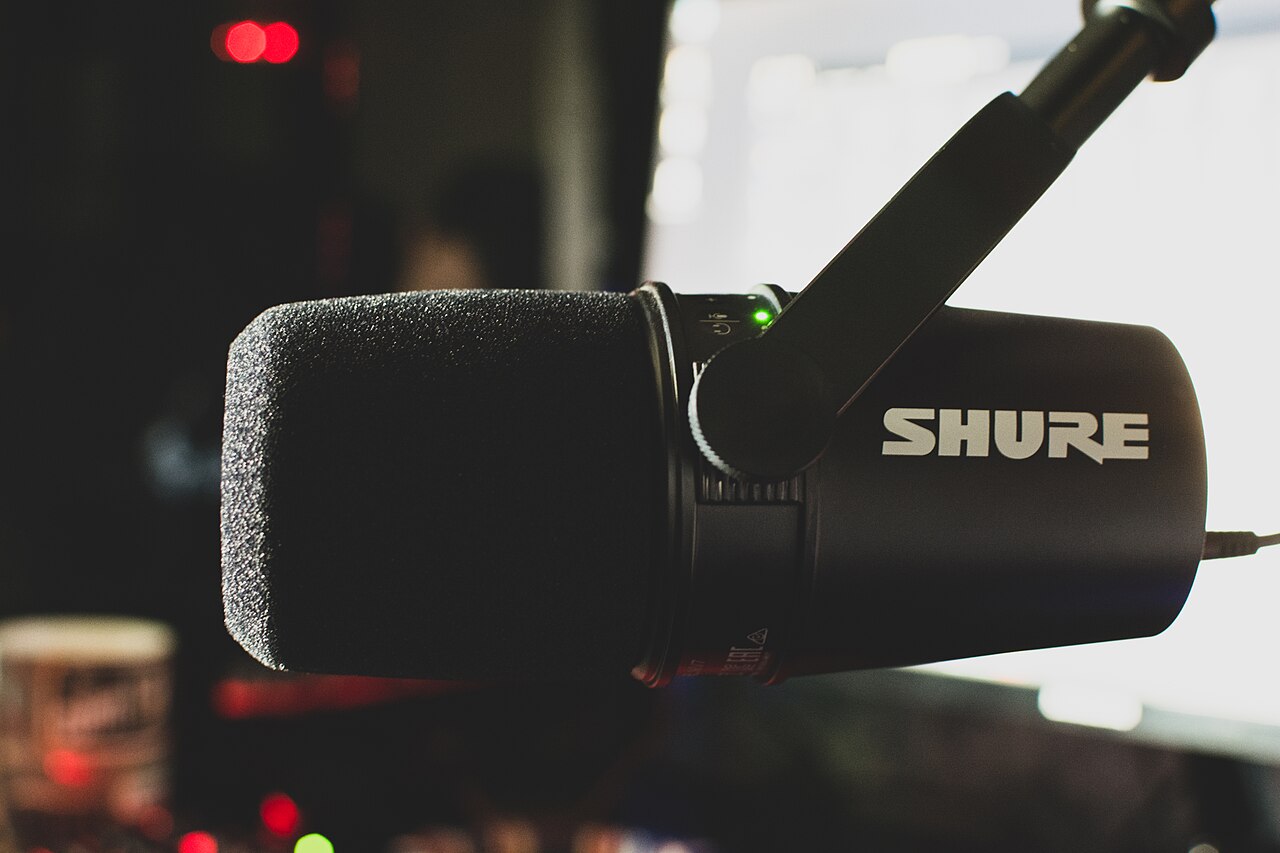
When guests record from home, bad internet usually ruins the audio. Riverside records each person locally on their own device, then uploads the separate tracks, so a glitchy connection never touches the final recording.
You get separate audio and video tracks per guest, which makes editing far easier. Plans start around $19 a month. If your show is just you talking into a mic alone, you do not need it — but for interview shows, it is the single biggest quality upgrade you can buy.
Recorded in a noisy room with a laptop mic? Adobe Podcast’s Enhance Speech tool removes background noise and echo and makes a cheap mic sound close to studio quality. The basic version is free, which makes it the best value in podcasting.
It works in the browser: upload the audio, wait a minute, download the cleaned version. Use it before editing, not after, so you are cutting clean audio from the start. A premium tier exists, but most podcasters never need it.
Auphonic levels loudness across speakers, removes hum and noise, and adds chapter marks and metadata automatically. It is the tool that makes a show sound consistent from episode to episode, even when guests use different mics.
The free plan covers a couple of hours of processed audio a month, which suits a monthly show. Weekly shows usually need a paid plan, priced by processed hours. Think of it as the final polish pass after editing.
If you only need transcripts — for show notes, blog posts, or accessibility — Otter.ai is the simplest option. It transcribes live or from uploaded files, identifies different speakers, and lets you search the transcript.
The free tier gives you 300 minutes a month, and paid plans start around $8 to $17 a month. Descript owners do not need it, since Descript already transcribes, but it is a good cheap pick if you edit elsewhere.
ElevenLabs creates natural-sounding AI voices and can clone your own voice with your consent. Podcasters use it for intros, ad reads, corrections, and translating episodes into other languages without re-recording.
The free tier gives you about 10 minutes of audio a month, and paid plans start around $5 a month. Two rules: only clone a voice you own or have clear permission to use, and tell listeners when a segment is AI-voiced. Trust is hard to win back once lost.
Opus Clip watches a full episode and cuts 10 to 20 short clips formatted for TikTok, Instagram Reels, and YouTube Shorts, with captions included. Clips are how most new listeners discover shows now, but cutting them by hand takes hours.
Plans start around $9 a month after a free trial. Check the clips before posting — AI picks the loudest moments, not always the most interesting ones, and a quick human pass makes a big difference.
Feed ChatGPT your transcript and ask for show notes, episode titles, interview questions, or a blog version of the episode. It is the most flexible tool on this list, and most podcasters already have it.
Always check its output against the transcript. AI invents quotes and facts confidently, and a wrong quote attributed to your guest is embarrassing. Use it for drafts, never for finished copy you have not read.
Podcastle bundles browser-based recording, transcript editing, and AI audio cleanup in one place. It is simpler to learn than running Riverside and Descript side by side, which makes it a good first tool for new podcasters.
The trade-off is depth: specialists beat it at each individual job. Start here if you want one subscription and a gentle learning curve, and move to specialists when you outgrow it.
If your podcast also goes on YouTube, CapCut handles captions, auto-reframing for vertical video, and beat-synced cuts on a generous free tier. Paid features exist, but the free tier covers most podcast clip work.
One caution: CapCut is owned by ByteDance, so avoid it for confidential client material or private conversations, and check your compliance rules if you work in a regulated industry.
Start with the free tier of everything and pay only for the job that hurts most. For most new shows, that means Descript first, then Riverside when guests join, then Opus Clip when growth matters more than production speed.
A lean weekly-show stack looks like this: Descript plus free Adobe Podcast cleanup plus Opus Clip, roughly $21 to $33 a month. Add Riverside at about $19 a month when interviews become regular. Skip the rest until a specific bottleneck forces you to buy it.
Also remember what AI cannot do: it cannot make a boring episode interesting, fix a bad interview, or replace your judgment about what to cut. The tools save hours of mechanical work. The show itself is still yours.
Descript, because editing a transcript is far faster than editing waveforms. Most podcasters who try it never go back.
Yes. Adobe Podcast for cleanup, the free tiers of Descript or Podcastle for editing, and ChatGPT for show notes will carry a new show a long way before you need to pay.
For simple shows, mostly yes. For complex shows with many guests, music, and storytelling, a human editor still adds judgment that AI does not have.
Yes, if the voice is yours or you have permission, and you tell listeners. Cloning someone else’s voice without consent is both unethical and, in many places, illegal.
Realistic reports put the saving at roughly 4 hours per episode for a standard interview show — post-production drops from about 6 hours to about 2.
Last updated: November 2026

Taylor Orlando is a content writer at Meregate covering websites, SEO, and AI. Taylor breaks down complex topics into simple, practical guides that help small businesses build better websites, rank higher on Google, and get real value from AI tools — no jargon, no fluff.
The Gemini app crashing on open or in the middle of a chat is usually a bad update, corrupt cache, or low memory. These fixes work through the causes in order.

12 AI photo editing tools compared — free options, honest prices, and which editor fits your photos, from phone fixes to pro libraries.

Learn how to use Perplexity AI: ask better questions, check sources, use Focus, Spaces and Deep Research, and decide if the free plan is enough for you.