
Tech
Web Design Trends 2026: 12 Trends Small Businesses Can Use
Web design trends 2026 for small businesses: 12 trends worth using, what each costs, which 3 to skip, and how to add them in WordPress or Wix without a designer.

 By Taylor Orlando
·November 17, 2026
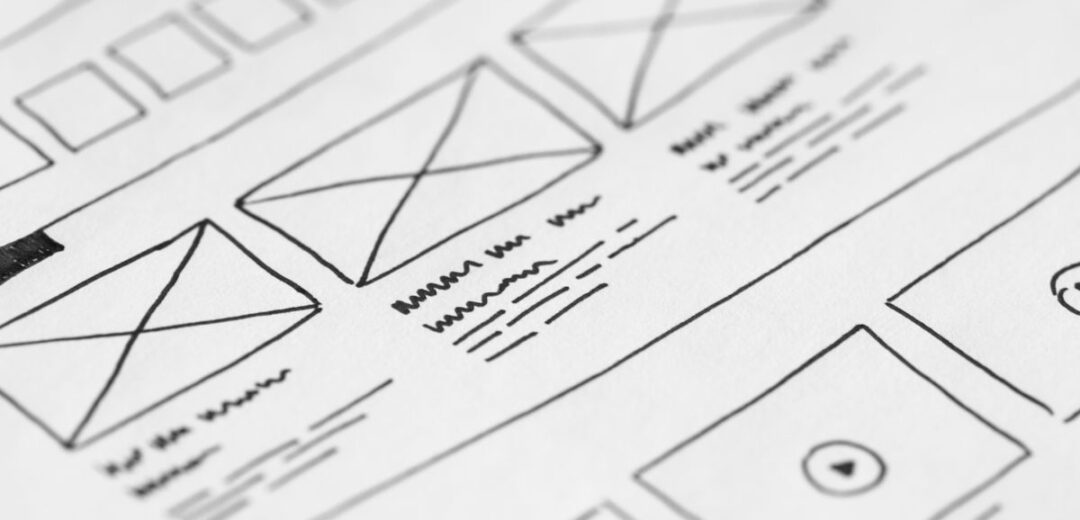
A website wireframe is a simple sketch that shows where everything goes on a web page before any design work starts. It is a plain, black-and-white plan of the layout: where the headline sits, where the menu goes, where the buttons and pictures will be, and how a visitor moves from one part of the page to the next.
Think of it like the floor plan of a house. Before a builder starts work, an architect draws a plan that shows the rooms, doors, and windows. Nobody picks paint colors at that stage. A wireframe does the same job for a website. It locks down the structure first, so the design and the code that follow are built on a solid plan.
If you are building a website for your small business, or paying someone else to build one, a wireframe is one of the cheapest ways to avoid costly mistakes. This guide explains what a website wireframe is, what it shows, the types you will run into, and how to make one yourself.
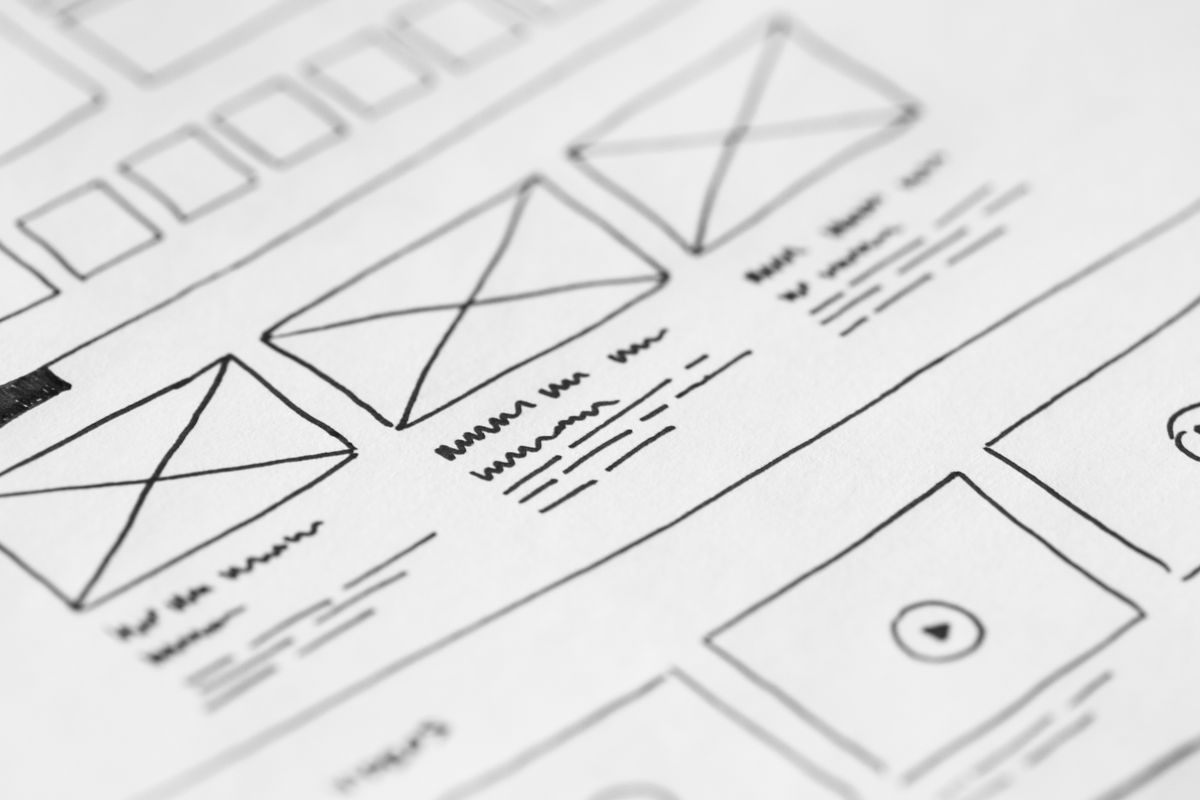
A website wireframe is a basic visual guide for a single web page. It uses boxes, lines, and labels to show the page’s structure. A box stands in for a picture. A few lines stand in for a paragraph of text. A small rectangle with the word “Button” on it stands in for a call to action.
The wireframe does not show final colors, real photos, fonts, or brand style. That is the point. By stripping away the visual details, everyone involved can focus on one question: does this page make sense?
Wireframes are made early in a website project, after the site map is planned and before the visual design begins. Designers, developers, and business owners all use them. The designer uses the wireframe to plan the layout. The developer uses it to see what needs to be built. The business owner uses it to check that the page does what the business needs it to do.
A good wireframe shows the parts of a page that matter for how it works. Here are the elements you will see in most wireframes.
The top of the page, with the logo spot and the main menu. The wireframe shows which pages are in the menu and in what order.
The first thing a visitor sees. The wireframe marks where the main headline, the short supporting line, and the first button go.
The sections of the page in order: services, features, testimonials, pricing, or whatever the page needs. Each block is a box with a label, so everyone can see the order and the size of each part.
Every button on the page: “Get a quote”, “Book a call”, “Buy now”, or “Sign up”. The wireframe shows where each one sits, which matters because a button buried at the bottom of a page gets far fewer clicks than one near the top.
If the page collects information, the wireframe shows the form fields: name, email, phone, message. It also shows what happens after someone fills it in.
The bottom of the page, with contact details, links, and legal pages.
A wireframe also shows how the page behaves. Notes on the sketch might say “this menu opens on mobile” or “clicking this button opens a booking form”. These notes save a lot of back-and-forth later.
Not all wireframes look the same. They range from rough sketches to near-finished layouts. The three common types are low-fidelity, mid-fidelity, and high-fidelity.
These are the simplest kind. They are often drawn by hand on paper or a whiteboard, using boxes and lines. They take minutes to make and are used at the very start, when ideas are still being tested. A low-fidelity wireframe is the right choice when you want to compare a few layout ideas fast.

These are made in software and look neater. They use real headings, sample text, and exact spacing. They show the layout clearly enough for a team to discuss and approve. Most small business websites only ever need a mid-fidelity wireframe.
These look close to the finished page, with exact sizes, real text, and sometimes working buttons. They take the most time to build and are mostly used on large or complex projects, where the team needs to test the page with real users before the design is finished.
Start simple. A low-fidelity sketch answers most layout questions. Move to a neater version only when the rough sketch has been agreed on.
These four terms get mixed up a lot. Each one is a different step in building a website, and each answers a different question.
| Deliverable | What it answers | What it looks like |
|---|---|---|
| Sitemap | Which pages does the site have? | A simple list or diagram of pages |
| Wireframe | What goes on each page, and where? | A plain layout sketch, no colors or photos |
| Mockup | What will the page look like? | A static design with colors, fonts, and images |
| Prototype | How does the page work when you click through it? | A clickable model you can test |
The usual order is sitemap, then wireframe, then mockup, then prototype, then development. Skipping the wireframe step is a common mistake. Without it, the designer starts picking colors before anyone has agreed on what the page should do.
Wireframes are not just for big agencies. They help small businesses in a few clear ways.
Changing a sketch costs nothing. Changing a finished design costs hours of work, and changing a built website costs even more. A wireframe catches layout problems at the cheapest stage of the project.
When you hire a web designer, a wireframe shows you exactly what you are paying for before the design starts. You can ask for changes while they are still easy to make. Without one, you only see the result at the end, when changes are costly.
A wireframe forces a simple question: what should a visitor do on this page? If the answer is “call us” or “buy the product”, the wireframe makes sure that action is easy to find. Pretty pages that hide the next step do not bring in business.
When the designer, the developer, and the business owner all agree on a wireframe, there are fewer surprises later. Everyone works from the same plan, which means fewer rounds of changes and a faster launch.
You do not need design skills to make a wireframe. Follow these steps for any page on your site.
Write down one main goal for the page. A homepage might need visitors to call or request a quote. A product page needs visitors to buy. Everything on the page should support that one goal.
Write out the parts of the page in order: header, headline, trust badges, services, testimonials, pricing, contact form, footer. Leave out anything that does not help the page’s goal.
Draw a rectangle for the page. Divide it into the sections from your list. Mark where the headline, the buttons, and the pictures go. Do not worry about making it neat. This is a thinking tool, not a finished product.
Put a clear label on every button. Check that the main action appears near the top of the page and again near the bottom, so visitors do not have to hunt for it.
Most visitors will see your site on a phone. Sketch a narrow version of the page too. Check that the headline, the menu, and the main button still work when the screen is small.
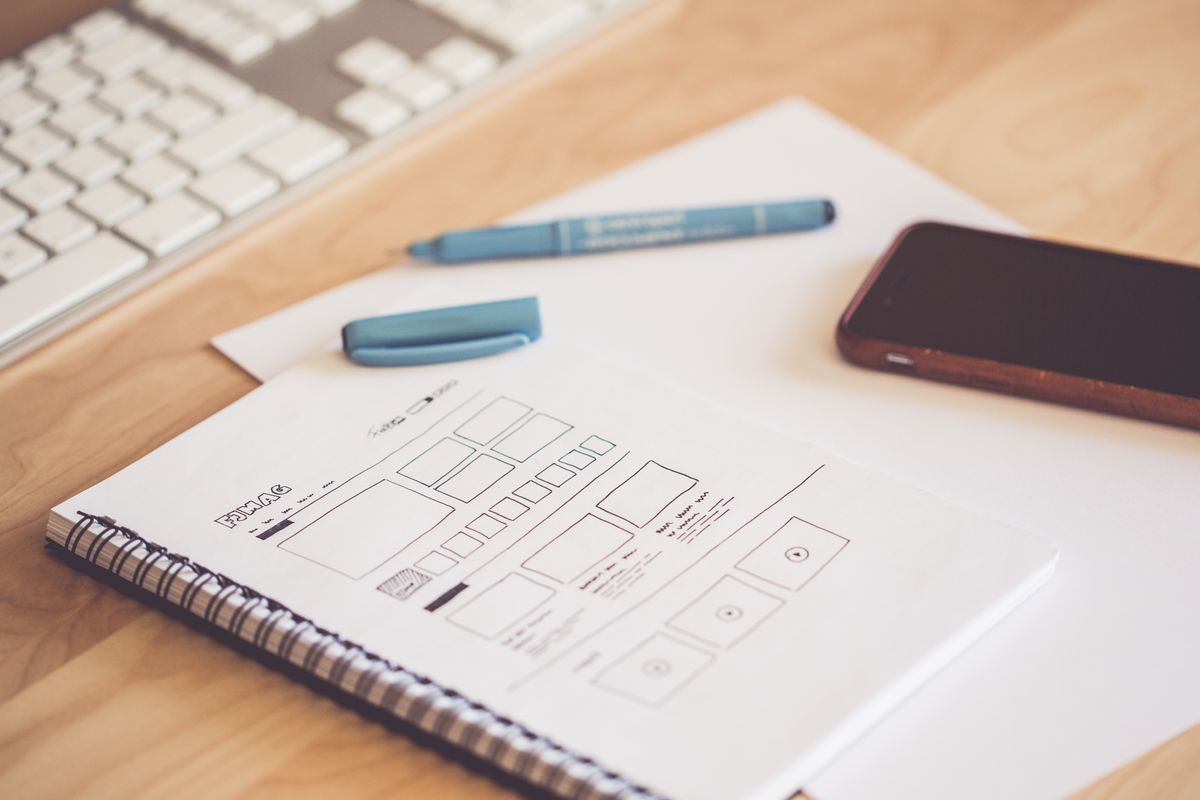
Show the sketch to someone who has not seen the project. Ask them what they think the page is for and what they would click first. If they cannot tell, the layout needs work.
Once the paper sketch is agreed on, rebuild it in a wireframe tool. This gives the designer and developer a clean file to work from.
There are free and paid tools for every level. These are the most widely used ones.
For a small business website, pen and paper plus Figma’s free plan cover almost every case. Do not pay for a tool until the free options start to feel slow.
Yes, even a five-page website benefits from one. A wireframe takes an hour or less and stops layout mistakes that cost far more to fix later. The smaller the budget, the more a wireframe helps.
A rough sketch takes 15 to 30 minutes. A clean digital wireframe for one page takes one to two hours. A full small business website of five to eight pages usually takes a day or two, including feedback.
On small projects, the web designer makes them. On larger projects, a UX designer makes them. Business owners can also sketch the first version themselves, which helps the designer understand what they want.
Yes. A wireframe is a plan, not a design. Boxes, lines, and labels are all you need. If you can draw a rectangle and write a heading inside it, you can make a wireframe.
A sitemap lists the pages on a website. A wireframe shows what goes on one page. The sitemap comes first, and then a wireframe is made for each important page. You can read the full definition on Wikipedia.
A website wireframe is a simple plan that shows where everything goes on a page before design and code begin. It is not a design itself, and it does not need to look good. Its job is to settle the structure early, when changes are still cheap.
For a small business, that makes it one of the best uses of an hour in a website project. Sketch the page, check the layout with fresh eyes, agree on it, and then let the designer make it look good. The finished website will be better for it, and the project will cost less than fixing the same mistakes later.

Taylor Orlando is a content writer at Meregate covering websites, SEO, and AI. Taylor breaks down complex topics into simple, practical guides that help small businesses build better websites, rank higher on Google, and get real value from AI tools — no jargon, no fluff.
Web design trends 2026 for small businesses: 12 trends worth using, what each costs, which 3 to skip, and how to add them in WordPress or Wix without a designer.

A favicon is the small icon that shows up next to your site name in a browser tab. This guide explains what it is, which size and format to use, and how to add one to WordPress.

Wix is a website builder that added selling; Shopify is a selling platform first. That one difference explains almost every trade-off in this comparison.