AI chatbot vs live chat is a choice most small business websites face sooner or later, and the short answer is that neither one wins on its own. An AI chatbot answers in seconds, at any hour, from your own help content, while live chat puts a visitor in touch with a real person on your team, in real time. Most small businesses do best with both: the chatbot takes the first reply and the repeat questions, and a person steps in when the question needs one.
An AI chatbot is software that talks with your visitors and answers them on its own. It reads the question, finds the best match in your help pages, FAQs, or order policy, and writes a reply in plain words. It works at 3 a.m. just as well as at 3 p.m., and it can talk to ten visitors at once without slowing down.
A modern AI chatbot is not the same as the old rule-based chatbot, which follows a fixed script of buttons. If the question does not fit the script, it stops and says it does not understand. An AI chatbot is more flexible: it can handle questions written in different words and pull an answer from a whole help center. That said, it is only as good as the content you give it. If your help pages are thin or out of date, the chatbot will give thin or out of date answers.
If you want the full picture, read our guide on what an AI chatbot is and how it reads your content before it answers. A chatbot is best at the questions you have already answered somewhere on your site.
What an AI chatbot does well
An AI chatbot shines on repeat questions: shipping times, return rules, prices, opening hours, order tracking, and password resets. It answers these in seconds, every time, with the same correct wording. It also works well for lead qualification: it asks what visitors need and what budget they have, then passes the warm leads to your team. And it works outside your working hours, so a visitor who arrives at midnight can still get an answer.
Where an AI chatbot falls short
The main risk is a confident wrong answer. If the chatbot cannot find the right page, or if your content is unclear, it may guess. A wrong answer about a price, a delivery date, or a refund can cost you a sale or a customer. Keep the chatbot tied to your own content and test it often. A chatbot also cannot read feelings. It cannot tell when a customer is upset or about to cancel, and it cannot bend a rule for a loyal customer.
Source: Wikimedia Commons
What is live chat?
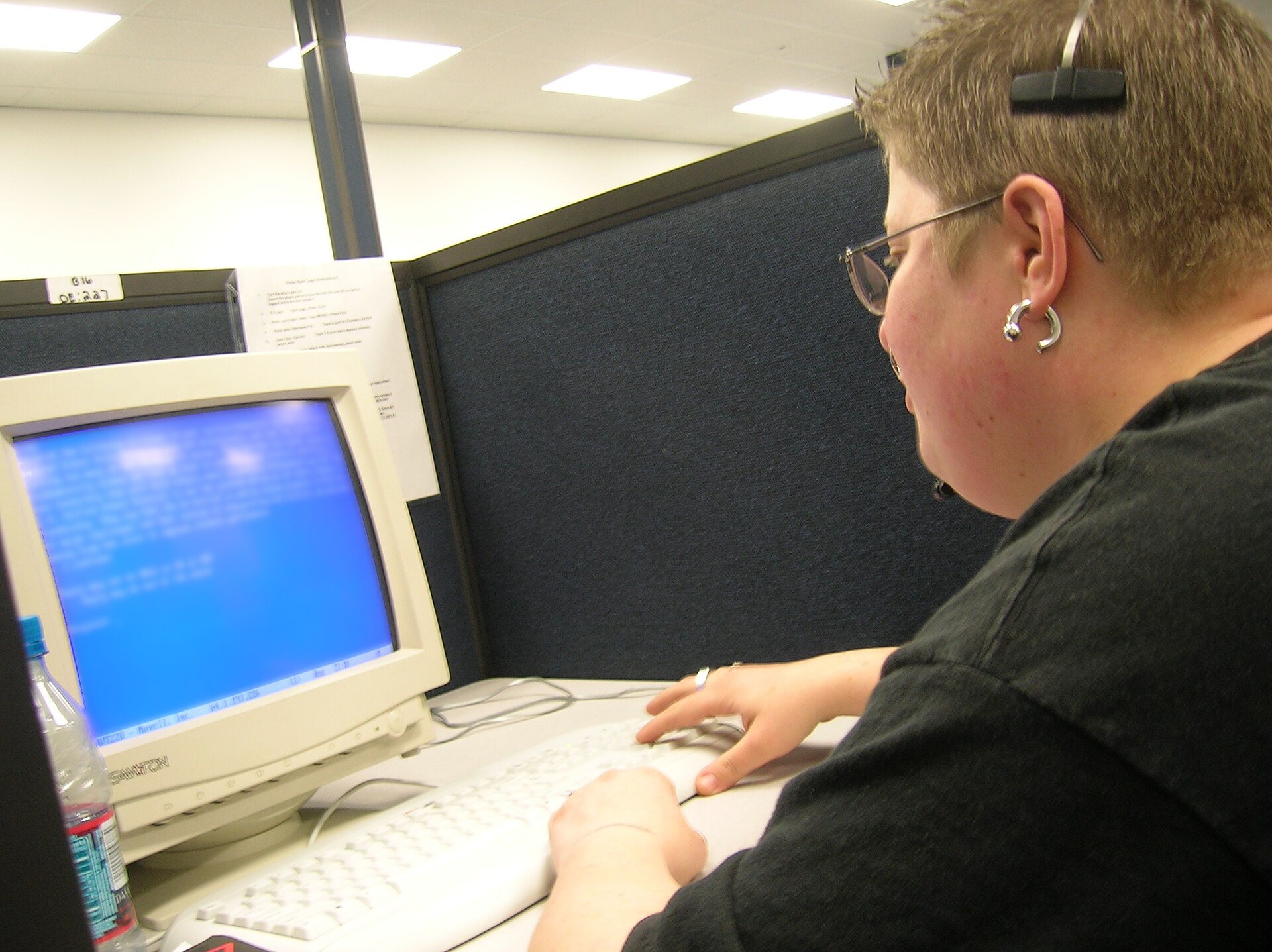
Live chat is a chat box on your website that connects a visitor with a real person on your team, in real time. The visitor types a question, a staff member types back, and the two go back and forth until the problem is solved. It feels like texting a shop assistant, and for many customers it is the most natural way to get help online.
Live chat works because it is human. A person can read between the lines, ask a follow-up question, and change the plan when the first answer does not fit. A person can calm an angry customer and close a sale by answering the one doubt that held the buyer back.
The trade-off is that live chat only works when someone is there to answer it. If your team works 9 to 5, the chat is dark the rest of the time, and if three visitors write at once, one of them waits.
What live chat does well
Live chat is best for sales conversations and tricky problems. When a buyer is choosing between two products, a person can ask what they need and point to the right one. When a customer has a problem with an order, an account, or a payment, a person can look it up and fix it. Customers also trust live chat more for sensitive topics like money, health, and legal questions.
Where live chat falls short
The cost of live chat grows with your team: each extra person you hire, and each extra hour you cover, adds to the bill. Nights, weekends, and holidays cost the most, which is often when your visitors are free to shop. Live chat can also be slow at busy times. A visitor who waits five minutes for a first reply may already be gone.
AI chatbot vs live chat: side by side
The table below sums up the main differences. The best setup for most small businesses is a mix of the two, not one or the other.
Factor
AI chatbot
Live chat
Who replies
Software, trained on your help content
A person on your team
Hours
24 hours a day, 7 days a week
Only when your team is staffed
First reply speed
Seconds, even at busy times
Depends on the queue, often minutes
Cost
Grows with the number of conversations
Grows with headcount and hours covered
Best for
Repeat questions, FAQs, lead qualification, after-hours help
A confident wrong answer when it is not kept to your content
Waits, missed chats, and a tired team
What does each one cost?
Cost is where the two options part ways. AI chatbots for support list at roughly $0.05 to $2 per conversation or resolution, based on vendor listings from September 2026, and the price depends on the vendor, the plan, and how many chats you run. A small site with a few hundred chats a month pays very little, and the cost per chat stays low even as volume grows.
Live chat is priced per person, not per chat. LiveChat, one of the best known tools, lists plans from $19 to $79 per person per month when billed annually (checked September 27, 2026). A team of three agents on a mid-level plan can cost a few hundred dollars a month before training, time, and holiday cover, and the cost rises every time you add a person or extend your hours.
That does not mean a chatbot is always cheaper. It needs setup time, good help content, and regular checks, while a live chat team that closes sales can pay for itself many times over. The fair way to compare cost is cost per solved problem, not cost per month.
Speed and coverage
Speed is the chatbot’s biggest edge. A visitor types a question and gets an answer in seconds, with no queue and no “we will be with you shortly” message. This matters because visitors judge a site fast: if the first reply takes too long, many of them leave and try a rival site instead.
Live chat speed depends on staffing. One agent can handle two or three chats at once, but not ten, so at a busy hour the first reply slips to minutes. Coverage is the same story: a chatbot covers nights, weekends, and holidays without extra pay, while live chat covers only the hours you staff. But speed without accuracy is a trap. A fast wrong answer is worse than a slow right one.
Accuracy and trust
Accuracy is where many businesses get this choice wrong. They pick a chatbot, set it up once, and never check its answers. Then a customer gets a wrong price or a wrong delivery date, and trust takes a hit. A chatbot earns trust the same way a person does: by being right most of the time, and by admitting it when it is not sure.
A Gartner survey of 3,566 customers in early 2026 found that 87% said companies using generative AI in customer service must offer a way to reach a human agent. People will try a chatbot, but they want a person within reach, and only 27% would try a chatbot again after a negative experience.
That is why the handoff matters so much. A chatbot that hands over smoothly, with the chat history attached, feels helpful, while one that traps the visitor in a loop feels like a wall. The trust test is simple: can your visitor reach a person in one step, at any point, without repeating their question?
When an AI chatbot is the better pick
Choose an AI chatbot first when your volume is high and your questions repeat. If most of your weekly chats ask the same twenty questions, a chatbot will clear most of that load in seconds. A chatbot is also the better pick when your policies are written down. If your shipping, returns, pricing, and booking rules live in clear help pages, the chatbot has good material to work from. After-hours traffic and lead qualification are two more clear cases: a chatbot serves visitors at midnight and asks the first questions, so your team only talks to warm leads.
When live chat is the better pick
Choose live chat first when your volume is low. If you get a handful of chats a day, a person can handle them all, and a chatbot would add setup for little gain. Live chat is also the better pick when your sales are bespoke. If every order is custom and every quote needs a conversation, a chatbot has little to work with, while a person who asks the right questions and shapes a quote on the spot will close more sales. Some topics need a qualified person from the start. Medical advice, legal questions, and account problems all carry risk if the answer is wrong, so route the visitor to a person right away.
How to run both together
Most small businesses do best with a chatbot first and a human close behind. The chatbot greets the visitor, answers the easy questions, and collects the details, and the person takes over when the question needs one. Done well, the visitor barely notices the switch.
To see how the two fit together in practice, read our guide on how AI chatbots work, then set up your handoff rules before you go live and review them every month.
Handoff rules: when the chatbot hands over to a person
The customer asks for a person. Any version of “let me talk to a human” or “speak to an agent” should trigger a handoff at once, with no extra questions and no pushback.
The bot finds no answer. If the question does not match your help content, the chatbot should say so and offer a person, instead of guessing.
The topic is sensitive. Complaints, refunds, billing disputes, health questions, and legal questions go to a person right away.
The question repeats. If the visitor asks the same thing twice, or says the answer did not help, the chatbot is stuck. Hand over before the visitor gets angry.
The problem needs account access. Anything that needs a look inside an order, an account, or a payment must go to a person who has that access.
Making the handoff smooth
A good handoff passes the full chat history to the agent, so the visitor never has to repeat the question, and tells the visitor what is happening in plain words, such as “I am passing you to Sarah on our team, she can see what we have covered so far.” Set a fair wait time, and offer a callback if no agent is free. Keep the chatbot’s answers short, one idea at a time, and give it a clear name and role, so visitors always know when they are talking to software. Check the logs every week and fix the answers that went wrong, because each fix makes the chatbot smarter.
Source: Flickr
Which one should you pick?
Start with your chat volume and your repeat rate. If you get more than fifty chats a week and half of them ask the same questions, start with a chatbot and add a human handoff. If you get fewer than twenty chats a week, start with live chat and add a chatbot later. Next, look at your content. If your help pages are clear and up to date, a chatbot will do well, but if they are thin or missing, fix them first, or the chatbot will only repeat your gaps faster. There is no prize for picking one and dropping the other. Use the chatbot for speed and scale, and people for judgment and care.
Frequently asked questions
Which converts more, chatbot or live chat?
It depends on the type of sale. Live chat usually converts more on high-value or complex sales, because a person can answer doubts, shape a quote, and close the deal. A chatbot usually converts more on simple, repeatable sales, because it replies in seconds at any hour. Most businesses see the best conversion from both together: the chatbot catches and qualifies visitors around the clock, and a person closes the warm leads.
Should a small business use both?
Yes, in most cases. A small business rarely has the staff to cover live chat all day and night, and rarely has the volume to justify a chatbot on its own, so both together fill each other’s gaps: the chatbot covers nights, weekends, and repeat questions at low cost, while live chat handles sales talks, complaints, and anything that needs a person. Start small: a chatbot for your top ten questions, with a clear handoff to your team, is enough to begin.
Can an AI chatbot replace live chat?
Not fully. A chatbot can take the repeat questions and the after-hours cover, which is often half or more of the chat load, but it cannot replace judgment, empathy, or account access. Customers also expect a human option: a Gartner survey of 3,566 customers in early 2026 found that 87% said companies using generative AI in customer service must offer a way to reach a human agent.
What does an AI chatbot cost vs live chat?
AI chatbots for support list at roughly $0.05 to $2 per conversation or resolution, based on vendor listings from September 2026, so the cost grows with the number of chats. Live chat is priced per person: LiveChat lists plans from $19 to $79 per person per month when billed annually (checked September 27, 2026), so the cost grows with headcount and hours covered. For most small businesses, a chatbot is cheaper per chat, while live chat is dearer but earns its cost on sales and tricky problems.
Taylor Orlando is a content writer at Meregate covering websites, SEO, and AI. Taylor breaks down complex topics into simple, practical guides that help small businesses build better websites, rank higher on Google, and get real value from AI tools — no jargon, no fluff.
Ten AI video tools compared for Reels, Shorts, and TikTok, with prices, free plans, and an honest limit for each. Find the right pick for how you post, and what to check before you pay.
No single tool wins for every YouTube channel. Compare 10 AI video generators by the job — long-form, Shorts, faceless videos or repurposing — with prices.