Digital Marketing
Google Ads for Small Business: A Simple Beginner’s Guide (2026)
Google Ads puts your business at the top of search results — for a price. Here's what it really costs, how to set it up, and when it's not worth it.

 By Taylor Orlando
·November 6, 2026
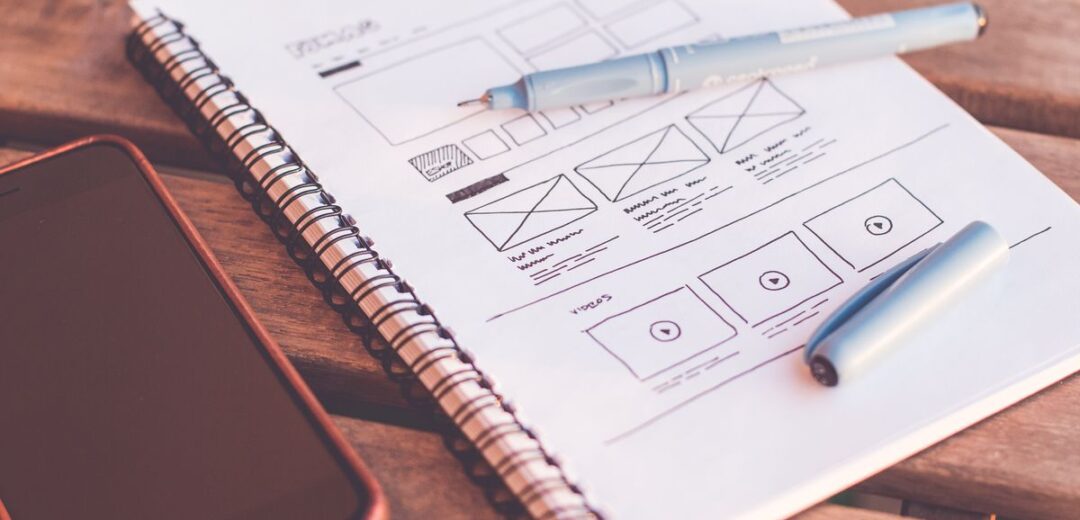
A landing page builder lets you make a page that turns visitors into leads or buyers — without hiring a developer. You pick a template, drag blocks into place, add your text and a form, and publish. The hard part is choosing the tool. Some are built for speed, some for design, and some are free. Here are the 9 best landing page builders, with the right pick for each kind of business.
Last updated: November 2026
In this guide:
Before you compare tools, know what matters:
Unbounce is the classic landing page tool, built around one goal: turning clicks into customers. It has strong A/B testing, smart traffic tools that send visitors to the version most likely to convert, and an AI builder that drafts a first version of your page. It also has popups and sticky bars.
Price: plans start at about $99 a month. Best for: marketers and agencies who run paid ads and test pages often. Watch out for: the price. It is hard to justify for a single simple page.
Leadpages is simple, fast to learn, and made for small businesses. It has solid templates, built-in lead capture, and easy connections to email tools. You can build a page in an afternoon with no design skills.
Price: plans start at about $49 a month. Best for: small businesses and coaches who want a good page without a learning curve. Watch out for: the design freedom is less than tools like Unbounce, and A/B testing is limited on cheaper plans.
Instapage focuses on teams that build many pages for ad campaigns. It has strong collaboration features, detailed analytics, and tools for matching page content to each ad. The editor is clean and the pages load fast.
Price: plans start at about $79 a month. Best for: agencies and marketing teams running lots of campaigns. Watch out for: no useful free plan, and the price climbs fast as you add features.
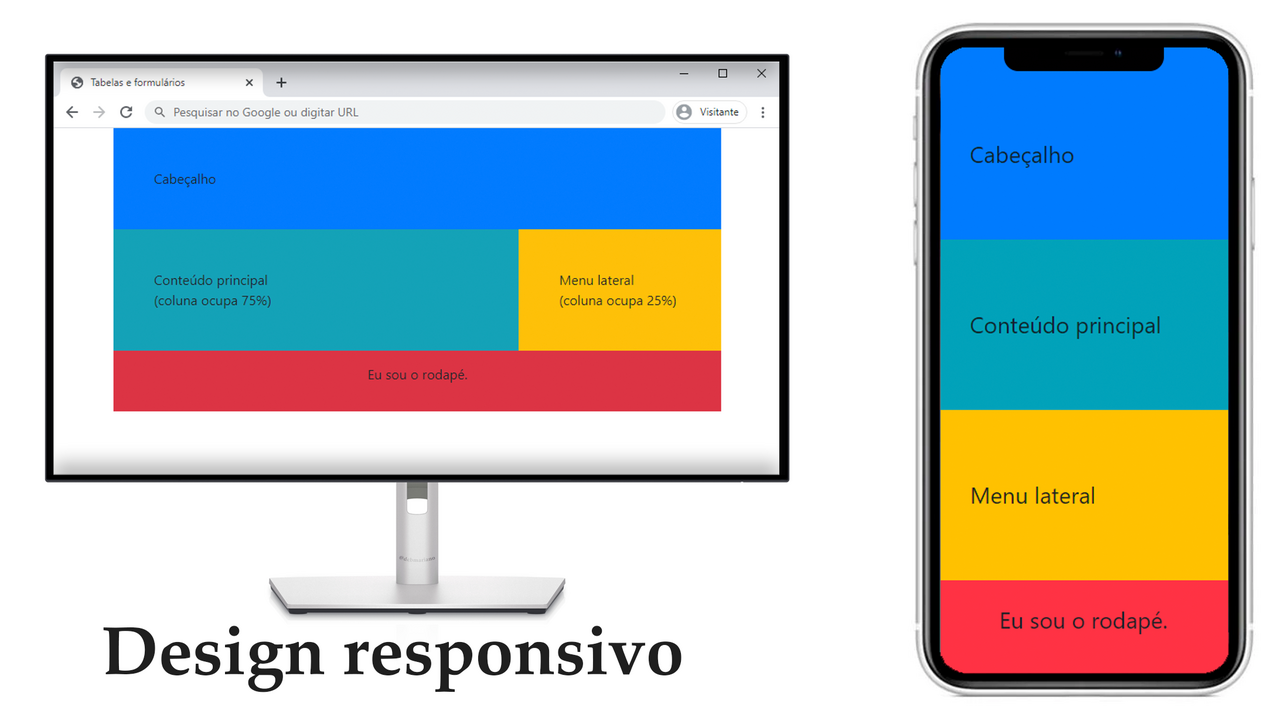
Carrd is the simplest tool on this list. It builds one-page sites — perfect for a product launch, a personal page, or a waitlist. There is almost nothing to learn, and the pages look clean.
Price: the Pro plan costs about $9 a year. Best for: simple one-page sites on a tiny budget. Watch out for: it is not made for complex funnels, blogs, or stores.
Wix is a full website builder with strong landing page tools built in. If you want your landing page to sit inside a real website, with a blog or a store, Wix handles it. It has hundreds of templates and an AI builder that makes a first draft for you.
Price: a free plan exists; paid plans start at about $17 a month. Best for: businesses that want a website and landing pages in one place. Watch out for: pages can load slower than tools built only for landing pages.
Canva is known for design, and its free landing page builder is a good fit for simple pages. You get strong design tools, free stock photos, and easy publishing. It is a good choice when the page is mostly visual.
Price: free, with a Pro plan at about $120 a year. Best for: creators and small brands who care about how the page looks. Watch out for: no real A/B testing and limited marketing features.
If you already use Mailchimp for email, its landing page builder is a natural fit. Pages connect straight to your lists, so new sign-ups flow into your email campaigns with no extra setup.
Price: a free plan exists; paid plans start at about $13 a month. Best for: email marketers who want pages and email in one tool. Watch out for: the builder is basic compared with Unbounce or Instapage.
HubSpot’s free tools include a landing page builder tied to its free CRM. That means every form fill becomes a contact you can track, email, and follow up with. It is a strong pick if you plan to grow into HubSpot’s paid tools later.
Price: free tools available; paid plans start at about $20 a month. Best for: businesses that want pages connected to a CRM from day one. Watch out for: the best features sit behind paid plans, and costs rise as you grow.
Landingi gives you a full set of landing page features — templates, A/B testing, popups, and integrations — at a lower price than the big names. It is a solid middle ground if Unbounce feels too costly but you still want testing and automation.
Price: plans start at about $29 a month. Best for: small teams that want pro features on a smaller budget. Watch out for: fewer templates than the bigger tools, and a smaller community.
| Tool | Starts at | Free plan | A/B testing | Best for |
|---|---|---|---|---|
| Unbounce | ~$99/mo | No | Yes | Conversions |
| Leadpages | ~$49/mo | No | Paid plans | Small business |
| Instapage | ~$79/mo | No | Paid plans | Teams, agencies |
| Carrd | ~$9/year | Yes | No | Simple pages |
| Wix | ~$17/mo | Yes | Paid plans | All-in-one site |
| Canva | Free | Yes | No | Design-led pages |
| Mailchimp | ~$13/mo | Yes | Paid plans | Email + pages |
| HubSpot | ~$20/mo | Yes | Paid plans | CRM-linked pages |
| Landingi | ~$29/mo | No | Yes | Value for money |
Prices are approximate and change often. Always check the tool’s own pricing page before you buy.
If your budget is zero, start with one of these:
Free plans usually mean the tool’s branding on your page, a subdomain instead of your own domain, and no A/B testing. That is fine for testing an idea. Move to a paid plan when the page starts bringing in leads.
It can cost nothing if you use a free plan on Canva, Carrd, or HubSpot. Paid builders run from about $9 a year (Carrd) to about $99 a month (Unbounce). Hiring a designer to build one page usually costs a few hundred dollars and up.
ChatGPT can write the code and the copy for a landing page, but it is not a landing page builder. It does not host or publish the page, and it does not give you a drag-and-drop editor, forms, or analytics. A practical way to use it is to ask ChatGPT to draft the headline, copy, and layout — then build the page in one of the tools above.
It depends on your goal. For paid ads and testing, Unbounce or Instapage. For a small business on a budget, Leadpages or Landingi. For a free start, Canva or HubSpot. For a page inside a full website, Wix.
Not always. If your website builder already has good page templates and forms, you can build landing pages there. A dedicated builder is worth it when you run ads, test pages often, or need better conversion tracking than your website offers.
Start with your goal, not the tool. A simple page that loads fast and asks for one clear action will beat a fancy page with no clear offer — whatever builder you pick. If you want a second opinion on the shortlist, Zapier’s roundup of the best landing page builders covers much the same ground with hands-on notes.

Taylor Orlando is a content writer at Meregate covering websites, SEO, and AI. Taylor breaks down complex topics into simple, practical guides that help small businesses build better websites, rank higher on Google, and get real value from AI tools — no jargon, no fluff.
Google Ads puts your business at the top of search results — for a price. Here's what it really costs, how to set it up, and when it's not worth it.

A plain-English guide to creating your first online store — products, platform, payments, shipping, and launch, with real 2026 costs.
The 12 website design mistakes that drive visitors away, each with a simple test and free fix, plus a 10-minute audit checklist for small business sites.