
SEO
Surfer SEO vs Ahrefs: Which Tool Should You Use in 2026?
Surfer SEO helps you write pages that rank. Ahrefs helps you decide what to write and find backlinks. Here is how they compare — and when to use both.

 By Taylor Orlando
·November 8, 2026
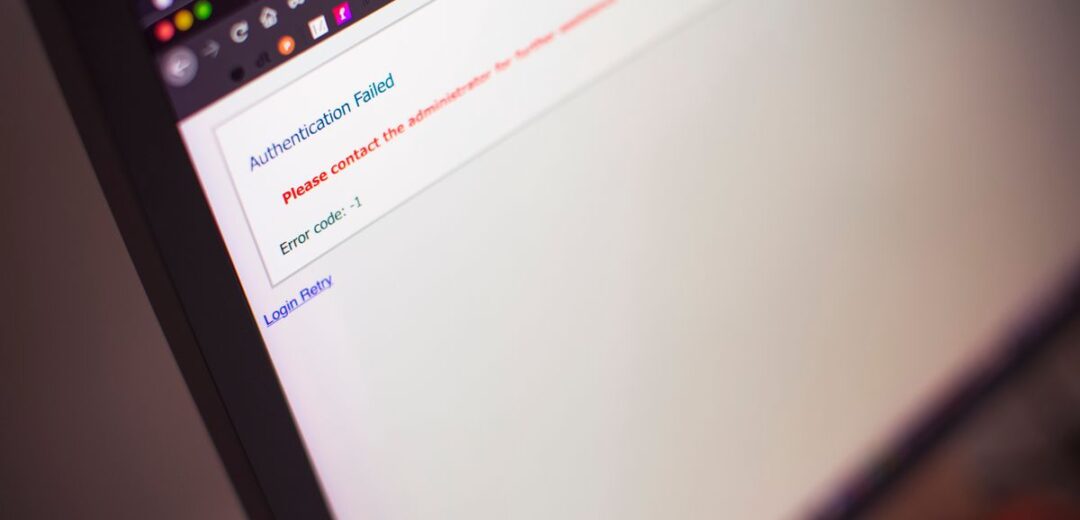
When a website will not load, the first question is simple: is the site down for everyone, or is the problem on your end? Knowing how to check if a website is down saves you time. You stop restarting your router for a problem you cannot fix, and you start fixing your own setup when the site is actually fine.
This guide covers five quick ways to check a website’s status, what error codes like 502 and 503 mean, how to tell a block from a real outage, and what to do when only one page — not the whole site — is down.
Before you use any tool, try loading the site again, differently. Refresh the page (Ctrl+R, or Cmd+R on a Mac) — a one-time glitch often clears on a second try. Try another browser: if it loads in Firefox but not Chrome, your first browser has the problem, maybe a bad extension or a full cache. Try your phone on mobile data (Wi-Fi off): if it loads there but not on your home Wi-Fi, your network is the problem, not the site. And check the address — a small typo can send you to a dead page.
Status checkers are free websites that test a site for you. You type in the address, and the tool tries to reach it from its own server. If the tool can reach it, the site is up — and the problem is on your side. If the tool cannot reach it either, the site is probably down for everyone.
Well-known options include IsItDownRightNow, SiteChecker, Pulsetic, and OnlineOrNot. They all work the same way: enter the URL, wait a few seconds, read the result. Some also show recent outage reports from other users, which is useful when a big site goes down and thousands of people report it at once. One caution: a checker might say a site is “up” even when it loads slowly or shows errors for some visitors.
If you only have your phone, you can still get a clear answer — and the phone itself is part of the test. First, turn Wi-Fi off and open the site on mobile data, which uses a different network from your home Wi-Fi. Next, turn Wi-Fi back on and try again: if the site loads on mobile data but not on Wi-Fi, your home network is the problem. Finally, open a status checker like IsItDownRightNow in your mobile browser and type in the site’s address — it tests the site from its own server, so it works the same on a phone as on a computer.
You do not need to be technical to use these two checks. They take seconds, and they tell you more than a browser error page does.
Ping asks whether your computer can reach the server at all. Open a terminal or command prompt and type ping example.com (use the real site, without https://). If you get replies with times in milliseconds, the server is reachable. If every packet times out, the server may be down — or it may simply block ping requests, which many sites do. So a failed ping alone does not prove a site is down.
Curl asks the server for a page and shows you the short reply code it sends back. Type curl -I https://example.com (again, the real site). The -I means “just show me the headers, not the whole page.” Look at the first line: HTTP/2 200 means the site is up and working, so the problem is your browser or network. A 502, 503, or 504 means a server problem (see below). “Could not resolve host” means a DNS problem — your computer cannot even find the server’s address.
Big websites and services often have a status page that lists current problems. Search for the site’s name plus “status” — for example, “GitHub status.” Social media is another fast signal: search the site’s name on X (Twitter) or check its official account. When a popular site goes down, users post about it within minutes.
As a final check, ask someone in another city or country to try the site, or use a monitoring tool like OhDear or Pulsetic that tests from several locations around the world. If the site fails from every location, it is down. If it fails only from your region, the problem may be local to your area or your internet provider.
When a site fails, your browser often shows a number. Here is what the common ones mean:
A 502, 503, or 504 means the site’s server is having trouble, so waiting is usually the right move. A DNS error is more often fixable on your side.
Sometimes a site is up for everyone else but blocked just for you. Turn your VPN off first: a VPN server in another country can be blocked by the site, or the VPN itself can fail. If the site loads with the VPN off, the VPN was the problem. Next, try a different network — switch from Wi-Fi to mobile data, or try another Wi-Fi network. If it works on one network and not the other, your first network or ISP is blocking or failing to reach the site. Try a different DNS too (Google 8.8.8.8 or Cloudflare 1.1.1.1), and check your firewall or security software: a strict firewall, parental control, or work network filter can block a site. Some sites also restrict access by region — if a friend abroad can open it and you cannot, a regional block is likely.
The rule is simple: if the status checker says the site is up and it loads on mobile data but not on your home Wi-Fi, you are blocked or your network is at fault. If it fails everywhere, for everyone, it is a real outage.
Sometimes the home page loads fine but one article, product, or login page fails. That is usually not an outage at all. Check the URL first: a typo or an old bookmark can point to a page that moved or was deleted — search the site for the page title instead. Then look at the error: a 404 means the page is gone (deleted, renamed, or moved), while a 500 error on one page means that page has a bug and the rest of the site works. Press Ctrl+Shift+R (Cmd+Shift+R on a Mac) to force a fresh load past the cache, and try the page in a private window: if it loads there, a cookie or extension in your normal window is breaking it.
If you run the site and one page is broken while the rest works, check that page’s permalink, look for a bad plugin or a broken redirect, and check the error log for that URL. Our guide on how to fix a 404 error on a website covers that case step by step.
Wait and retry: most outages last minutes to an hour, so try again after 15 to 30 minutes. Check the site’s status page or social media for an update. Use a cached copy — search Google for the page you need, or try the Wayback Machine at web.archive.org. And if you need the information now, find an alternative: a mirror, a help forum, or a competitor’s site.
Confirm the outage first with a status checker and a try from mobile data, so you know it is really down and not just your office network. Then check your hosting panel for server errors, resource limits, or a suspended account, and make sure your domain and hosting are still paid up. Look at the error logs: a 502 or 503 error right after a plugin or theme update points to a bad update — roll it back. If the server is down, only the host can fix it, so open a support ticket. Tell your visitors with a short note on social media, and set up free monitoring (UptimeRobot or Pulsetic) that emails you the moment the site goes down.
For a fuller walkthrough of the fixes on your side, see our guide on how to fix a website that won’t load.
The common causes are server problems (a crash, too little memory, or too much traffic), DNS issues, an expired domain or hosting plan, a bad update (a faulty plugin, theme, or code change), a cyberattack (a DDoS attack floods the server with fake traffic), and maintenance. Most outages last minutes to an hour; big ones can last several hours.
Use a free status checker like IsItDownRightNow or SiteChecker. It tests the site from its own server. If the checker can reach the site, the problem is on your side. If it cannot, the site is down for everyone.
A 502 means the server got a bad reply from a service behind it. A 503 means the server is up but cannot handle requests right now — it may be overloaded or under maintenance. Both are server problems, so waiting a few minutes and retrying is usually the right move.
Your phone on mobile data uses a different network from your home Wi-Fi. The difference usually points to your home network, your router, your DNS settings, or a browser problem on the computer.
Most last a few minutes to an hour. Big outages can last several hours. If a site has been down for more than a day, it may have a serious server problem or an expired domain or hosting plan.
Yes. Services like Pulsetic, OhDear, and UptimeRobot offer free plans that check your site every few minutes and alert you by email when it goes down.

Taylor Orlando is a content writer at Meregate covering websites, SEO, and AI. Taylor breaks down complex topics into simple, practical guides that help small businesses build better websites, rank higher on Google, and get real value from AI tools — no jargon, no fluff.
Surfer SEO helps you write pages that rank. Ahrefs helps you decide what to write and find backlinks. Here is how they compare — and when to use both.

Domain authority is a score from 1 to 100 that predicts how well a site can rank. Here are 10 practical ways to raise it — plus realistic timelines and the shortcuts that do not work.

Interamplify is an international SEO agency from Spain, known for large-scale link building and multilingual campaigns. Here is what it does, what it costs, and who it fits best.