
SEO
How to Do SEO Competitor Analysis: 9 Simple Steps (2026)
Find out who really outranks you on Google, what they do better, and where the gaps are — with free tools and a simple 9-step plan.

 By Taylor Orlando
·November 18, 2026
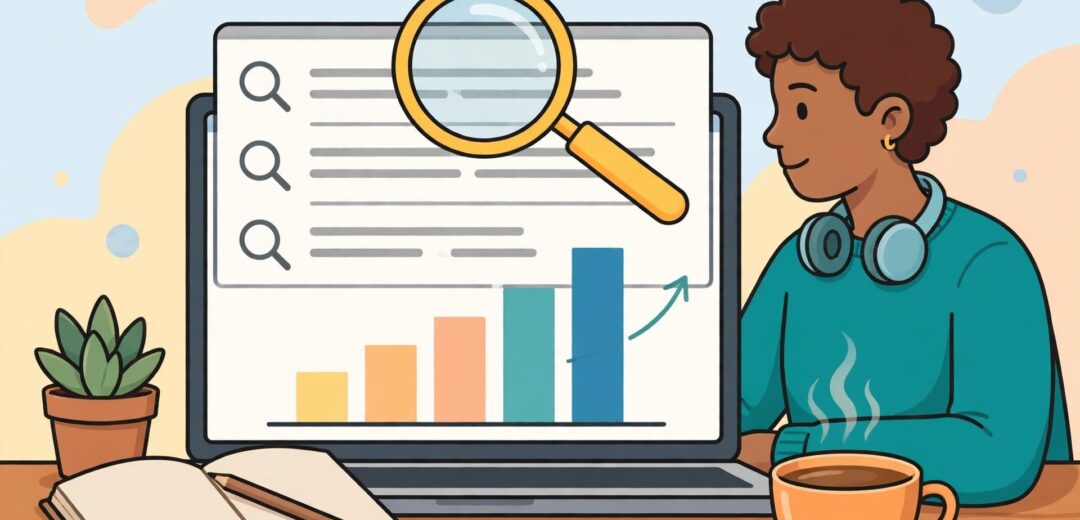
Learning SEO sounds hard until you break it into small steps. This guide shows you how to learn SEO for beginners, step by step, for free. SEO stands for search engine optimization, which is the work of helping a page show up in Google when people search for something it covers. You can learn it on your own, with no paid course and no paid tool. Below is a simple 12-week plan, the free tools to use, and a small practice project that teaches you faster than reading alone.

When you type a question into Google, Google looks through the pages it knows about and shows the ones it thinks answer you best. SEO is making your page easy for Google to find, easy to understand, and worth showing. That is all it is. It has three parts: what is on the page itself, how the site works behind the scenes, and what other sites say about you through links.
You do not need a degree, a coding background, or a marketing job to learn it. Most working SEOs taught themselves. What you need is a clear order to learn in, a real page to practice on, and a way to check if your work made any difference. This plan gives you all three.
Before you study tactics, learn how search works. It has three steps, and every SEO task you will ever do fits into one of them.
Google’s own SEO Starter Guide explains these basics in plain language, and it is free. Read it first. It is the one source every other guide agrees on, and it was updated in December 2025.
Do not try to learn everything at once. Learn in this order, because each step builds on the last one.
Find out what people actually type into Google. A keyword is just the word or phrase someone searches for. Good keyword research means picking topics people search for, that match what your page offers, and that are not already owned by huge sites. You will learn to group related searches together and pick one main topic per page.
This is the work on the page itself: a clear title, headings that break the page into sections, a page that answers the search properly, and images with short descriptions called alt text. Most of what a beginner does in SEO lives here.
This is making sure Google can reach your pages and read them. It covers site speed, mobile-friendliness, broken links, and a file called a sitemap that lists your pages for Google. You do not need to code. You need to know what to check and which free tool checks it for you.
When other good sites link to your page, Google takes it as a sign your page is worth showing. Beginners do not buy links. They earn them by making pages worth linking to and by getting mentioned in real places, like a local business listing or a helpful guest post.
Plan on about 5 hours a week. That is enough to finish the plan in 3 months and still have a life. Each stage ends with something you can check off, so you always know if you are on track.
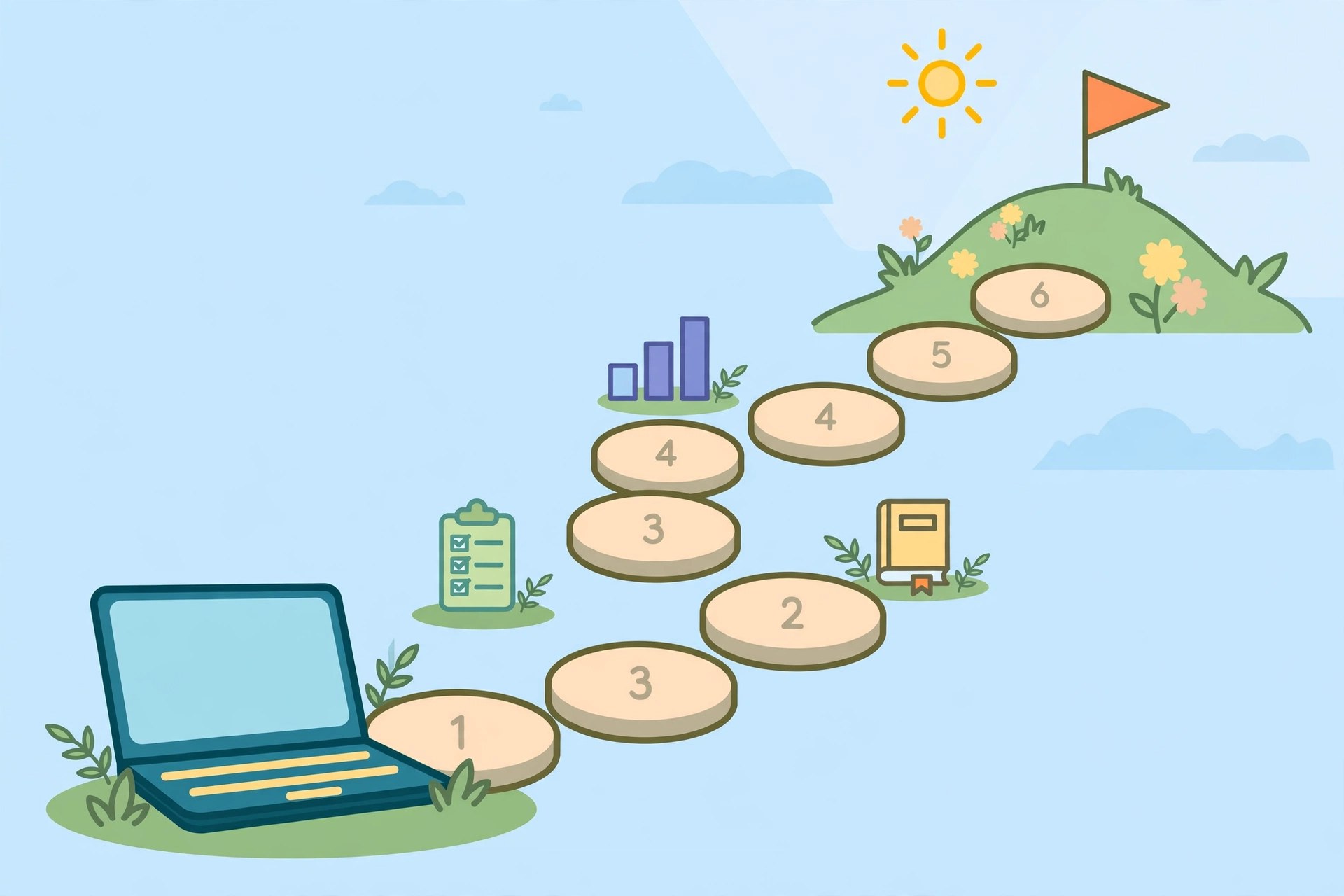
Read Google’s SEO Starter Guide from start to finish. Then read the Moz Beginner’s Guide to SEO, which is also free and walks through the same ideas with pictures. By the end of week 2, you should be able to explain crawling, indexing, and ranking to a friend in your own words. If you cannot, read the two guides once more. This is the base everything else stands on.
Pick a topic you care about, like gardening, baking, or car repair. Type it into Google and write down the suggestions that appear as you type, plus the “People also ask” questions on the results page. Group them into 10 topics. For each one, write one sentence about what the searcher really wants. This is keyword research without any paid tool, and it is how most small sites start. If you want numbers, Google Keyword Planner is free with a Google Ads account, and you never have to run an ad.
Take one of your 10 topics and write a page about it. Give it a clear title with the topic near the front. Break it into sections with headings. Answer the question fully, in short sentences, with a real example. Add one image with alt text that describes it. Then compare your page with the top 3 results for the same search and note what they cover that you missed. Add the missing parts.
Set up Google Search Console for your practice site. It is free and shows you how your site appears in Google. Check three things: which pages Google has indexed, whether any pages have errors, and how fast your pages load on a phone. Test speed with Google PageSpeed Insights, also free. Fix the problems it lists, starting with the ones marked as most serious. You will not fix everything, and that is fine. Fixing three real problems teaches more than reading about fifty.
Make a list of 10 sites, blogs, or local listings where a link to your page would make sense for a real reader. Write to three of them with a short, honest note about why your page helps their readers. Also list your site in one real business directory if you have a business. Keep a note of who replied. Most will not, and that is normal. The point is to learn what a good outreach note looks like.
Open Search Console and look at the last 4 weeks. Which searches showed your page? Which pages got clicks? Pick your best page and improve it: add a missing section, fix the title, or add a better image. Then write down what changed and check again in 2 weeks. This loop, change one thing and measure it, is the real job of SEO. Everything before it was just getting ready.
You can learn SEO for free. The whole plan above costs $0 if you use a free site to practice on. Here is the free stack, and what each one is for.
| Tool or course | What it is for | Cost |
|---|---|---|
| Google SEO Starter Guide | The basics, from Google itself | Free |
| Google Search Console | How your site appears in Google, errors, clicks | Free |
| Google Analytics (GA4) | Who visits your site and what they do there | Free |
| Google PageSpeed Insights | Speed and mobile checks | Free |
| Google Keyword Planner | Keyword ideas and rough search numbers | Free |
| Moz Beginner’s Guide to SEO | A full beginner course in 10 chapters | Free |
| HubSpot Academy SEO lesson | Short video lesson, 34 minutes, with a quiz | Free |
| Ahrefs Academy | Free video courses on SEO basics | Free |
Two honest notes. First, HubSpot Academy asks you to create a free account before you can watch the lesson. Second, tools like Ahrefs, Semrush, and Mangools are excellent, but their full versions are paid, and their free guides are written to sell them. Use their free lessons, but do not buy a paid tool until you have finished the 12-week plan and know which data you actually need. Most beginners never need a paid tool in their first year.
Reading about SEO without doing it is like reading about swimming without getting in the water. Here is a small project that takes one weekend and teaches you more than a month of videos.
Do this once, and you will understand SEO better than someone who watched 20 hours of videos. Do it five times on five pages, and you will have a small portfolio you can show to a client or an employer.
Most beginners fail the same way. Here are the mistakes to skip.
You may have heard that AI will replace SEO. It has not. Google now shows AI Overviews, short AI-written answers, at the top of many searches, and tools like ChatGPT answer questions directly. But both still need good pages to draw from, and they still link to sources. The skills in this plan, clear answers, good titles, fast pages, real expertise, are exactly what AI search looks for. What has changed is that short, vague pages do worse than ever, and pages that answer a question clearly in the first paragraph do better. Learn the basics in this guide, and the AI changes will make sense as you go.
Yes, for most people who like writing, data, and solving small puzzles. Most SEO professionals are self-taught, and no formal degree is required. Common job titles are SEO specialist, SEO executive, and content marketer, and many SEOs work freelance for small businesses. Pay varies a lot by place and experience. As one example, Noble Desktop lists about $64,000 a year as the average for web optimization specialists in the US. Treat that as a rough guide, not a promise. Your portfolio, the practice pages you improved and measured, matters more to employers than any certificate.
Yes. The best free guides, Google’s SEO Starter Guide, the Moz Beginner’s Guide, and HubSpot Academy, are free, and the tools you need to practice, Search Console and PageSpeed Insights, are free too. The hard part is not finding material. It is practicing on a real page and checking the results.
The basics are not hard. Most people can learn them in a few months of steady practice, about 5 hours a week. The hard part is patience: results take months, and Google changes often, so you keep learning as you go. You do not need to know how to code.
You can learn the full path in about 3 months and run one measured practice project, which is what this 12-week plan is built for. Judging SEO work with confidence across different sites takes longer, around 6 to 12 months of real practice.
Yes. Google’s guides, Search Console, Analytics, and PageSpeed Insights are free, and so are the beginner courses from Moz, HubSpot Academy, and Ahrefs Academy. Your only cost is time and a place to practice, which can be a free site.
Yes. Search is still how most people find businesses, and AI search still needs good pages to cite. What is changing is that clear, direct answers and real expertise matter more than ever, which is good news for beginners who learn the basics properly.
Start with Google Search Console for your own site data, Google Analytics for visitors, PageSpeed Insights for speed, and Google Keyword Planner for keyword ideas. That is the whole beginner stack. Add paid tools only when you know exactly what data you are missing.
About 5 hours a week for 12 weeks, around 60 hours, is enough to learn the basics and finish one practice project. After that, most people keep learning a few hours a week as they work on real sites.
Last updated: November 2026

Taylor Orlando is a content writer at Meregate covering websites, SEO, and AI. Taylor breaks down complex topics into simple, practical guides that help small businesses build better websites, rank higher on Google, and get real value from AI tools — no jargon, no fluff.
Find out who really outranks you on Google, what they do better, and where the gaps are — with free tools and a simple 9-step plan.

Learn how to improve website speed with 13 simple steps using free tools. Fix images, caching, plugins, and hosting — no coding needed.
Google Search Console is a free service from Google that shows how your site appears in search results — which queries bring it up, which pages are indexed, and what problems Google found.