
SEO
What Is a Backlink Profile? A Simple Guide for Beginners
A backlink profile is the full set of links pointing to your site, plus what those links look like. Learn what makes one healthy and how to check yours.

 By Taylor Orlando
·November 26, 2026
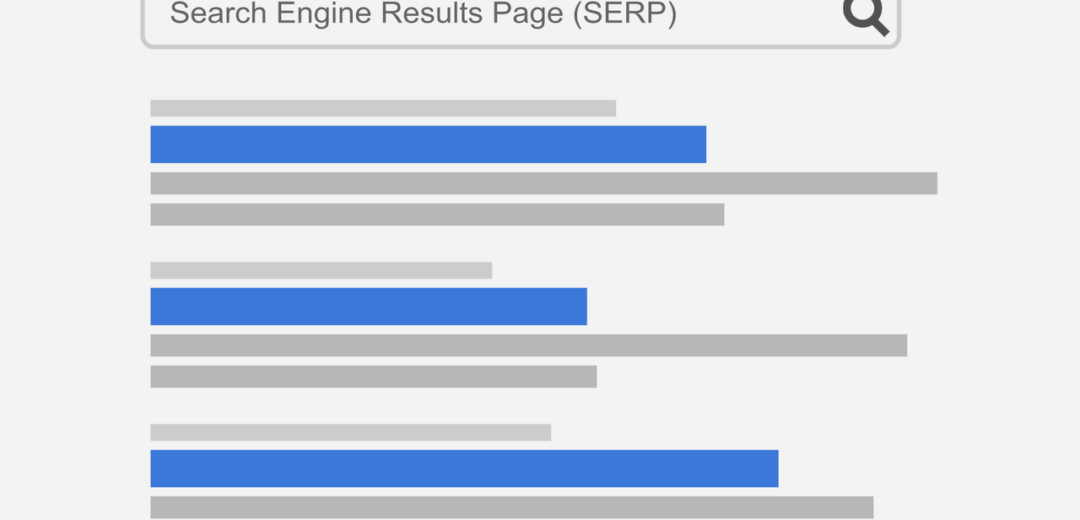
A meta title is the clickable headline people see when your page shows up in Google search results. It is only one line of text, but it does two big jobs at once: it tells Google what your page is about, and it tells a real person whether your page is worth a click. Get it right and more people visit your site. Get it wrong and they scroll past you to the next result.
This guide shows you how to write a meta title that ranks and gets clicks. You will learn what a meta title is, how long it should be, a simple formula you can reuse on every page, how to set it in WordPress with Rank Math, and how to find the titles on your site that need work. No technical skills needed.
A meta title, also called a title tag or SEO title, is the title of a web page as written in the page’s HTML code. It sits inside the <title> element in the head section of the page, so visitors never see it on the page itself. They see it in three places: as the blue clickable link in search results, as the label on the browser tab, and as the title when someone shares or bookmarks the page.
Here is a quick example. If you search for “how to write a meta title” and see a result that reads “How to Write a Meta Title That Gets Clicks (2026 Guide),” that line is the page’s meta title. The short text under it is the meta description. The two work as a team: the title gets noticed, the description gives the extra detail that earns the click.
Beginners often mix up the meta title and the H1, and the difference matters. The meta title lives in the code and shows up in search results and browser tabs. The H1 is the main heading visitors see at the top of the page itself. They often say almost the same thing, but they are not the same element, and they can be written differently.
For example, a blog post might have the H1 “The Ultimate Beginner’s Guide to SEO Basics” on the page, while its meta title is the shorter “Beginner’s Guide to SEO | Free SEO Basics Tutorial.” The meta title is written for the search results page, where space is tight and you are fighting nine other results. The H1 is written for the reader who has already arrived.
The meta description is the one or two lines of grey text under the title in search results. It sums up what the page offers in about 150 to 160 characters. Google has said for years that the meta description is not a ranking factor. Its only job is to persuade someone to click. The meta title carries more weight: Google uses it as a main source for the title link it shows, and it helps the search engine judge what the page is about. Write both well, but if you only have time for one, fix the title first.
| Element | Where it shows | What it does |
|---|---|---|
| Meta title | Search results, browser tab, shares | Names the page, helps ranking, earns the click |
| H1 | Top of the page itself | Introduces the topic to the reader |
| Meta description | Under the title in search results | Sums up the page, persuades the click |
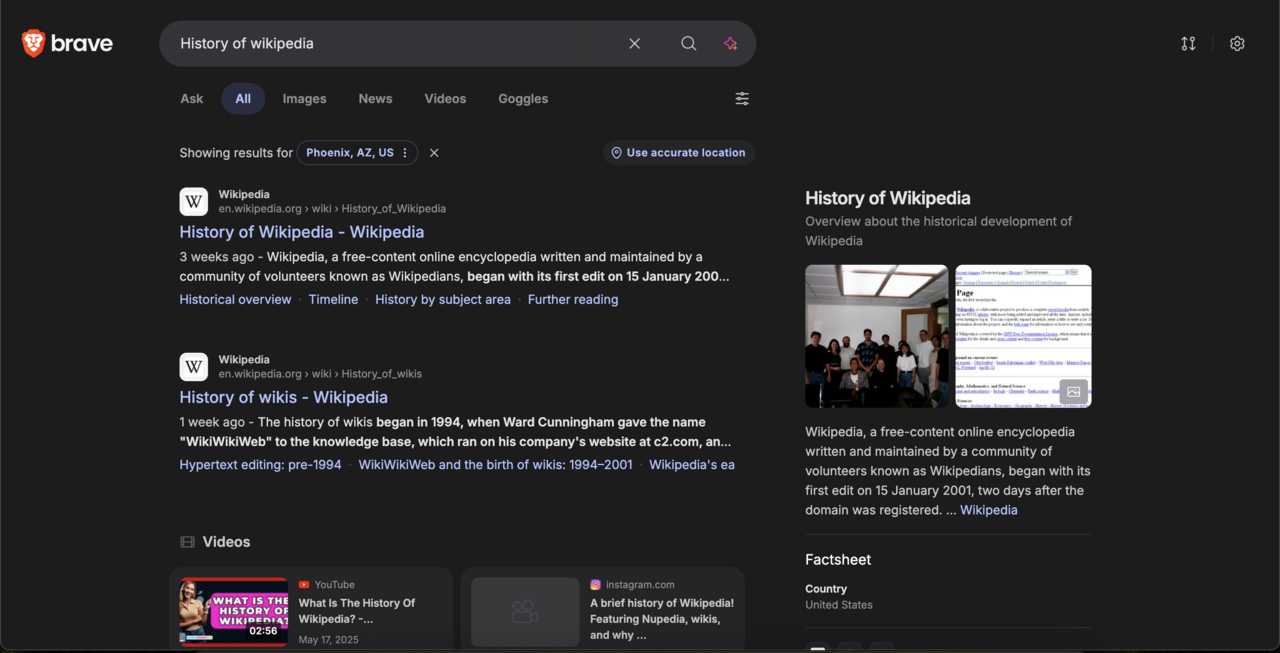
A meta title matters for three reasons. First, it helps you rank. Google’s own guide to title links lists the <title> element first among the sources it uses to build the title shown in results, and keywords in the title are one of the clearest signals of what a page covers. A page with a clear, keyword-rich title is easier for Google to match to the right searches.
Second, it wins clicks. Your title sits next to nine other results that all promise the same thing. A title that names a clear benefit, a number, or a specific answer stands out. A vague title gets skipped, even if the page behind it is good. A Backlinko study of 4 million search results found that titles with a number earned about 20% more clicks than titles without one.
Third, it sets the right expectation. When the title matches the page, visitors stay and read. When it promises something the page does not give, people hit the back button and go back to Google. That quick exit tells Google the result was a poor match, which can hurt the page over time. An honest, exact title brings in the right readers and keeps them.
Aim for 50 to 60 characters, spaces included. That is the range most guides agree on, and it matches how much space Google gives a title in search results. Google cuts titles off by pixel width, not by an exact character count, and the budget is about 600 pixels on desktop. Wide letters like W and M take up more room than narrow ones like i and l, so two titles with the same number of characters can take up different amounts of space.
What happens if you go longer? Google shortens the title with “…” and the words at the end disappear. If your brand name or your main benefit sits at the end, nobody sees it. What if you go much shorter? A title like “SEO Tips” is only 8 characters. It fits, but it says almost nothing, and it wastes the space Google gave you. Moz found that about 90% of title tags under 60 characters show in full on search results, which is why 50 to 60 is the safe zone.
One more thing about length: phones cut titles off sooner than desktops. More than half of all searches now happen on a phone, so put your most important words in the first 50 characters. If something has to be cut, let it be the brand name at the end, not the keyword at the start.
You do not need to start from zero on every page. This formula works for most pages on a small business site:
Main keyword + specific promise + number or year + brand name
Put the keyword first, add a clear benefit or a number, and finish with your brand name after a separator like a pipe (|) or a dash (-). Here are three examples built with the formula:
The formula is a starting point, not a rule. A homepage can lead with the brand. A news post can skip the number. But if you are stuck, fill in the four parts and you will have a solid title in a minute.
Put the phrase you want to rank for as close to the start of the title as the sentence allows. Search engines weigh the first words more, and readers decide in the first two or three words whether to keep reading. “Running Shoes for Flat Feet: 2026 Buying Guide” puts the keyword to work at once. “A 2026 Buying Guide for People Who Need Running Shoes for Flat Feet” buries it, and most readers never reach it.
Count the characters, spaces included, and stay in the 50 to 60 range. If your draft runs long, cut filler words first: “the,” “a,” “and,” and “of” rarely earn their space. Free tools like a SERP preview tool show you exactly where Google will cut the title off, on desktop and on mobile. Check your title there before you publish.
No two pages on your site should share a meta title. When several pages use the same title, Google struggles to tell them apart, and it may show only one of them in results. A blog with ten posts all titled “Blog | My Business” wastes ten chances to rank. Write one title per page, based on what that page actually covers.
A good title makes a clear promise. “Fix a Leaky Faucet in 20 Minutes” tells the reader what they will get. “Faucet Repair Tips” could mean anything. Name the outcome, the audience, or the format: a guide, a checklist, a price range, a comparison. The more exact the promise, the more likely the right person clicks, and the more likely they stay.
Numbers and framing words tell readers what kind of page to expect, which builds trust before the click. Words like “how to,” “guide,” “tips,” “best,” “examples,” and “step-by-step” work well for how-to content. Numbers work well for lists: “10 Tips,” “7 Tools,” “5 Mistakes.” Add the year only when the content really is current for that year, and update it when the year changes.
Put your brand name last, after a pipe or a dash, on pages where people may already know you: product pages, service pages, and your main blog posts. It builds recognition over time and helps your result stand out in a list of strangers. Skip it when space is tight, and lead with it only on your homepage, where the brand is the point.
Never promise what the page does not give. If the title says “10 examples” and the page has three, readers leave at once, and that quick exit hurts you. The same goes for words like “free,” “best,” or “complete.” Use them only when they are true. An honest title brings fewer clicks than a hyped one, but it brings the right clicks, and those readers stay.
Use your main keyword once. Repeating it twice in one title reads badly, and Google may take it as keyword stuffing and rewrite the title for you. If a second related phrase fits naturally, use it. If it does not, leave it out. One keyword, one clear sentence, and the rest of the space spent on the benefit.
Most of your visitors will see your title on a phone, where the visible space is shorter. Draft the title, then read only the first 50 characters. Does it still make sense? Does it still name the topic and the benefit? If the first 50 characters are “Welcome to Our Website | We Offer Many Great…” you have wasted the space that matters most.
A title is not a one-time job. When you update a page, check the title too. A post written in 2024 that you refreshed this year should not still say 2024 in its title. A service page that added a new city should name it. Review your titles whenever a page changes, and whenever you notice a page getting lots of views but few clicks in Search Console.

Small changes make a big difference. Here are five real page types with a weak title and a better one, so you can see the tips above at work.
| Page type | Weak title | Better title |
|---|---|---|
| Homepage | Home | ABC Bakery | Fresh Sourdough Bakery in Portland | ABC Bakery |
| Blog post | SEO Tips | SEO Tips for Small Business: 12 Ways to Rank Higher (2026) |
| Product page | Blue Shoes – Buy Now | Men’s Blue Running Shoes: Lightweight, Size 7-13 | RunFast |
| Service page | Our Services | Roof Repair in Dallas: Free Quotes in 24 Hours | TopRoof |
| Category page | Blog | Small Business Marketing Guides & Tips | Meregate |
Notice what the better titles have in common: a keyword near the front, a clear benefit or detail, and a length that fits the screen. None of them is clever for its own sake. They are plain, exact, and easy to scan.
If your site runs on WordPress with the Rank Math SEO plugin, you do not need to touch any code. Here is how to set the meta title on a single post or page.
Rank Math can also set titles for you across the whole site. Under Rank Math SEO, go to Titles and Meta, and you will find a title pattern for each post type, such as “%title% | %sitename%.” The pattern fills in the title for any page you have not written one for. That is a useful safety net, but it is not a replacement for writing a real title on your important pages. The pages that bring you traffic deserve a title written by hand.
You do not have to guess which titles to fix first. Google Search Console shows you exactly where the weak ones are, free of charge.
Start with your ten highest-impression, lowest-click pages. Fixing those ten titles usually brings more traffic than writing ten new posts.
Even a well-written title is not always the one Google shows. Google has been rewriting titles more often since August 2021. An Ahrefs study of 80,000 search results found that Google rewrites about one title in three. Most of the time it pulls the replacement from your H1 or another heading on the page.
Google usually rewrites a title for one of these reasons:
If Google changed your title, check it against that list first. In most cases the fix is simple: shorten the title, remove the repeated words, and make sure it matches the H1 and the first paragraph. You can read Google’s own guidance on this in Google’s guide to influencing title links, which lists the exact best practices Google recommends.
A meta title is the title of a web page written in its HTML code, inside the <title> element. It shows as the clickable headline in search results and as the label on the browser tab. It is also called a title tag or SEO title.
Aim for 50 to 60 characters, spaces included. Google cuts titles off by pixel width, about 600 pixels on desktop, so longer titles get shortened with “…”. Shorter than 50 characters is fine, but it may waste space that could carry a benefit or a keyword.
Yes. Google uses the title element as a main source for the title link it shows in results, and the keywords in it help Google judge what the page is about. A clear title also earns more clicks, and more clicks bring more traffic. It will not rescue thin content, but on a good page it is one of the highest-impact fixes you can make.
The meta title shows in search results and browser tabs. The H1 is the main heading at the top of the page itself. They often cover the same topic, but they are separate elements and can be worded differently. The meta title is written for the search results page, where space is tight. The H1 is written for the reader who has already arrived.
You should not. Every page needs its own title. Duplicate titles confuse Google about which page to show, and they look careless in search results. Even two similar blog posts should have titles that name what makes each one different.
Google rewrites titles that are too long, stuffed with keywords, the same across many pages, or a poor match for the page content. When it rewrites, it usually pulls text from your H1 or another heading. Shorten the title, remove repeated words, and make sure it matches the page, and Google is far more likely to show the title you wrote.
A meta title is a small piece of text with an outsized job. It is the first thing people see, the first thing Google reads, and often the only reason someone picks your result over the nine next to it. Keep it between 50 and 60 characters, put the keyword first, name a clear benefit, and give every page its own title. Then check Search Console, find the pages with views but no clicks, and fix those titles first. It is one of the cheapest, fastest SEO wins on your whole site.
Last updated: November 2026

Taylor Orlando is a content writer at Meregate covering websites, SEO, and AI. Taylor breaks down complex topics into simple, practical guides that help small businesses build better websites, rank higher on Google, and get real value from AI tools — no jargon, no fluff.
A backlink profile is the full set of links pointing to your site, plus what those links look like. Learn what makes one healthy and how to check yours.

You do not need a paid tool to find good keywords. These eight free tools cover ideas, search volume, questions, and keywords you already rank for.

Dofollow links pass ranking strength, nofollow links do not, but both have a role. This guide explains the difference, the 2019 Google changes, and when to use each one.