Ai
Best AI Tools for TikTok Creators: 10 Tools That Save Hours (2026)
The right AI tools cut TikTok production time in half. These 10 cover editing, captions, scripts, voiceovers, and scheduling.

 By Taylor Orlando
·November 4, 2026

Meta AI is the free AI assistant built into WhatsApp, Instagram, Facebook, and Messenger, with its own app and website too. If you already use any of those apps, you probably already have access — there is no separate account to create and no new app you must install to try it. This guide shows you exactly where to find Meta AI, how to use it on each app, and what to watch out for on privacy.
Last updated: November 2026
Meta AI is Meta’s AI assistant, the company behind Facebook, Instagram, and WhatsApp. You can ask it questions, get help writing or rewriting text, brainstorm ideas, translate words, plan a trip, and make images from a short description. On the Meta AI app and website, it runs on Muse Spark, a model family Meta introduced in April 2026.
Think of it as a helper that lives inside apps you already open every day, rather than a separate tool you have to remember to visit. That is also its main limit: it is a general helper, not a specialist. It can get facts wrong, mix up dates, or sound confident about something that is not true. Use it for drafts, ideas, and everyday questions — and double-check anything important, like medical, legal, or money decisions, with a trusted source.
Meta rolls features out in stages, so two people in the same country can see slightly different buttons. If one route below is missing for you, try another route — the assistant itself is the same.
| Where | How to open it | Best for |
|---|---|---|
| Meta AI app | Download the Meta AI app on iPhone or Android, then tap Ask Meta AI at the bottom | Longer chats, images, voice, and the newest features |
| Web | Go to meta.ai in your browser and sign in with your Meta account | Typing longer prompts on a computer |
| Tap the Meta AI icon, or start a new chat with Meta AI | Quick questions without leaving your chats | |
| Tap the Meta AI icon in your direct messages, or use it from search | Quick questions and help with posts and captions | |
| Facebook and Messenger | Look for the Meta AI icon in search or in chats | Questions while you browse or message |
| Meta AI glasses | Say the wake word on supported Ray-Ban Meta glasses | Hands-free questions on the go |
You do not need a separate Meta AI account. Your existing Meta account is enough, and you can use the same assistant across these places.
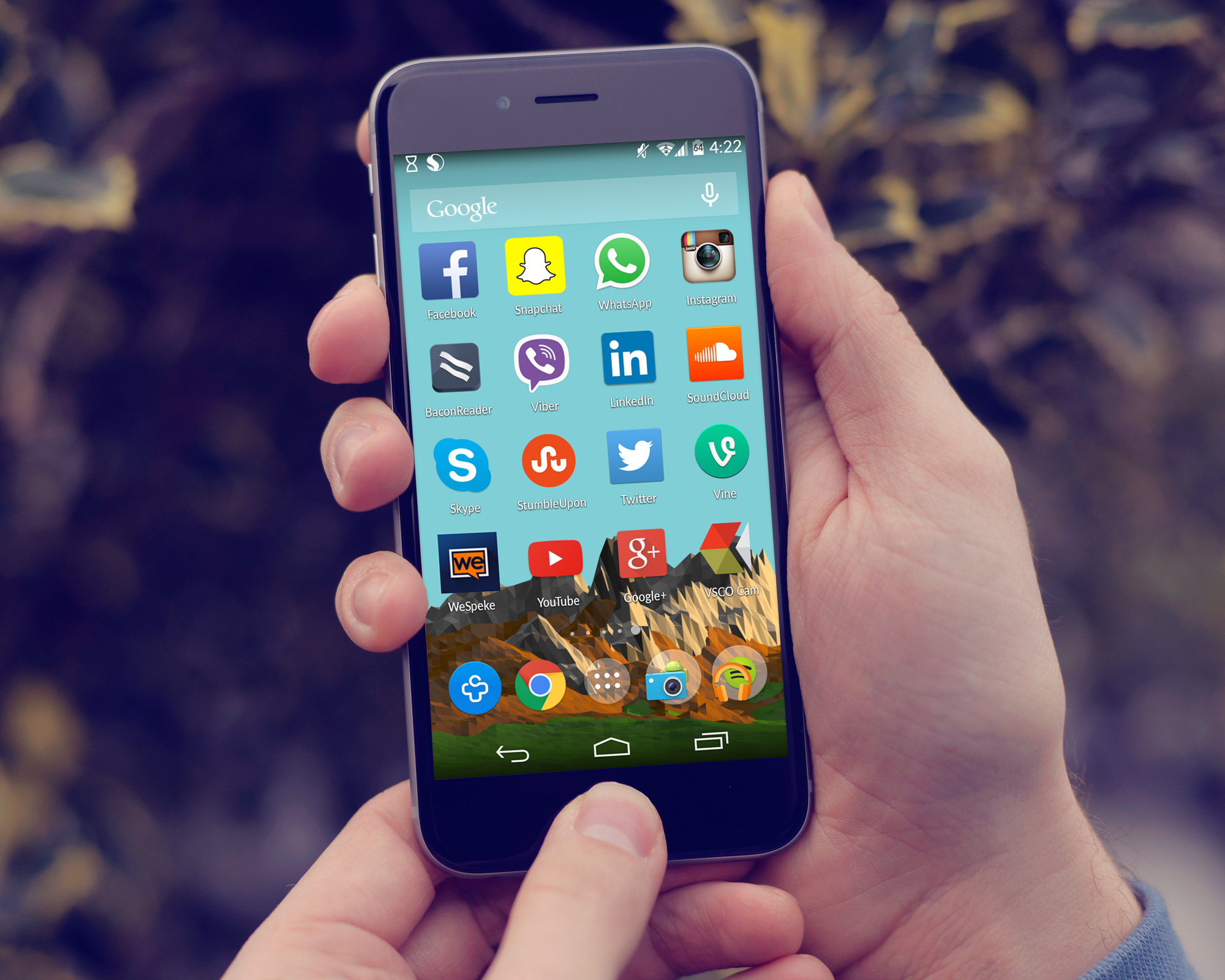
The standalone app is the fullest version, so start here if you want to learn the tool properly.
At the bottom of the chat you can switch modes. Instant gives quicker answers for everyday questions. Thinking takes longer and works through harder questions step by step — use it for plans, comparisons, or anything with several steps. Some users also see a Shopping mode, a dedicated helper for product ideas based on your interests.
WhatsApp is where most people meet Meta AI first, because it is already in the app.
This is handy for group decisions: ask for three dinner options near a hotel, a quick plan for a weekend trip, or a summary of what the group just agreed on. Only use it for questions you are happy for the whole group to see.
Tap the microphone icon in a Meta AI chat to have a spoken conversation. Meta AI replies with voice and text, and you will see a transcript of what you said. You need to give WhatsApp microphone permission first, and you can mute the microphone at any time. WhatsApp lists voice support in English, Arabic, Bengali, French, German, Hindi, Indonesian, Italian, Spanish, Tagalog, Thai, and Vietnamese. WhatsApp’s own guide to talking to Meta AI with voice explains the steps and the language list.
On Instagram, tap the Meta AI icon in your direct messages or use it from search. It can help you draft a caption, brainstorm Reel ideas, or answer a quick question without leaving the app. On Facebook and Messenger, look for the Meta AI icon in search or in chats, and type your question there.
One Instagram feature worth knowing about is voice translation for Reels. Creators can translate their own voice into other languages, with an optional lip-sync setting, and the Reel is labeled as translated with Meta AI. It is free for public accounts where Meta AI is available, but it only appears if the feature has reached your account.
On Facebook, Meta also shows an AI Mode in search in some places, which can answer using public posts, groups, and Reels. Treat those answers like any AI summary: useful for a first look, not a final source.
To make an image, describe it plainly in any Meta AI chat. For example: “Imagine a cozy coffee shop on a rainy day, cartoon style.” Add the style, the subject, and one or two details — and keep it short. If the first image is not right, change one detail at a time instead of rewriting the whole prompt.
To ask about a photo, use the camera option in the Meta AI app, take a picture or pick one from your photo library, then type or speak your question. You can ask what is in the photo, ask for a caption, or ask it to describe a sign or label you cannot read. Do not upload photos of documents, tickets, or anything with private details you would not want stored.

Good prompts give context, not just a topic. Copy one, fill in your own details, and then ask a follow-up to shape the answer.
If an answer is too long, say “shorter.” If it is too vague, add numbers, a deadline, or an example of what you want. The follow-up matters more than the first prompt.
Yes, for everyday use. The core assistant is free across WhatsApp, Instagram, Facebook, Messenger, the Meta AI app, and meta.ai, with no subscription needed for normal chats, voice, or image generation.
Meta has been testing paid Meta One plans for heavier use since 2026, reported at around $7.99 a month for a lower tier and $19.99 a month for a higher tier, with higher limits on demanding features like image and video generation and deeper reasoning. Those plans have rolled out in stages and pricing varies by country, app, and account, so check inside your own app rather than trusting a price you read elsewhere. For most people in the US, the free version is the one they will actually use.
This is the part most guides skip, and it matters. A chat with Meta AI is not the same as a private message to a friend — even on WhatsApp, where your personal messages are end-to-end encrypted. When you talk to Meta AI, Meta receives your prompts to generate answers and improve its AI.
Since December 16, 2025, Meta has also used people’s interactions with its AI features to personalize the content and ads they see across its apps, and US users have no switch to turn that use off. Meta says it does not use chats about sensitive topics — such as health, religion, sexual orientation, political views, or racial or ethnic origin — for ad targeting, and that advertisers do not receive your conversations. Still, the safe rule is simple: do not tell Meta AI anything you would not want reflected back in an ad, including passwords, account numbers, health details, or private family matters.
For sensitive questions, use Incognito Chat where it is available, on WhatsApp or in the Meta AI app. Meta says Incognito Chats use Private Processing, are not saved, and cannot be read by Meta. Also check before you tap Share in the Meta AI app: in 2025 some users accidentally published private chats to a public feed by sharing them. A chat is only public if you choose to share it — but double-check the screen before you confirm.
In 2026 Meta also launched Muse, a separate personal agent built on the same Muse Spark models. Muse is not the same product as Meta AI, and it has different privacy rules — Meta says Muse does not share your conversations with its ad systems. This guide is about Meta AI, the assistant inside WhatsApp, Instagram, Facebook, Messenger, and the Meta AI app. If you see the name Muse, you are looking at the newer agent, not the everyday assistant covered here.
Yes, for everyday use across Meta’s apps, the Meta AI app, and meta.ai. Paid Meta One plans for heavier use are being tested in stages, with prices that vary by country.
No. Your existing Meta account is enough. You can use it at meta.ai, in the Meta AI app, or inside WhatsApp, Instagram, Facebook, and Messenger.
Yes, if it has reached your account. Update WhatsApp, tap the Meta AI icon or search for Meta AI, and start chatting. No extra app is required.
Yes. Describe the image in plain words, or start with “imagine” and your description. Keep prompts short and change one detail at a time to fix results.
Not in the way a message to a friend is. Meta receives your Meta AI prompts, and since December 2025 it uses AI interactions to personalize content and ads in most regions, with no US opt-out. Use Incognito Chat for sensitive questions, and do not share passwords, health details, or financial information.
It rolls out gradually by country, account, and app version. Update the app, try meta.ai in a browser, and check again later — a missing icon usually means the rollout has not reached you yet, not that your phone is broken.
Yes, at meta.ai in a browser. On Instagram, the assistant is mainly in the mobile app’s messages and search, not on desktop.

Taylor Orlando is a content writer at Meregate covering websites, SEO, and AI. Taylor breaks down complex topics into simple, practical guides that help small businesses build better websites, rank higher on Google, and get real value from AI tools — no jargon, no fluff.
The right AI tools cut TikTok production time in half. These 10 cover editing, captions, scripts, voiceovers, and scheduling.

Gemini opens but never answers, or your prompts just sit there? These 10 fixes cover the causes that solve most cases, in order.

The 12 best AI note taking tools for meetings, notes and research, with honest free-plan limits and privacy rules, so you can pick the right one.