AI Tools for Interior Design: 12 Tools That Redesign Your Room (2026)
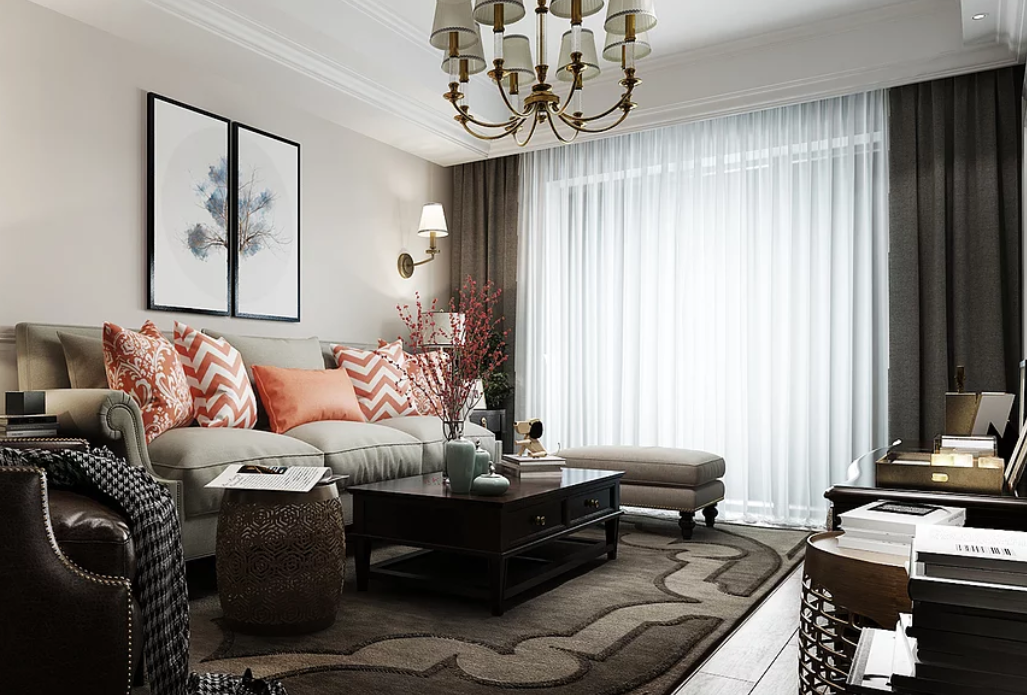
AI tools for interior design can show you a new version of your room in under a minute. Upload a photo, pick a style, and you get back a restyled image. Or draw a floor plan and furnish it in 3D before you spend a dollar on furniture. The catch is that no two tools do the same job, and most “free” plans run out fast. This guide compares 12 tools, states what each one is actually good at, and tells you what the free plan really gives you, so you can pick the right one for your room.
Last updated: October 2026. Prices and free plans change often in this market, so check a tool’s pricing page before you pay.
The two kinds of AI interior design tools
Before you compare tools, work out which kind you need. They solve different problems:
- Photo restylers take a photo of your real room and repaint it in a new style. They are fast and fun, but the result is a picture, not a plan. You cannot move the sofa in it, and you get no measurements or shopping list.
- Floor planners let you draw a room to scale and place furniture in 3D. They take longer to learn, but the result is something you can actually buy furniture against, because the sizes are real.
If you want ideas, start with a restyler. If you want to know whether a 96-inch sofa fits your wall, use a planner. Many people end up using one of each.
AI tools for interior design at a glance
| Tool | Best for | Free plan | Paid from |
|---|---|---|---|
| RoomGPT | Quick style ideas from a photo | 1 free redesign, no card | $9 for 30 credits |
| Homestyler | Free 3D floor plans | Free Basic plan, unlimited 1K renders | About $6.80/month (Pro+) |
| Planner 5D | Floor plans you can edit | Free, unlimited projects, about half the catalog | $59.99/year (Premium) |
| REimagineHome | Chat-style restyles with real products | 5 free designs | About $19/month |
| Interior AI | Virtual staging for listings | No ongoing free plan on its current pricing page | About $49/month |
| HomeDesigns AI | Widest range of styles | 3 free credits a day | About $22/month |
| Spacely AI | Budget experiments and sketches | 40 trial credits | About $9 per credit pack |
| IKEA Kreativ | Previewing real IKEA furniture | Free to use | Free (furniture sold separately) |
| Collov AI | Fast restyles for agents and sellers | Limited free trial | About $14/month |
| Foyr Neo | Serious 3D design work | Free trial | About $99/month |
| RoomStaging | Staging and cleanup for listings | 3 credits, no card | About $19/month |
| DecorMatters | Phone-first room ideas | Free app with in-app purchases | Varies by platform |
Prices below were checked against vendor pricing pages and recent October 2026 comparisons. Where sources disagree, we say so, because these plans change every few months.
1. RoomGPT
RoomGPT is the fastest way to answer one question: what would this room look like in another style? Upload a photo, pick a style like modern, coastal, or industrial, and you get a restyled image back. The free tier gives you one redesign with no card required, and credit packs start at $9 for 30 credits, so occasional users can pay once instead of subscribing. The limit to know: the output is an image, not a plan. There is no editable floor plan, no measurements, and no furniture list, and odd room shapes can produce strange results, like a fireplace in the wrong place. Use it for ideas, then verify sizes somewhere else.
2. Homestyler
Homestyler is the strongest free starting point if you want to build a room yourself. Its free Basic plan includes a cloud 3D floor planner, unlimited 1K renders, and more than 100,000 free 3D models and materials. Paid plans start at about $6.80 a month for Pro+, which adds 180 AI credits a month, 2K and 4K renders, and watermark removal. The trade-off is a learning curve: you draw the room and furnish it by hand, so your first design takes an evening, not a minute. It is the best pick when you want a plan you can trust for furniture sizes.
3. Planner 5D
Planner 5D is the classic floor planner, and its free plan is genuinely useful: unlimited projects with about half the furniture catalog. The AI features, the full catalog of 8,000-plus items, and high-quality renders sit on paid plans. Planner 5D’s pricing page lists Premium at $19.99 a month or $59.99 billed yearly, and Professional at $49.99 a month or $399.99 billed yearly. Note the free plan’s AI design generator is not included, so free users design by hand. Pick Planner 5D when you care about layout and furniture fit more than one-click restyles.
4. REimagineHome
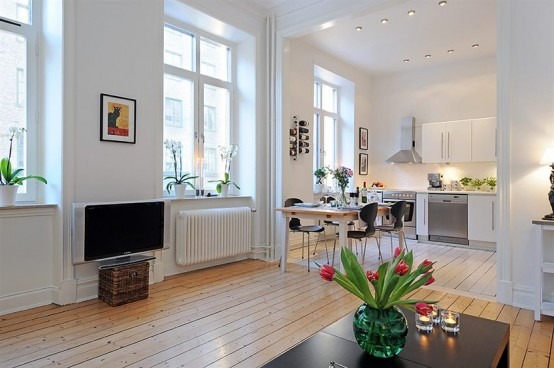
REimagineHome works more like a chat. You upload a room photo and describe changes in plain words, and it can link ideas to real products you can buy. New users get 5 free designs with no card, and paid plans start at about $19 a month. It is a good middle ground between a one-click restyler and a full planner, especially for sellers who want a staged look with shoppable items. Check whether chat edits and product links need the higher Pro+ tier before you subscribe for that feature alone.
5. Interior AI
Interior AI is built for virtual staging, and it is the tool real estate agents reach for most. It restyles listing photos fast and can produce many variations of the same room. Its pricing has changed several times during 2026: older roundups list a free tier and a $39 monthly plan, but an October 2026 check of its pricing page found no free tier and a starting price of about $49 a month (or $349 a year). That is the honest picture here: if you only need one room restyled, start with a tool that still offers free credits, and only pay for Interior AI if you stage rooms regularly.
6. HomeDesigns AI
HomeDesigns AI is the all-rounder. It offers more than 80 styles on its standard plan and covers room redesign, virtual staging, exterior redesign, and garden design in one place. Free credits refill daily (about 3 a day in recent checks), and paid plans start at about $22 a month. It is a sensible pick if you want to test several rooms and styles without learning a 3D planner, but like every restyler, its images are concept visuals, not measurements.
7. Spacely AI
Spacely AI is popular with designers on a budget because its free trial gives you 40 credits with no watermark, and it handles sketches and 3D models as well as photos. Paid credit packs start at about $9. It is a good second tool to try after RoomGPT if you want more control over the result, including keeping your room’s layout while changing the style. Watch the credit math: one design can cost several credits, so 40 trial credits is not 40 designs.
8. IKEA Kreativ
IKEA Kreativ is free to use and does one thing no other tool on this list does: it shows you real IKEA furniture in your room. You can erase your old furniture from a photo and drop in IKEA pieces, or scan a room in 3D on supported phones. The obvious limit is the catalog. If you do not plan to buy from IKEA, the previews are less useful. But if you do, it removes the biggest guessing game in room design: will this exact sofa look right here?
9. Collov AI
Collov AI is another fast photo restyler, aimed at home sellers and agents who need a staged photo quickly. It offers a limited free trial, with paid plans from about $14 a month. Its strength is speed and a clean result on standard rooms. Its weakness is the same as every restyler: it cannot tell you whether the furniture it drew would actually fit, so treat the image as a style reference, not a shopping list.
10. Foyr Neo
Foyr Neo is the professional end of this list. It is a full 3D interior design platform with floor plans, photorealistic renders, and client presentations, and its paid plans start at about $99 a month. That price only makes sense if you design rooms for clients or run a staging business. Homeowners redecorating one room should start with Homestyler or Planner 5D instead and keep the money for furniture.
11. RoomStaging
RoomStaging is built for property photos: virtual staging, cleanup of cluttered rooms, and redesign from listing photos. New users get 3 credits with no card, and paid plans start at about $19 a month for 100 credits. Higher resolutions cost extra credits, so check what a 4K export costs before you stage a whole listing. It is a strong pick for agents, and overkill for a homeowner restyling one bedroom.
12. DecorMatters
DecorMatters is a phone-first app that turns room design into something you can do from the couch: upload a photo, try styles, and shop pieces that match. It is free to download with in-app purchases, and prices vary by platform, so check the store listing on your phone before you commit. It is best for casual ideas and renters who want a quick visual before buying anything, not for measured plans.
How to get good results from an AI interior design tool
Most bad results come from bad photos, not bad tools. A few habits make a big difference:
- Shoot in daylight, from a corner. Stand in a corner so two walls show, keep the phone level, and turn the lights on. Dark, tilted photos confuse the AI and warp the room shape.
- Change one thing at a time. Ask for a new wall color first, then furniture, then decor. When you change everything at once, you cannot tell which part you liked.
- Name the style precisely. “Modern” means ten different things. Try “warm modern with oak floors and linen sofa” instead of a single word.
- Keep the room’s bones. The best tools let you lock the layout so windows, doors, and fireplaces stay where they are. Use that setting when it exists.
- Measure before you buy. AI images stretch rooms. Measure your wall, check the product dimensions, and tape the outline on the floor before ordering.
What AI interior design gets wrong
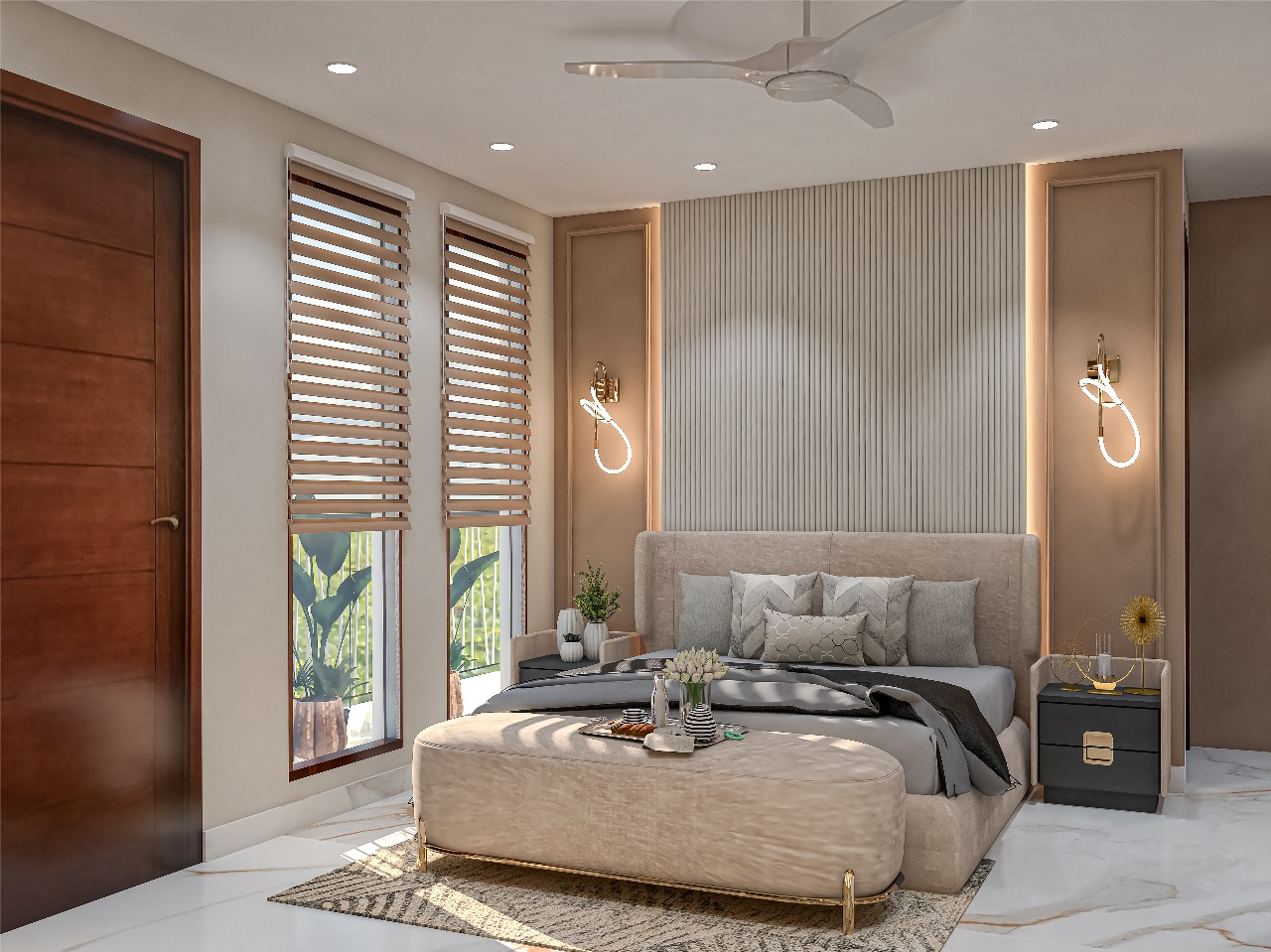
AI images look real, and that is exactly why you should double-check them. Common problems include furniture drawn at impossible sizes, paint colors that look different in real light, windows and outlets that move or vanish, and rugs, art, and lamps that do not exist as real products. An AI image is a concept visual, not a construction document. Confirm paint colors against physical samples, and talk to a professional before moving walls, wiring, or plumbing based on an AI picture.
Privacy: think before you upload room photos
A room photo can reveal more than you intend: family photos on the wall, mail on the table, a street view through the window, or children and pets in the frame. Before you upload, tidy anything personal out of the shot, avoid photos that show your address or house number, and read the tool’s policy on whether your photos train its models. If a tool lets you delete projects, use it when the project is done. For rental homes or client properties, get permission first.
How to pick the right tool for your job
- Just want ideas for one room? Start with RoomGPT’s free redesign or REimagineHome’s 5 free designs.
- Want a plan with real measurements? Use Homestyler or Planner 5D free, and only pay when you need the full catalog or high-resolution renders.
- Staging a home to sell? Interior AI, RoomStaging, or Collov AI are built for that job, and the cost is small next to a sale price.
- Shopping at IKEA anyway? IKEA Kreativ is free and shows the exact products.
- Designing for clients? Foyr Neo or Spacely AI, where commercial use and presentation tools matter.
Mistakes to avoid
- Paying for a yearly plan before the free trial runs out. Test the tool on your own room photos first.
- Treating a restyled image as a measurement. Always measure the real room.
- Ordering furniture from an AI image without checking the product exists in that size and color.
- Uploading photos with personal items, kids, or documents visible.
- Ignoring credit costs. A “free” tool with 3 credits a day still costs money the week you redesign a whole house.
Frequently asked questions
Can AI design my room for free?
Yes, for ideas. RoomGPT gives one free redesign, REimagineHome gives five free designs, and Homestyler and Planner 5D offer genuinely free planning tiers. What free plans rarely give you is unlimited high-resolution renders, so expect to pay if you want print-quality images of every room.
Is AI interior design accurate?
For style and color ideas, yes. For sizes, exact colors, and real products, no. AI images can stretch rooms and invent furniture. Use them to choose a direction, then verify measurements and products before you spend money.
Can I use an AI design for a real renovation?
Use it as a starting point for a conversation with a designer or contractor, not as the plan itself. Structural changes, electrical work, and plumbing need a professional who has seen the real room.
Do I still need an interior designer?
For one room and a clear budget, often not. For a full home, a tricky layout, or a renovation, a designer still earns their fee: they catch problems AI misses, like traffic flow, lighting at night, and materials that wear badly.
Which AI interior design tool is best for beginners?
RoomGPT for the fastest first result, and Homestyler if you want to learn real room planning. Both have free tiers, so you can try both in one evening and keep the one that fits how you think.
Start with one room and one free tool. Get a result you like, measure the real space, and only pay when you know exactly which feature you are paying for. That order — free test, real measurements, then payment — is what keeps an AI redesign cheap instead of expensive.