On Page SEO Checklist: 15 Steps to Rank Higher (2026)
On page SEO is everything you fix on your own page to help it rank on Google: the title, the headings, the words on the page, the images, and how fast it loads. This on page SEO checklist gives you 15 steps you can run on any page, in order, without paid tools. Work through it once per page, and you will catch the small mistakes that hold back most small business websites.
Start with the pages that matter most: your homepage, your main service pages, and any blog post that already gets some traffic. A page that sells something beats a page nobody visits. You do not need to fix the whole site in one day. One page done well is worth more than ten pages half-checked.
How to use this checklist
Open the page in your editor and go step by step, top to bottom. Check each item off as you fix it. Most pages take 30 to 60 minutes. If a step does not fit a page — a contact page needs no long article, for example — skip it and move on. At the end, there is a short version of the whole list you can copy for the next page.
1. Write a clear title tag
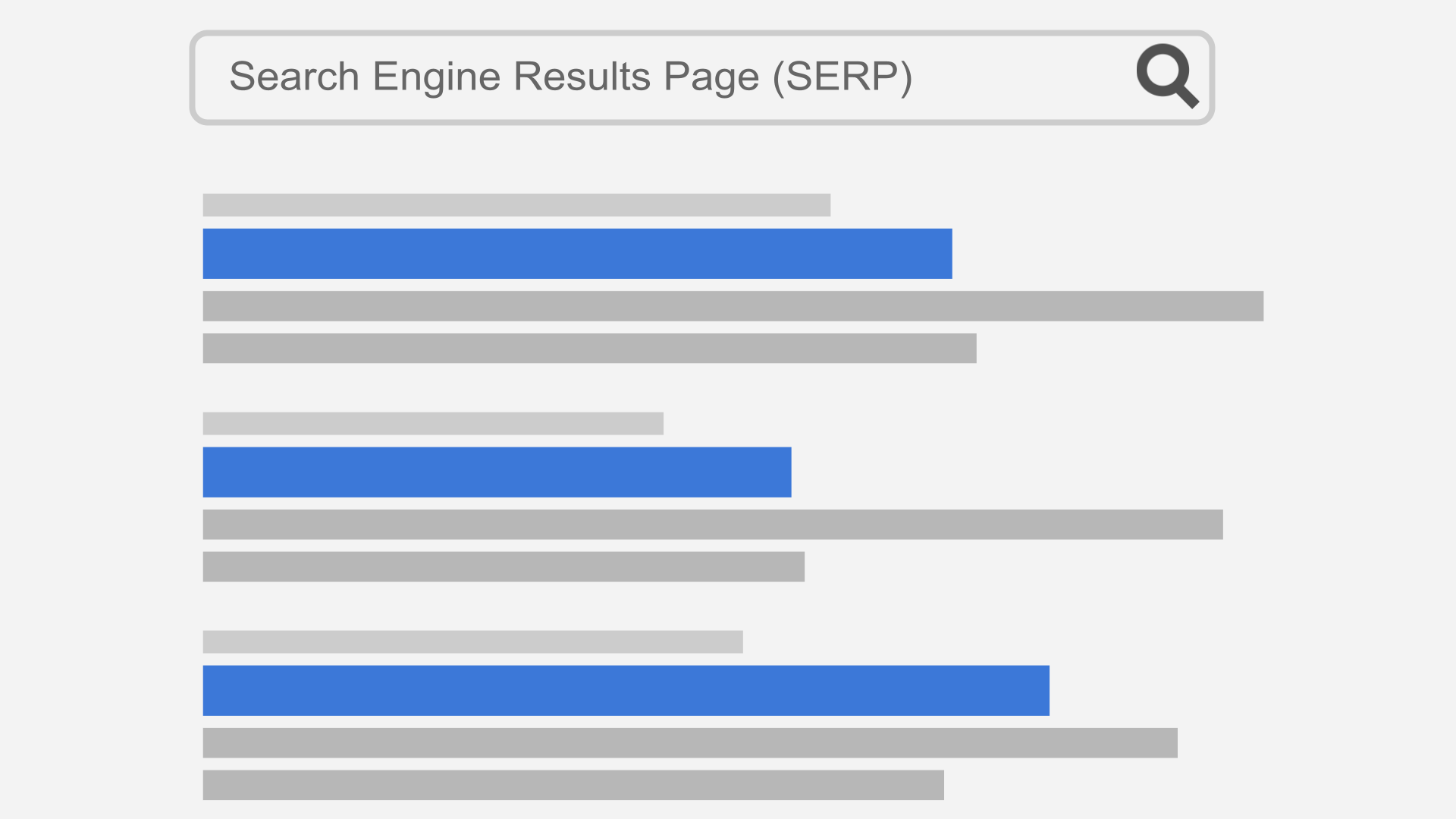
The title tag is the blue clickable headline people see in Google results. It is also the first thing Google reads about your page, so it carries a lot of weight.
Put your main keyword near the front, then say what the page offers. Keep it under 60 characters so Google does not cut it off. Each page needs its own title — two pages with the same title confuse both Google and visitors.
Bad: “Home | Welcome to Our Website.” Good: “Emergency Plumber in Austin | 24/7 Same-Day Service.” The second one tells a searcher exactly what they get and where.
Google sometimes rewrites titles it thinks it can improve, but a clear, honest title still wins most of the time. Google’s guide to title links explains what it looks for when it writes one.
2. Write a meta description that earns the click
The meta description is the short text under the title in search results. It does not directly raise your ranking, but a good one brings more clicks, and more clicks beat a higher spot that nobody clicks.
Keep it under about 155 characters. Say what the page covers, who it is for, and why it is worth opening. Use plain words, not slogans. “Learn how to fix a leaking tap in 20 minutes with basic tools. Step-by-step photos included.” beats “Best plumbing solutions for all your needs!”
Write a fresh description for every important page. If you leave it blank, Google picks text from the page itself, and it often picks the worst sentence.
3. Use a short, clean URL
A good URL is short and readable: yoursite.com/on-page-seo-checklist/. A bad one is full of numbers, dates, and random words: yoursite.com/?p=4821&cat=seo-stuff.
Use the main keyword in the URL when it fits naturally, use hyphens between words, and keep it to a few words. Never change the URL of a page that already ranks without setting up a redirect from the old address, or you will lose the traffic that page had.
4. Use one H1, then headings in order
Your page title in WordPress already acts as the H1, so do not add a second one in the body. Under it, use H2 headings for the main sections and H3 headings for points inside those sections. Do not jump from an H2 straight to an H4, and do not use headings just to make text big — that is what bold is for.
Headings do two jobs: they help readers scan the page, and they tell Google what each section is about. A reader who only reads your headings should still understand what the page covers. If your headings are vague (“More Information”, “Other Stuff”), rewrite them to say something real.
5. Answer the search in the first paragraph
Most people decide in seconds whether to stay on a page. Your first paragraph should say what the page is about and give the short answer, not a long warm-up. “An on page SEO checklist is a list of fixes you make on your own page to help it rank” tells the reader they are in the right place. Three paragraphs about why the internet matters do not.
This also helps with Google’s AI answers and featured snippets, which often pull the clearest short answer from the top of a page.
6. Match what the searcher actually wants
Before you write, search your keyword and look at what already ranks. If the top results are step-by-step guides, write a guide. If they are product pages, a guide will not rank for that search, no matter how good it is. This is called search intent, and matching it matters more than any single trick.
Then cover the topic fully. Read the top results, note the points they all make, and add what they miss: a real example, a cost, a mistake to avoid, a clear next step. Show some proof you know the work — a photo of your own, a real price, a result you measured — instead of only repeating what everyone else says. Keep paragraphs short and use lists where they help; a wall of text pushes readers away even when the advice is good. A page that answers the follow-up questions too is the page people stay on — and that is a strong signal to Google.
7. Use your keyword naturally, never stuffed
Use your main keyword in the title, in the first paragraph, and once or twice more where it fits. Then use related words and plain variations: “on-page checklist”, “page SEO steps”, “fix your page SEO”. Google understands topics now, not just exact phrases.
Read the page out loud. If a sentence sounds odd because you forced the keyword in, rewrite it. Pages that repeat the same phrase ten times read badly, and Google treats that as spam, not as helpful content.
8. Link to related pages on your own site
When you mention a topic you have covered in more depth elsewhere, link to that page with words that describe it. This helps readers find the next useful page, and it helps Google see which of your pages matter most.
A few honest links beat a page full of them. Link where a reader would genuinely want to read more, not on every other sentence. And link from your important pages to each other, so no good page sits alone with no links pointing at it.
9. Link out when it helps the reader
One or two links to trusted sources make a page stronger, not weaker. Link to the official tool, the official guide, or the study you are quoting — for example, to PageSpeed Insights when you talk about speed, or to Google’s own docs when you explain a rule. Readers trust a page that shows its sources, and Google can see you are pointing at real, useful places.
Do not link to a competitor’s sales page for no reason, and do not add links just to look connected. Every link should answer the question “would a reader thank me for this?”
10. Fix your images: names, alt text, and size
Images slow pages down and get ignored by search when they are set up badly. Fix three things on every image:
File name. Name the file what it shows — on-page-seo-checklist.jpg, not IMG_4821.jpg. It is a small signal, but it costs nothing.
Alt text. Write a short description of what the image shows, for readers who cannot see it and for search engines that cannot see pictures. “Checklist with ticked boxes on a desk” is good alt text. “image1” or a stuffed keyword list is not. Skip alt text only on purely decorative images.
Size. Shrink photos before you upload them. A phone photo can be 4 MB; a web version at 1,600 pixels wide is often under 200 KB and looks the same on screen. Big images are the most common reason small business pages load slowly.
11. Make the page load fast
People leave slow pages. Google also uses speed as a ranking factor, and it measures it on phones first, since most searches now happen there.
Run the page through PageSpeed Insights and fix what it flags first: oversized images, too many plugins, and heavy sliders are the usual causes. You do not need a perfect score. Getting a slow page from 8 seconds to under 3 seconds matters far more than chasing the last few points.
12. Check the page on a phone
Open the page on your own phone, not just on your computer. Check that text is easy to read without zooming, buttons are big enough to tap, and nothing runs off the edge of the screen. Pop-ups that cover the whole screen on a phone push readers away fast, and Google penalizes pages that are hard to use on mobile.
If your site uses a page builder, check each important page by hand. A layout that looks fine on a laptop often breaks on a small screen.
13. Add structured data where it fits
Structured data is a small block of code that tells Google what kind of content a page holds — a recipe, a product with a price, a FAQ, a local business. It can earn your page extra features in search results, like star ratings or expandable questions.
Only add it where it is true. A FAQ block should match questions actually answered on the page, and a product block needs a real price. Fake or copied structured data can get the extra features removed. SEO plugins like Rank Math can add the common types for you without hand-coding.
14. Keep the page fresh
Old pages with dead prices, closed tools, or advice from 2019 lose trust fast. Once a quarter, open your most visited pages and fix what changed: update numbers, replace tools that no longer exist, and add a short note about what is new. Show the last-updated date on the page so readers can see it is current.
Do not fake freshness by changing the date without changing the content. Readers notice, and so does Google when the page has not really changed.
15. Check that Google can find and show the page
After you publish or update a page, check two free tools. In Google Search Console, ask Google to index the page and watch for errors like “not found” or “blocked by robots”. Also check the page is not set to “noindex” by mistake — in Rank Math, the advanced tab of each post has an index setting, and one wrong click there hides the whole page from Google no matter how good it is. Google’s AI answers only use pages that are indexed and allowed to show a snippet, so this check matters even more now than it used to.
A week or two later, look at the page’s clicks and position in Search Console. If a page gets shown a lot but clicked rarely, the title or description usually needs work. If it gets almost no shows at all, check steps 1, 3, and 6 again: the title, the URL, and whether the page matches what people search for.
Mistakes that undo good on-page work
Copying content from another site. Even with a few words changed, copied pages rank poorly and can cause trouble. Write it yourself, in your own words, from what you know.
Same title and description on many pages. Every page deserves its own. Duplicates waste the one place you get to tell searchers why this page is the one to open.
Thin pages. A service page with two sentences and a contact form gives Google nothing to rank and readers nothing to trust. A few honest paragraphs about what you do, who it is for, and what it costs beat a blank page every time.
Two pages chasing the same keyword. If two of your pages target the same search, Google picks one and the other wastes effort. Give each page its own main keyword and its own job, and point the weaker page at the stronger one when they overlap.
Hiding text or stuffing keywords. White text on a white background, hidden paragraphs, and repeated keyword lists are spam tactics from years ago. They get pages pushed down, not up.
Worked example: a bakery page, before and after
Take a bakery page that targets “birthday cakes Austin”. Before: title “Home”, no description, a 400 KB hero photo named IMG_9931, one long block of text with no headings, and no mention of prices or ordering. After this checklist: title “Birthday Cakes in Austin | Order Online, Pickup Same Week”, a 150-character description that mentions flavors and pickup, a compressed photo named birthday-cake-austin.jpg with real alt text, H2 sections for flavors, prices, and how to order, and a link to the bakery’s cupcake page for smaller parties. Nothing fancy — just every basic done properly. That is what this checklist is for.
The quick checklist: all 15 steps
Copy this list for your next page:
- Clear title tag, keyword near the front, under 60 characters.
- Fresh meta description, under 155 characters, written to earn the click.
- Short, readable URL with hyphens and the main keyword.
- One H1 (the page title), H2 sections, H3 points, in order.
- Short answer in the first paragraph.
- Content that matches what searchers want and covers the topic fully.
- Keyword used naturally, plus plain variations — never stuffed.
- Links to related pages on your own site where readers would want more.
- One or two links to trusted outside sources where they help.
- Images with clear file names, real alt text, and compressed size.
- Fast loading — check PageSpeed Insights and fix the big items.
- Checked on a real phone for readable text and tappable buttons.
- Structured data added only where it is true.
- Content kept fresh, with a real last-updated date.
- Indexed and checked in Search Console after publishing.
Frequently asked questions
What is on-page SEO, in simple words?
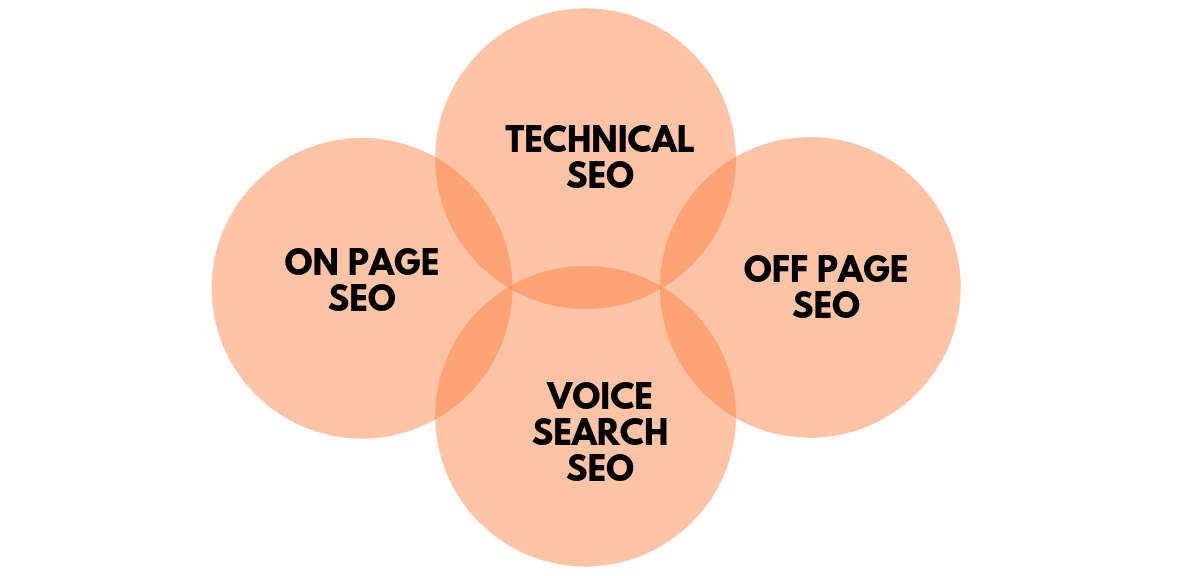
On-page SEO is the work you do on your own page — title, headings, words, images, and speed — to help it rank. Off-page SEO is everything outside the page, mainly links from other sites. You control on-page SEO fully, which is why it is the best place to start.
How long should a title tag be?
Keep it under 60 characters so it shows in full on Google. If it runs longer, Google cuts it off with “…”, and the cut part is wasted. Put the most important words first so they survive even if the end gets trimmed.
Do meta descriptions affect rankings?
Not directly — Google has said so itself. But a good description brings more clicks, and a result that gets clicked more often tends to hold its spot better than one people skip. Write it for humans, not for the algorithm.
How many times should I use my keyword?
There is no magic number. Use it in the title, once near the start, and anywhere else it fits naturally. On a 1,000-word page, that is usually 3 to 6 times including variations. If you are counting past that, you are probably forcing it.
How often should I update a page for SEO?
Check your most visited pages every three months and update anything that changed — prices, tools, rules, or examples. A page that answers a stable question needs less work than one about tools or prices, which change often.
Can I do on-page SEO myself without tools?
Yes. Every step in this checklist can be done in WordPress with free tools: your editor for titles and headings, PageSpeed Insights for speed, and Search Console to check indexing and clicks. Paid tools save time on big sites, but a small site does not need them to get the basics right.
Last updated: November 2026